
HP x900w USB 3.0
4.5Editor score
Compact lightweight design
USB 3.0 fast transfer
Two year warranty included
Discover the top flash drives for HP laptops including USB 3.0 and Type-C options for fast transfer speeds and reliable storage across all devices.
Choosing the right flash drive for your HP laptop ensures smooth data transfer and secure storage for your essential files. Modern drives offer high speeds and compact designs that fit easily into your pocket or bag for everyday use and travel.
This guide compares ten top-rated models based on speed, durability, and compatibility with USB ports and Type-C connectors. We evaluate performance metrics and user feedback to help you find a reliable solution for your specific computing needs.
Each pick highlights key features and real-world performance to guide your decision making process effectively. Prices and availability change frequently so check current listings before purchasing to ensure you get the best deal for your budget today.
4.5Editor score

4.6Editor score

4.3Editor score
This side-by-side comparison details the specifications and performance metrics of the top ten flash drives compatible with HP laptops to help you choose the right storage solution for your needs.

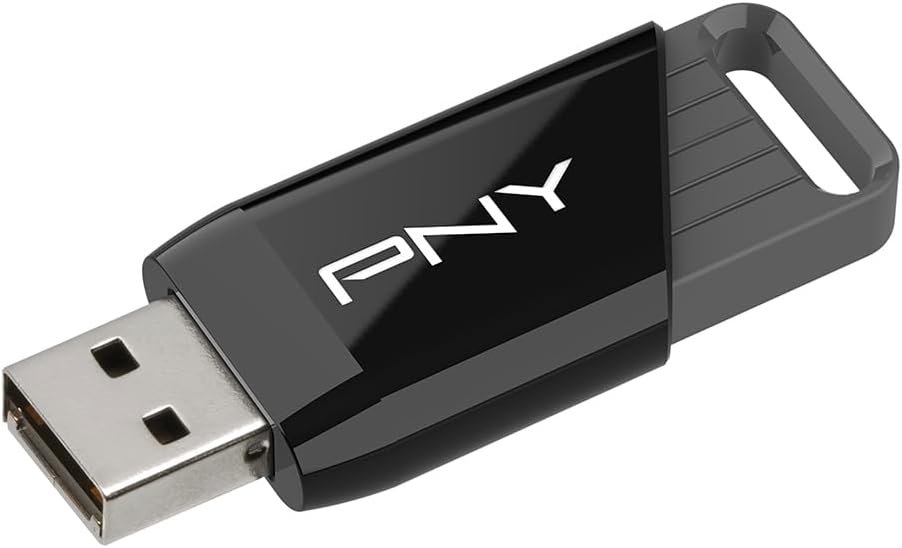

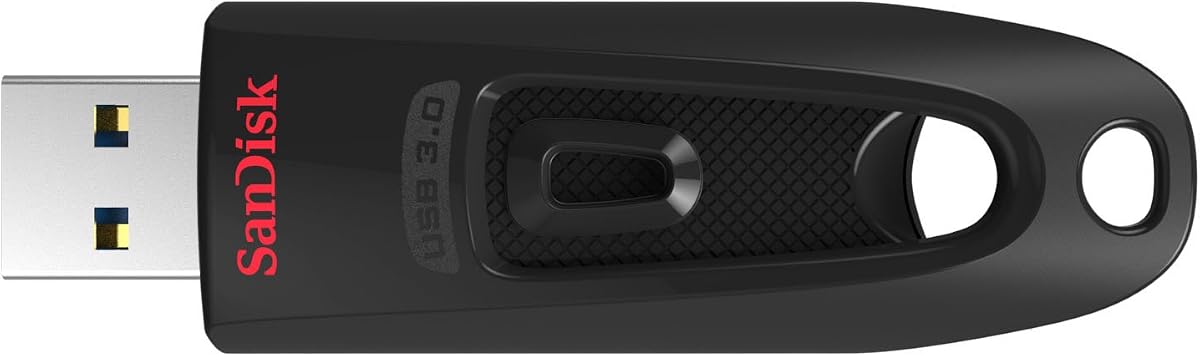


The Sandisk 128GB Ultra Flair stands out as a top choice for HP laptop users needing reliable high-speed storage. With a 4.6 rating it delivers consistent performance for transferring large files quickly and securely across different systems.
We may earn a commission when you buy through this link, at no additional cost to you.
Its USB 3.0 performance allows read speeds up to 150MB/s which means you can move full-length movies in under thirty seconds. The metal casing adds durability and helps dissipate heat during extended file transfer sessions.
While the included SecureAccess software adds a layer of privacy with 128-bit AES encryption it requires download for Mac users. Also lacking a USB-C port means you need adapters for newer devices.
Ideal for professionals and students who prioritize speed and durability this drive balances capacity with portability effectively. It remains a strong recommendation for HP laptop owners seeking a dependable daily carry flash drive.
USB 3.0 speeds enable rapid file movement which saves valuable time during work or study sessions.
Password protection keeps sensitive documents safe from unauthorized access using strong encryption standards.
We may earn a commission when you buy through this link, at no additional cost to you.
The Lexar D40E offers a premium solution for users who need connectivity across both older and newer laptops. Its dual connector design eliminates the need for adapters and provides significant storage space for large media libraries.
We may earn a commission when you buy through this link, at no additional cost to you.
With a Type-C and Type-A interface it transfers seamlessly between Macs tablets and traditional laptops. The swivel mechanism keeps connectors safe and the metal body withstands temperature variations well.
Transfer speeds are respectable at up to 100MB/s but slightly lower than top USB 3.0 competitors. The 256-bit encryption ensures high security but the price point reflects its advanced features.
Perfect for tech enthusiasts or professionals managing diverse devices this drive bridges the gap between legacy and modern ports. It is a solid investment for those valuing versatility and robust security features.
Built-in Type-A and Type-C plugs remove adapter hassles and simplify workflows across multiple device types.
Enterprise-grade encryption keeps your personal and business data safe from prying eyes during transfers.
We may earn a commission when you buy through this link, at no additional cost to you.
The HP x900w delivers reliable performance at an unbeatable price point making it ideal for budget-conscious buyers. It matches HP laptop aesthetics and offers fast transfer speeds suitable for everyday documents and photos.
We may earn a commission when you buy through this link, at no additional cost to you.
Its compact design fits easily into pockets and bags without adding bulk. USB 3.0 ensures ten times faster transfers than USB 2.0 while maintaining compatibility with older ports.
While 64GB may feel limited for massive media libraries it suffices for most general use cases. The lack of encryption software is a trade-off for the lower cost but reliability remains high.
Students and casual users seeking a straightforward no-fuss storage tool will appreciate this drive. It provides excellent value and performance for basic file storage needs on HP laptops.
You get USB 3.0 speeds without breaking the bank which is perfect for routine data backup tasks.
The tiny footprint means you can carry it on a keychain or in a wallet easily at all times.
We may earn a commission when you buy through this link, at no additional cost to you.
The JOIOT dual flash drive serves as a bridge between modern smartphones and traditional laptops efficiently. It supports iPhone 15 models and Android devices making it versatile for mobile data management needs.
We may earn a commission when you buy through this link, at no additional cost to you.
Read speeds of up to 130MB/s ensure quick access to media files though write speeds lag behind slightly. The slim design and cap protection offer convenience for daily carry without worry of connector damage.
Heat dissipation is handled well by the enclosure preventing overheating during long transfers. While write performance is adequate it may slow down heavy bulk data migration sessions slightly.
Ideal for users switching between phones and laptops this drive simplifies sharing photos and documents effortlessly. It is a practical choice for modern multi-device workflows needing reliable connectivity.
Supports iPhone 15 and Android phones directly allowing seamless file transfers without extra cables.
Robust memory chips ensure consistent performance over time for critical backups and file storage.
We may earn a commission when you buy through this link, at no additional cost to you.
The PNY Attaché X combines high capacity with solid performance suitable for storing extensive video or project files. Its 256GB space supports professional workflows and heavy media collections effectively on HP laptops.
We may earn a commission when you buy through this link, at no additional cost to you.
Sliding collar design adds convenience by protecting the connector without needing separate caps. Read speeds up to 130MB/s enable smooth data streaming and backup operations for large datasets.
While lacking encryption software this drive focuses on reliability and storage efficiency. The sturdy build ensures durability though it is slightly heavier than minimalist alternatives.
Best for professionals needing ample space without sacrificing speed this drive offers a balanced solution. It is a trustworthy option for long-term storage and daily backup requirements.
256GB capacity accommodates hours of video footage or extensive project archives comfortably without worry.
The sliding cap mechanism prevents dust buildup and connector damage during transport or storage.
We may earn a commission when you buy through this link, at no additional cost to you.
This bundle provides two 128GB drives offering exceptional value for users needing redundant storage or multiple users. The dual connector design supports both modern and legacy devices ensuring flexibility for transfers.
We may earn a commission when you buy through this link, at no additional cost to you.
USB 2.0 speeds provide stable performance but are slower than USB 3.0 options which may affect large file transfers. The compact lightweight build suits travel needs and the color coding helps identify drives easily.
While not the fastest it covers essential backup needs reliably without extra cost. The two pack structure supports rotation schedules for data security effectively.
Best for students or families needing multiple drives this set simplifies sharing and storing files. It delivers solid utility and convenience for everyday data management tasks.
Two drives allow for backup redundancy ensuring you never lose important data to single drive failure.
Works with phones tablets and laptops alike without adapters for seamless file sharing everywhere.
We may earn a commission when you buy through this link, at no additional cost to you.
The Sandisk 256GB Ultra delivers high-capacity storage with the reliability users expect from the brand. Its performance suits daily backups and file transfers across diverse HP laptop environments effectively.
We may earn a commission when you buy through this link, at no additional cost to you.
USB 3.0 speeds ensure quick access to media files and documents keeping workflows smooth. The optional SecureAccess software adds privacy for sensitive files through encryption without complex setup.
While transfer rates vary write performance may be moderate compared to read speeds. The USB-A only interface limits compatibility with newer USB-C ports unless adapters are used.
Ideal for users needing large space and trusted performance this drive remains a strong contender. It is a practical choice for general storage needs without premium frills.
Store thousands of photos or lengthy video files with plenty of room for future data growth.
Built-in software allows password protection keeping private files secure from unauthorized viewing.
We may earn a commission when you buy through this link, at no additional cost to you.
The Cruzer Blade serves as a no-nonsense storage option for small essential files and documents. Its ultra-compact design fits discreetly on keychains or in pockets for constant portability.
We may earn a commission when you buy through this link, at no additional cost to you.
USB 2.0 speeds suffice for small file transfers but not large media or heavy workloads. Encryption software ensures personal files stay private without requiring additional setup steps.
Limited capacity restricts use to quick backups or essential data sharing. It is a cost-effective choice for secondary or backup-only needs rather than primary storage.
Ideal for occasional users or emergency backups this drive offers basic utility reliably. It remains a popular budget option for those needing minimal storage footprint.
The tiny profile ensures it slips into any pocket or bag without adding bulk to your gear.
128-bit AES encryption secures private data with password protection without needing third-party tools.
We may earn a commission when you buy through this link, at no additional cost to you.
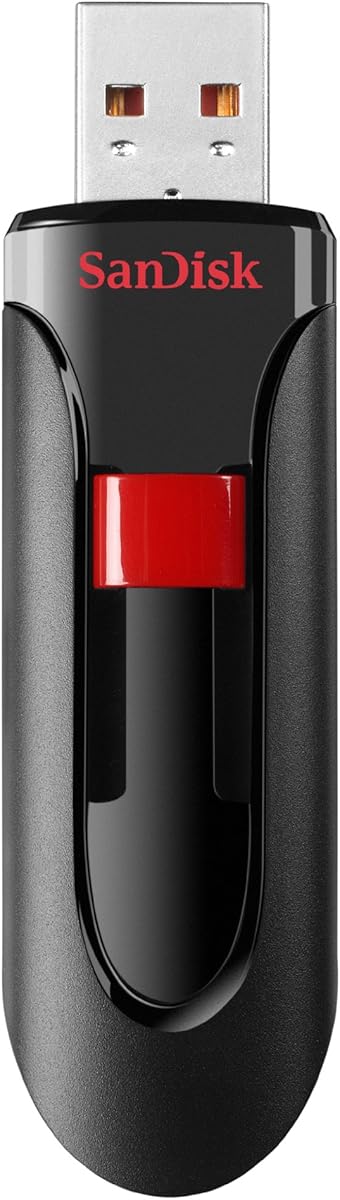
The Cruzer Glide features a retractable design that eliminates the need for a removable cap protecting the connector. With a high rating it consistently meets user expectations for durability and performance.
We may earn a commission when you buy through this link, at no additional cost to you.
128GB capacity supports a wide range of documents and media. USB 3.0 provides fast transfer rates while SecureAccess software adds essential privacy layers for sensitive data.
The plastic construction is durable enough for daily use but lacks premium metal feel. Retractable mechanism simplifies handling but may wear over years of frequent use.
Best for everyday users seeking simple reliable storage this drive offers convenience and security. It remains a top pick for balanced performance and ease of use.
No caps to lose thanks to the sliding mechanism that keeps the connector safe when not in use.
Included encryption software provides peace of mind for storing confidential files securely on the go.
We may earn a commission when you buy through this link, at no additional cost to you.
This older version offers solid performance backed by a five-year warranty ensuring long-term reliability. Its USB 3.0 speeds support fast transfers of essential files for everyday computing needs effectively.
We may earn a commission when you buy through this link, at no additional cost to you.
At 32GB it serves well for documents and music files though not for large media libraries. The compact design and durability make it suitable for daily carry and frequent use.
Read speeds up to 80MB/s are decent but slower than newer models. For users prioritizing warranty and budget over capacity this drive delivers consistent value.
Ideal for basic users needing reliable backups this drive balances affordability with performance. It is a pragmatic choice for simple storage tasks on HP laptops.
Five-year warranty provides long protection and peace of mind for your investment over time.
USB 3.0 speeds ensure files transfer quickly without needing expensive high-end models.
We may earn a commission when you buy through this link, at no additional cost to you.
Selecting the right flash drive requires balancing speed capacity and compatibility to match your workflow.
Consider how much data you regularly store on your HP laptop. Options range from 16GB for documents to 256GB for media libraries.
Choose higher capacity if you manage large files frequently or need backups of complete projects.
Verify your HP laptop has USB-A or USB-C ports. Dual connector drives bridge both types for maximum flexibility.
USB 3.0 and 3.2 offer faster transfers than USB 2.0 which is ideal for large files.
Look for read speeds above 100MB/s to move files quickly without delays.
Prioritize models with high write speeds if you regularly save large data to the drive.
Metal casings offer better heat dissipation and physical protection than plastic.
Select drives with retractable caps or sturdy closures to prevent connector damage.
Encryption software protects sensitive data from unauthorized access using password locks.
Choose drives with AES encryption if you store confidential business or personal files.
Slim and lightweight designs fit easily into pockets or keychains without bulk.
Ensure the drive size suits your travel habits and daily carry preferences.
Reliable brands offer limited warranties ranging from two to five years for peace of mind.
Check warranty terms before buying to ensure you have support if the drive fails.
Insert the flash drive into your HP laptop USB port securely but do not force it to avoid connector damage.
Always use the Safe Remove Hardware option before unplugging to prevent data corruption or loss during transfers.
Keep the drive in a protective case away from heat moisture and physical impact to extend its lifespan.
The best flash drive depends on your needs. The Sandisk Ultra Flair offers excellent speed and build quality while the HP x900w is a great budget option. Consider storage capacity and connector type to match your ports.
Yes many modern HP laptops have USB-C ports. Using a dual connector drive ensures compatibility if your model lacks USB-C but has traditional USB-A ports.
Use drives with built-in encryption software like SecureAccess to set password locks. This ensures only authorized users can access your sensitive files and data.
Slow speeds may result from using USB 2.0 ports instead of USB 3.0 or high drive activity. Ensure you plug into a USB 3.0 port marked with blue connectors for faster performance.
Clean the connectors gently with a dry soft cloth to remove dust. Avoid liquids and harsh chemicals that could damage internal electronics or the casing.
HP branded drives are optimized for HP laptops but third-party brands often match performance. Choose based on specifications and warranty rather than branding alone.
We recommend the Sandisk Ultra Flair for speed and durability or the Lexar D40E for dual connectivity across devices.
Prioritize capacity and encryption features based on your workflow needs for optimal protection and efficiency.
Always check current availability and pricing before purchase to ensure you get the best value.