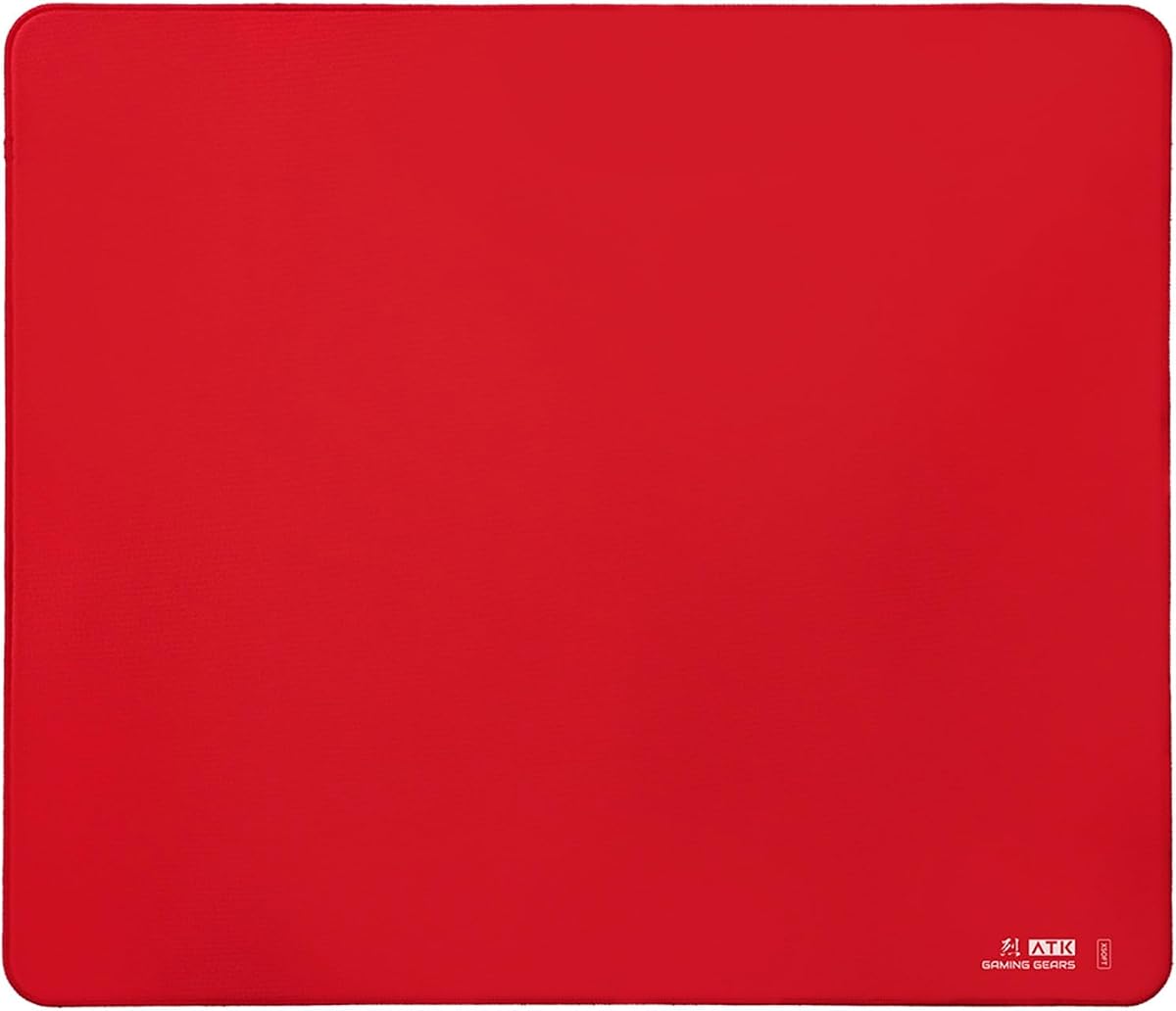
ATK Blaze XSoft Gaming Mouse Pad 490 x 420 mm – Base
5.0Editor score
Balanced Composite Fiber Surface
XSoft Custom Polyurethane Base
Precision Recessed Edge Design
Finding the right surface for your Counter-Strike 2 matches is crucial for consistent aim and rapid movements. A high-quality mouse pad provides the necessary friction control and tracking accuracy needed for competitive play.
We evaluated ten leading models based on surface texture, base stability, and durability. Each option offers unique characteristics suited for different playstyles, from low-sensitivity flicks to rapid tracking.
Every selection highlights key features and performance traits to help you decide. Keep in mind that product availability and pricing can shift, so verify details before purchasing your new gaming gear.
5.0Editor score

4.7Editor score

4.5Editor score
As an Amazon Associate we earn from qualifying purchases.
Below is a detailed side-by-side comparison of the top ten mouse pads selected for CS2 performance. Each entry lists key specifications to help you evaluate size, surface type, and design features quickly.


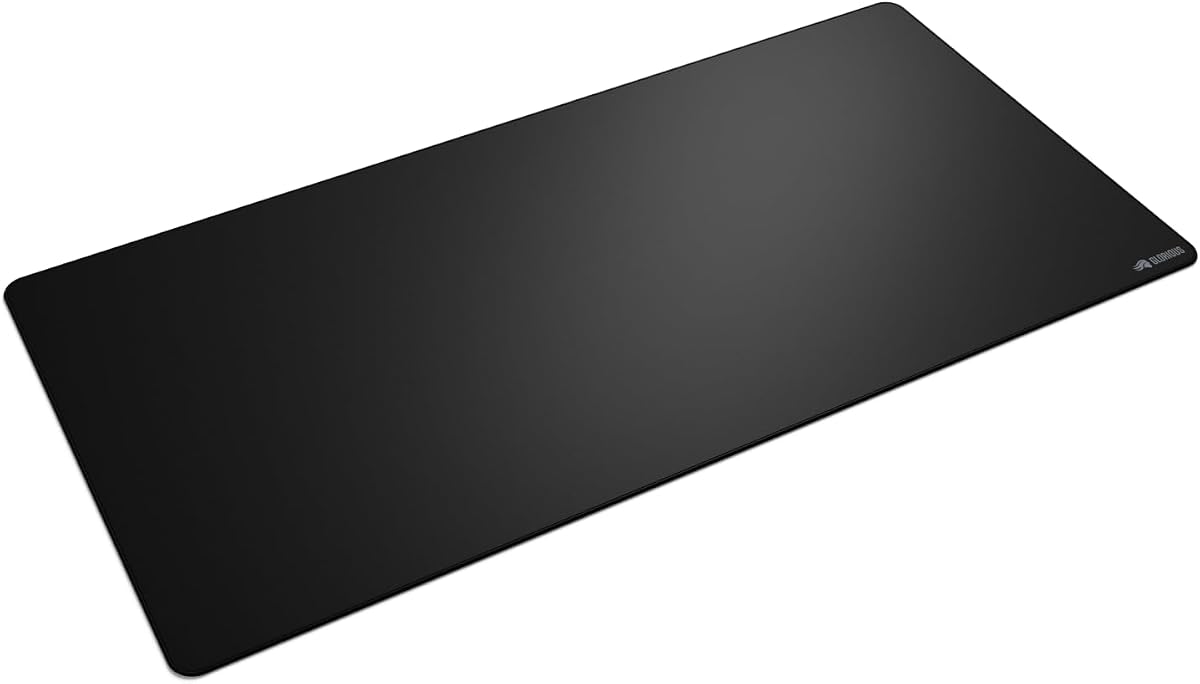

The Razer Gigantus V2 stands out as a top contender for CS2 enthusiasts seeking reliability. With a 4.7 rating, it delivers a textured micro-weave cloth surface that ensures pixel-precise accuracy across all mouse sensors.
We may earn a commission when you buy through this link, at no additional cost to you.
Its thick, high-density rubber foam base maintains uniform flatness even on imperfect surfaces. This sturdy foundation supports consistent mouse movements, allowing players to execute quick swipes without unwanted shifts or slips during intense rounds.
While the surface offers excellent glide and tracking, it lacks unique aesthetic features compared to limited editions. However, the anti-slip base ensures stability during chaotic moments, making up for the minimalist appearance with functional performance.
This pad is ideal for players who prioritize consistent tracking and stability over flashy designs. Whether you are rushing B or holding angles, the Gigantus V2 provides the reliable surface needed for competitive Counter-Strike 2 gameplay.
The high thread count weave allows the mouse to glide easily for total tracking responsiveness.
The sturdy foundation ensures the mat remains flat, preventing uneven movement during play.
We may earn a commission when you buy through this link, at no additional cost to you.
The ATK Blaze XSoft offers exceptional value for gamers on a budget, boasting a perfect 5.0 rating. Its proprietary composite blend fiber weave delivers low static friction for smooth micro-adjustments and controlled dynamic friction for reliable stopping power.
We may earn a commission when you buy through this link, at no additional cost to you.
Designed with an XSoft custom polyurethane base, this pad reduces wrist fatigue through soft cushioning with responsive rebound. The precision recessed edge design sits flush below the surface, preventing fraying and curling during long sessions.
The large dimensions provide ample space for wide arm movements, suitable for various grips. While the minimalist neutral tones blend well with any setup, some might prefer more vibrant designs for personal flair.
For players seeking a balance of performance and comfort without breaking the bank, the Blaze XSoft is a top choice. It transitions seamlessly between gaming and office use, maintaining comfort and style.
The soft cushioning base offers responsive rebound, reducing wrist fatigue during long sessions.
Proprietary weave delivers low static friction for smooth adjustments and reliable stopping power.
We may earn a commission when you buy through this link, at no additional cost to you.
The Pulsar Superglide Pad v3 delivers premium performance with its alumino-silicate glass surface, rated 4.5 by users. This surface provides exceptional durability and a refined special-texture finish engineered for ultra-fast glide and precision control.
We may earn a commission when you buy through this link, at no additional cost to you.
The Type-S surface ensures extremely low friction for rapid flicks and seamless mouse movement, ideal for competitive FPS players. Soft R-edge machining removes sharpness to reduce wrist discomfort during extended gaming sessions.
Included precision dots allow users to customize friction and control by adjusting the number applied. While the price is higher than cloth pads, the durability and consistent performance justify the investment for serious gamers.
If you seek a high-end glass surface with customizable features and superior glide, the Superglide v3 is unmatched. It offers a premium experience that enhances both speed and accuracy in CS2.
Type-S surface delivers low friction for rapid flicks and fast tracking consistency.
Precision dot skates allow customization of glide and friction for personal preference.
We may earn a commission when you buy through this link, at no additional cost to you.
This black glass mouse pad is designed for FPS players needing balanced control, rated highly for consistent aim. The micro-etched matte glass texture delivers a smooth feel without becoming overly slippery, supporting controlled flicks and precise tracking.
We may earn a commission when you buy through this link, at no additional cost to you.
Unlike cloth, the surface resists humidity, sweat, and wear for long-term consistency. The 3mm tempered glass construction stays firmly in place due to a dense anti-slip silicone base, maintaining a premium solid feel.
Maintenance is effortless as the non-porous surface wipes clean in seconds without absorbing dust. However, some users may find the hard surface less comfortable for long sessions compared to softer alternatives.
For those valuing consistency and ease of cleaning, this pad offers a reliable surface. It fits naturally into gaming desks while supporting precise movements for both work and play.
The micro-etched glass resists wear and humidity for long-term performance reliability.
Waterproof non-porous surface allows for quick cleaning without absorbing debris.
We may earn a commission when you buy through this link, at no additional cost to you.
The white variant of this glass pad offers the same performance benefits as the black version but with a clean aesthetic. Its micro-etched surface provides balanced control for FPS players requiring smooth glide and reliable stopping power.
We may earn a commission when you buy through this link, at no additional cost to you.
Built with durable tempered glass and an anti-slip silicone base, it stays secure during fast movements. The surface resists humidity and sweat, ensuring consistent aim without degradation over time.
Cleaning remains simple as dust and sweat do not absorb into the glass. However, the white color may show dust more visibly, requiring frequent wipes to maintain appearance during long matches.
Ideal for users who prioritize a sleek look alongside performance, this pad fits well in modern setups. It supports precise movements for gaming and office work while maintaining consistency.
The white matte finish complements minimalist setups and provides a professional look.
Engineered for controlled flicks and precise tracking in competitive gaming scenarios.
We may earn a commission when you buy through this link, at no additional cost to you.
This edition combines the reliable performance of the Gigantus V2 with the iconic Dragon Lore design. Optimized for all sensors, the textured micro-weave cloth surface ensures pixel-precise accuracy and total tracking responsiveness.
We may earn a commission when you buy through this link, at no additional cost to you.
The 3mm high-density rubber foam keeps the mat flat and consistent. An anti-slip base ensures stability during chaotic gameplay, crucial for competitive performance without sacrificing comfort.
While the aesthetic appeal is high for collectors, the higher price reflects this exclusivity. However, the core functional qualities match the standard version, offering excellent control and stability.
Fans of Counter-Strike 2 will appreciate the unique visual flair without compromising on performance. It provides the necessary speed and control for optimal gameplay experiences.
Dragon Lore design offers a distinct look for dedicated Counter-Strike enthusiasts.
Textured micro-weave cloth surface provides consistent glide and accuracy.
We may earn a commission when you buy through this link, at no additional cost to you.
The Corsair MM PRO Control features a surface engineered for accurate sensor tracking, earning a strong rating. Its polyurethane hex-patterned base provides exceptional anti-slip grip for stability during intense battles.
We may earn a commission when you buy through this link, at no additional cost to you.
With a thick 4mm base, players get plenty of comfortable cushioning and enhanced stopping power. The sloped, stitched edges minimize disruption to mouse movement when reaching the edge of the pad.
Being hand-washable ensures the surface stays clean and tidy, maintaining performance. However, the large size may not fit all desk setups, requiring careful space consideration.
This pad is ideal for players who prioritize precision and comfort. It delivers consistent aim and pinpoint accuracy, making it a reliable choice for serious gaming.
Thick 4mm base offers cushioning and stopping power for precise control.
Stitched edges are designed to be durable and prevent fraying over time.
We may earn a commission when you buy through this link, at no additional cost to you.
X-Raypad focuses on high-speed accuracy, delivering pixel-precise accuracy for linear trajectory and circle track movement. The irregular woven texture ensures consistent X and Y glide without affecting control during gameplay.
We may earn a commission when you buy through this link, at no additional cost to you.
The protruding edge design is flat and elastic, preventing pain when the arm slides over it. Made of Vietnamese natural high-purity rubber, it reverts to its original shape like memory foam for long-term use.
A sweat-proof design ensures the surface remains effective even when wet or sweaty, ideal for intense sessions. However, the unique texture might take time for new users to adjust to.
For those seeking high precision and ergonomic comfort, this pad stands out. It supports both gaming and design work, delivering fluency and precision for various tasks.
Elastic knitted edges prevent pain during long sessions by remaining soft to touch.
Sweat-proof design ensures the surface remains functional even during intense gaming.
We may earn a commission when you buy through this link, at no additional cost to you.
The Glorious GMP 2 XXL offers a balanced surface for speed and control, optimized for gaming sensors. Its precision micro-weave surface gives a smooth glide without sacrificing precision, tracking movements accurately.
We may earn a commission when you buy through this link, at no additional cost to you.
A key feature is the spill-resistant barrier that beads up liquid spills for easy cleanup, keeping the pad pristine. Low-profile stitching prevents fraying and minimizes skin irritation during arm sweeps.
The grippy rubber base locks the pad firmly in place on various surfaces. While the size is substantial, it accommodates low DPI settings and provides ample room for movement.
For users concerned about spills or needing a large surface, this is a practical choice. It ensures consistent performance and protection for your setup during intense gaming sessions.
Surface barriers help liquids bead up, protecting the internal surface from damage.
Low-profile stitching increases durability by reducing skin irritation and fraying.
We may earn a commission when you buy through this link, at no additional cost to you.
The Air Glass gaming mouse pad stands out with its ultra-thin 2mm profile, preventing awkward arm elevation. Its fast-glide hard desk mat offers near-zero initial friction, perfect for flick shots in games like CS2.
We may earn a commission when you buy through this link, at no additional cost to you.
High-definition artwork is embedded beneath the glass, ensuring the design never fades. The 9H tempered glass and full-coverage anti-slip base provide permanent consistency and durability against daily wear.
While the Midnight Flow design adds aesthetic value, the size may not suit larger desks. However, the waterproof and sweat-resistant surface keeps it looking new with minimal maintenance.
Ideal for gamers seeking a unique aesthetic with performance, this pad delivers. The ultra-thin design ensures ergonomic comfort and speed for your competitive setup.
Ultra-thin 2mm thickness prevents wrist fatigue by blending with desk height.
High-definition artwork under glass ensures visual appeal remains durable.
We may earn a commission when you buy through this link, at no additional cost to you.
Selecting the right mouse pad for CS2 involves considering several key factors that impact gameplay performance and comfort.
Surface material dictates glide speed and friction. Cloth offers comfort and control, while glass provides speed and durability. Choose based on your preferred feel.
Prioritize material that matches your playstyle, balancing speed and control needs.
Dimensions affect your range of motion. Larger pads like XXL support low DPI and wide movements, while smaller pads suit high DPI users. Ensure your desk has adequate space.
Choose size that allows free movement without hitting desk edges during gameplay.
A stable base prevents slipping during rapid movements. Rubber or silicone bases provide grip on various surfaces. Look for non-slip features to maintain consistency.
Ensure base material grips your desk firmly to avoid unwanted shifts during intense play.
Edge design affects comfort during long sessions. Stitched edges prevent fraying, while recessed edges reduce irritation. Smooth edges enhance usability without catching skin.
Select edges that prevent fraying and ensure comfort for your wrist and arm.
Design impacts visual appeal. Some pads feature custom themes like Dragon Lore, while others remain minimalist. Choose designs that complement your desk setup.
Pick a design that fits your personal style and setup without distracting gameplay.
Maintenance varies by material. Cloth pads may absorb sweat and dirt, while glass surfaces wipe easily. Consider hygiene and longevity when choosing a pad.
Prefer surfaces that resist sweat and allow quick cleaning for hygiene and longevity.
Thickness influences comfort and stability. Thicker pads offer more cushioning, reducing wrist fatigue, while thinner pads offer stability. Balance comfort and surface firmness.
Consider thickness to balance cushioning comfort with stable tracking performance.
To ensure consistent performance, place the pad on a flat, stable surface. Secure the edges if it tends to curl, ensuring the base grips the desk firmly before gameplay.
Clean the surface regularly to remove dust and sweat. For cloth pads, a damp cloth suffices; for glass, wipe with a mild cleaner to maintain glide without residue.
Avoid prolonged exposure to direct sunlight which may fade designs. Rotate the pad periodically to even out wear, extending its lifespan for consistent tracking.
Both cloth and glass materials serve well in CS2. Cloth offers controlled stopping power, while glass provides speed and durability. Choose based on personal preference.
Large pads allow for wider arm movements and low DPI usage, which can improve tracking consistency. They provide ample space for precise flicks during intense rounds.
Cleaning frequency depends on usage intensity. Aim to clean weekly or whenever visible dust accumulates to maintain consistent glide and performance.
Most pads work best on smooth, non-porous surfaces like wood or laminate. Textured surfaces may reduce stability, so ensure a flat, even desk.
Glass pads offer superior speed and resistance to sweat, ideal for competitive players. However, they are harder and may cost more than cloth alternatives.
Thickness affects wrist comfort but not tracking. Thicker pads provide cushioning, reducing fatigue. Prioritize what feels comfortable for your playstyle.
Select size based on your desk space and sensitivity. Lower sensitivity players benefit from larger pads, while higher DPI users might prefer standard or small sizes.
Avoid abrasive cleaners that damage the texture. Use mild solutions and dry thoroughly to maintain the intended friction and speed characteristics of the pad.
We have reviewed ten top mouse pads offering varied features for CS2 gamers. From budget-friendly cloth options to premium glass pads, each brings unique advantages to your setup.
Prioritize surface material and base stability for the most consistent performance. Consider size and comfort to ensure the pad supports your specific playstyle and desk arrangement.
Verify current availability and features before purchasing as product details may update. Invest wisely to enhance your accuracy and enjoy smoother gameplay in Counter-Strike 2.