
HP Everyday Business Paper
4.5Editor score
Cost effective glossy finish
Works with laser printers
Ideal for business documents
This guide compares the top laser printer photo paper options for professional quality prints, detailing specifications, compatibility, and performance for
Finding the right paper for your laser printer is crucial for achieving professional results. You need material that handles heat well and delivers vibrant colors without jamming your device during high-volume tasks.
We evaluated ten top-rated options based on weight, finish, and compatibility with major printer brands. Our comparison focuses on gloss levels, brightness, and overall reliability for business and home printing scenarios.
Each pick highlights specific strengths like double-sided printing or premium coatings. Remember that product availability and pricing fluctuate, so verify current details before making your final purchasing decision for your setup.
4.5Editor score

3.9Editor score

4.4Editor score
The following table provides a side-by-side look at the ten selected products to help you identify the best match for your specific printing requirements.


This paper is engineered specifically for color laser and digital printers, delivering a smooth vibrant finish that is perfect for high volume professional printing tasks. It stands out because it is designed to handle the heat and speed of laser fusers without bubbling or misfeeding during critical print jobs.
We may earn a commission when you buy through this link, at no additional cost to you.
The C2S gloss coating on both sides delivers sharp brilliant color reproduction that ensures rich true to screen color every time. This makes it ideal for brochures flyers and marketing materials where visual impact is key. The 96 brightness ensures your documents look crisp and vibrant on the page.
While it offers excellent performance for laser printers, it is thinner than cardstock by design which might not suit heavy duty applications requiring stiff covers. Users should also note that this is strictly for laser printers and is not compatible with inkjet models.
You should buy this if you need a reliable professional grade paper for high volume color printing that avoids jams and maintains vivid colors. It is a great value for businesses or home offices looking for quality printing without premium photo paper pricing.
The acid free and lignin free construction ensures prints stay vivid and wont yellow or fade over time providing long lasting results.
It is perfect for business proposals school projects graduation announcements and event flyers making it a versatile choice for many needs.
We may earn a commission when you buy through this link, at no additional cost to you.
HP Everyday Business Paper allows you to create professional quality documents with a glossy finish that is best for businesses printing two sided financial documents business plans and reports. It offers a reliable solution for those who need consistent performance from their laser printers without a high price tag.
We may earn a commission when you buy through this link, at no additional cost to you.
You can easily print documents and create high quality scans from virtually anywhere with the HP Smart app which adds convenience to your workflow. The paper prints crisp black text and sharp color graphics ensuring that your branded materials look professional and polished.
Although it is a budget friendly option, it still delivers high performance for compelling brochures flyers and marketing materials with little or no show through. The main trade-off is that it is a standard weight paper which might not offer the same heavy feel as premium cardstock options.
This is an excellent choice for office environments or home users who need a large pack of reliable paper for daily business printing tasks. The 150 sheet count provides great value and ensures you have enough supply for extended periods without frequent reordering.
The compatibility with HP Smart app makes it easy to manage your print jobs and create scans from various locations.
Its high performance paper quality ensures that your brochures and flyers look compelling and professional every time.
We may earn a commission when you buy through this link, at no additional cost to you.
HP Professional Business Paper is designed to deliver print-shop quality output for high impact results ensuring that your branded materials bring professional quality rich color and sharp graphics. The 52 lb weight gives it a substantial feel that is perfect for important presentations and client deliverables.
We may earn a commission when you buy through this link, at no additional cost to you.
You can produce two-sided printshop-quality materials with a glossy finish for brilliant professional prints that stand out in any portfolio or sales meeting. The paper is sourced from sustainably managed forests according to Forest Stewardship Council standards which adds an eco-friendly dimension to its premium quality.
While it offers superior quality and a heavier weight compared to standard office papers, it comes at a higher price point which might be a consideration for high volume daily printing. However, for key documents, the enhanced quality and professional look justify the investment.
Invest in this paper when you need to impress clients or stakeholders with high-quality physical copies of your work. The 150 sheet pack provides a solid supply for your professional printing needs while ensuring your materials look their absolute best.
This paper is sourced from sustainably managed forests according to Forest Stewardship Council standards for environmentally conscious printing.
Bring professional quality rich color and sharp graphics to your branded materials with this high impact output paper.
We may earn a commission when you buy through this link, at no additional cost to you.
Koala Double Sided Semi-Gloss Photo Paper works for inkjet printer only dye ink and laser printers offering a versatile option for different printing needs. The 48 lb weight and 100 sheet count make it a practical choice for various projects from DIY photo albums to greeting cards.
We may earn a commission when you buy through this link, at no additional cost to you.
It features a semi-glossy finish that has excellent ink absorption and can reproduce high-quality images beautifully with less gloss than ordinary glossy paper. This finish is a good choice for those seeking a balance between matte and glossy which reduces glare while maintaining vibrant colors.
While it supports both inkjet and laser printers, users should be aware that it is optimized for dye ink in inkjet models which might affect compatibility if you use pigmented inks. Additionally, while it is double-sided printable, it is primarily designed for photo and design work.
Choose this paper if you want a flexible solution that handles both photo printing and text documents with a professional semi-gloss look. It is ideal for printing photos and designs DIY photo albums greeting cards reports calendars and party favors easily.
Koala semi-glossy photo paper is flat and has good stiffness which enables you to have smooth printing with no paper jam.
It delivers no smearing fast dry high resolution and true color reproduction for your most important visual projects.
We may earn a commission when you buy through this link, at no additional cost to you.
This Laser Photo Paper is specifically engineered for high-speed laserjet and digital color copiers offering a vibrant double-sided semi-gloss finish for professional grade printing. The 200 GSM weight provides a substantial and sturdy feel that is significantly sturdier than standard copy paper for high quality output.
We may earn a commission when you buy through this link, at no additional cost to you.
It features high-heat resistant coating designed to withstand the intense heat of laser fusers without bubbling peeling or jamming ensuring reliable performance. The smudge-proof and instant dry technology means your documents will emerge crisp clean and ready for immediate handling or folding without waiting.
While the heavy weight is great for postcards and covers, it might require careful loading in some printers to avoid jams due to its stiffness. It is also important to note that this heavy-weight cardstock is optimized for Laser Printers Only and is not compatible with inkjet printers.
If you are looking for a durable option that can stand up to heavy use and provide a high-quality feel for business covers and DIY projects, this is a solid choice. The 200 sheets per pack provide a bulk supply that is perfect for small businesses or school projects.
Stop worrying about messy streaks or blurred text with fast-drying smudge-resistant surface that locks in toner instantly.
This acid-free paper ensures your memories and professional designs won’t yellow or fade over time for lasting quality.
We may earn a commission when you buy through this link, at no additional cost to you.
Better Office Products Glossy Photo Paper provides a bulk pack of 100 sheets that offers an industry standard 200 gsm weight for your photo printing needs. It is versatile enough to be compatible with both inkjet and laser jet printers though inkjet printers are recommended for photo printing specifically.
We may earn a commission when you buy through this link, at no additional cost to you.
The paper features a smooth finish for fast drying and even ink absorption which helps ensure that your prints look clean and professional. It is designed to help you print those that matter with a lasting impression and high-quality results for your important documents.
While it is versatile for both printer types, the recommendation for inkjet for photos might mean laser prints could vary in vibrancy depending on your toner quality. However, for general use and document printing, it provides a reliable glossy finish at a competitive price point.
This is an excellent option for users who need a reliable quantity of glossy paper for various printing tasks without breaking the bank. The 100 count pack ensures you have enough supply for multiple projects without the hassle of frequent ordering.
Compatible with inkjet and laser jet printers for versatile use though inkjet printers are recommended for photo printing.
It offers a quality smooth finish for fast drying and even ink absorption ensuring your prints are high quality.
We may earn a commission when you buy through this link, at no additional cost to you.
This smaller version of the Better Office Products paper offers a value pack of 30 sheets of glossy photo paper that is perfect for smaller jobs. It maintains the industry standard 200 gsm weight ensuring consistent quality and feel across different pack sizes for your needs.
We may earn a commission when you buy through this link, at no additional cost to you.
The compatibility with both inkjet and laser jet printers makes it versatile though the brand notes that inkjet printers are recommended for photo printing. The smooth finish allows for fast drying and even ink absorption so you get clean professional prints every time.
While it is a great option for those who do not need a bulk pack, the smaller quantity might not be cost effective for high volume printing needs. However, it is an ideal choice for occasional use or for keeping a fresh supply on hand for quick tasks.
If you need just enough paper for a specific project or want to test the quality before committing to a larger pack, this 30-count option is suitable. It ensures you can print those that matter with a lasting impression without storing excess inventory.
The value pack of 30 sheets offers a convenient size for users who do not require bulk packaging for their needs.
It features the same industry standard weight and smooth finish as the larger pack ensuring consistent quality across packs.
We may earn a commission when you buy through this link, at no additional cost to you.
Double-Sided Gloss Digital C2S Paper is perfect for color laser printing and offers a high quality white 32lb Bond / 80lb Text Paper with a Double-Sided Glossy surface. Its 96 brightness rating ensures that your color printing looks vibrant and clear on the page for all your design proposals and flyers.
We may earn a commission when you buy through this link, at no additional cost to you.
It offers a 99.99% jam-free guaranteed performance which means you can focus on creating a superior printed piece without worrying about paper jams. The acid free and lignin free construction helps preserve the paper and prevents it from becoming faded and brittle over time for archival safe storage.
While it is optimized for laser printers, it is not compatible with inkjet printers so you must ensure your device type matches the paper requirements. For business and home use, the high brightness and jam-free performance make it a reliable choice for professional documents.
This paper is a great choice for anyone needing high quality double-sided glossy paper for flyers brochures and presentations. The 100 sheets pack provides a solid amount for various projects and the secure packaging ensures safe delivery for your storage needs.
The 96 brightness rating ensures your colors look vibrant and clear on the page for all your design projects.
It offers a 99.99% jam-free guaranteed performance so you can focus on superior pieces without interruptions.
We may earn a commission when you buy through this link, at no additional cost to you.
Koala Thin Semi Glossy Photo Paper is compatible with inkjet printers and dye ink and laser printers offering a thin option for your projects. The 30 lb weight and 100 sheet count make it a practical choice for thin type applications like menus and invitations that need a professional look.
We may earn a commission when you buy through this link, at no additional cost to you.
It has no watermarks on the back which leaves you to write and record on the reverse side if needed. The semi-glossy finish provides a good balance between matte and glossy with excellent ink absorption and no smearing and fast dry performance.
Because it is single side print you should be mindful when planning your designs to use only one side effectively. However, the thin type makes it easier to handle and fold compared to heavier cardstock which can be beneficial for flyers and reports.
This paper is ideal for printing menus reports invitations brochure flyers photos graphics and DIY party favors where a lighter weight is preferred. The 100 sheets pack gives you plenty of supply for various projects while maintaining a professional semi-gloss finish.
No watermarks on the back leave you to write and record making it flexible for notes or additional info.
It is flat and has good stiffness which enables you to have smooth printing with no paper jam.
We may earn a commission when you buy through this link, at no additional cost to you.
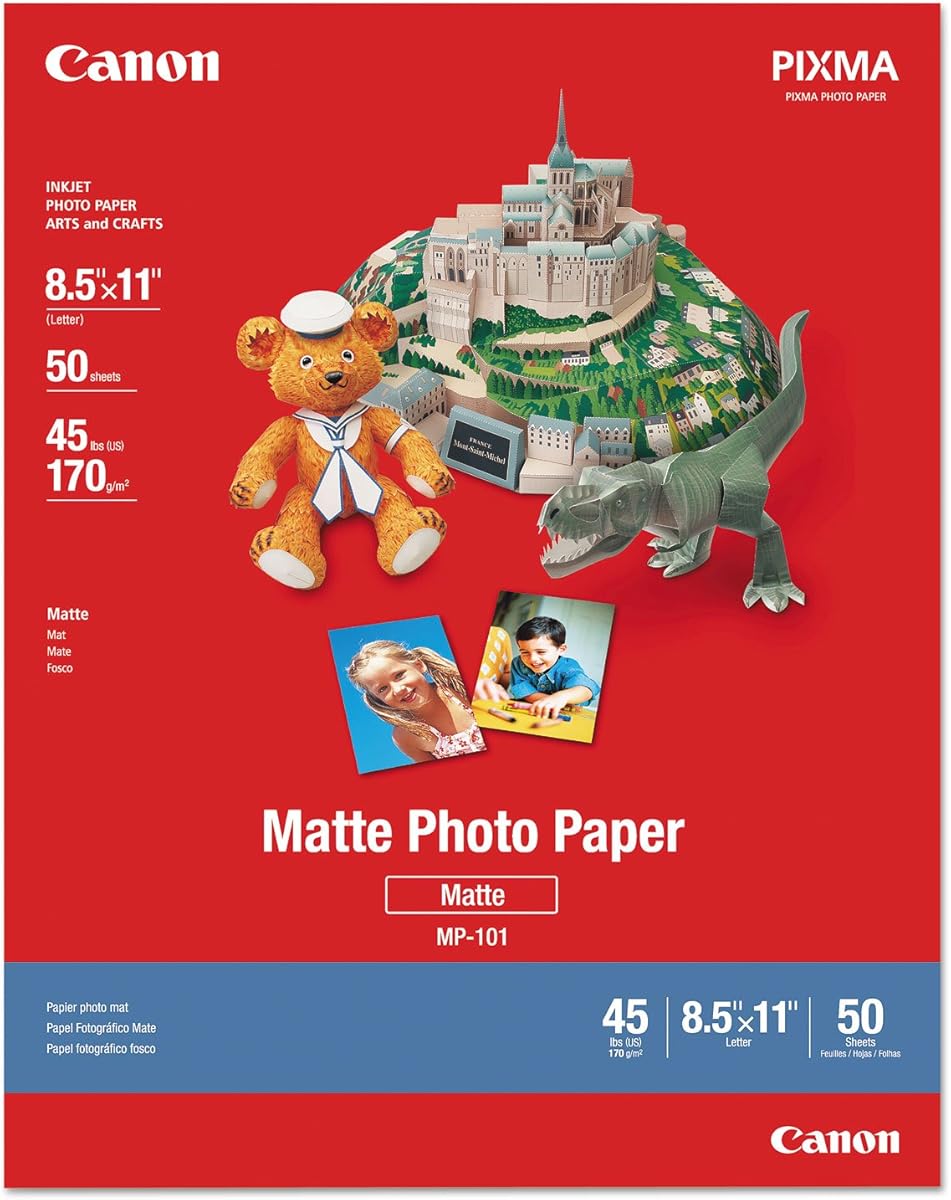
Canon 7981A004 Photo Paper Plus offers excellent photo results with vibrant colors for users who prefer a matte finish for their prints. It comes in a pack of 50 sheets which provides enough supply for small to medium projects requiring a professional and non-reflective look.
We may earn a commission when you buy through this link, at no additional cost to you.
While Canon photo papers are often optimized for inkjet printers, this paper delivers high quality output that is well regarded for its color accuracy and finish. The matte surface reduces glare and fingerprint marks making it ideal for photos that will be handled or viewed in bright lighting.
It is important to note that this paper is primarily designed for Canon printers and may perform best with compatible inkjet models rather than laser printers. Users should check compatibility with their specific device before purchasing to ensure optimal results and avoid printing issues.
Choose this paper if you want a reliable matte option from a trusted brand for your photo and document printing needs. The 50 sheet pack is a convenient size for personal use or small office environments that do not require bulk packaging.
This paper is from a trusted brand known for delivering excellent photo results and vibrant colors in prints.
The matte finish helps reduce glare and provides a professional look for your important photos.
We may earn a commission when you buy through this link, at no additional cost to you.
Selecting the right laser printer photo paper involves understanding specific technical requirements to ensure your printer operates smoothly and produces high-quality prints.
Laser printers use high heat to fuse toner onto paper so you must choose paper specifically designed for laser technology. Using inkjet paper in a laser printer can cause melting jams or damage to the fuser unit which is expensive to repair.
Always verify that the packaging states laser printer compatibility before purchasing. This is the most critical factor to ensure the safe and efficient operation of your device.
Paper weight is measured in pounds or grams per square meter (GSM). For photo quality laser paper look for weights between 40 lb and 100 lb depending on your desired stiffness and finish. Heavier papers provide a more premium feel but may require printer adjustments.
Choose a weight that your printer can handle to prevent jams. Standard laser printers usually handle up to 50 lb comfortably while heavy-duty models can take up to 80 lb or more.
Finish type determines how light reflects off the surface and how the final print looks. Glossy finishes offer vibrant colors and high contrast while matte finishes reduce glare and fingerprint visibility for a professional look.
Select a finish based on your project. Glossy is great for photos and flyers while matte works well for business cards or text-heavy documents that require readability.
Brightness measures how much light the paper reflects with higher numbers indicating brighter paper. High brightness ensures colors pop and text remains clear. Opacity refers to how much light passes through which prevents content from showing through the other side.
Look for brightness scores of 90 or higher for high-quality output. High opacity is especially important for double-sided printing to maintain a professional look.
Double-sided or duplex printing allows you to print on both sides of the sheet which is useful for brochures and flyers. Ensure the paper has a balanced coating so it feeds well in duplex modes.
Check if the paper is rated for double-sided use. Some papers are single-sided only and may curl or jam when run through the duplex path.
Laser photo paper typically comes in packs of 50 100 or more sheets. Larger packs are more cost-effective per sheet but require more storage space and upfront investment.
Consider how much you print regularly. If you produce high volume select a large pack to save money. For occasional use smaller packs prevent the paper from absorbing moisture.
Acid-free and lignin-free paper prevents yellowing and brittleness over time ensuring your prints last longer. Some brands also offer sustainably sourced paper which aligns with eco-friendly office practices.
If you are printing documents for long-term storage prioritize acid-free paper. For general use, this factor may be less critical but still adds to overall quality.
Established brands like HP Canon and Koala have tested their paper for specific printer types to ensure reliability. Reputable brands are less likely to have consistency issues like uneven coating or curling.
Stick with well-known brands to avoid jams and print defects. Reading reviews specific to your printer model can help narrow down the best branded option for your needs.
Store laser photo paper in a cool dry place to prevent moisture absorption which can cause jams or uneven toner fusing. Keep it in its original package until you are ready to use it to protect it from dust and humidity.
When loading the paper make sure it is aligned correctly in the paper tray to prevent jams. Do not overload the tray beyond the recommended capacity to ensure smooth feeding through the printer rollers.
After printing allow the toner to cool completely before touching the sheets to avoid smudging. For double-sided prints ensure the printer settings are configured for the correct paper weight to avoid misfeeds.
No you should not use inkjet photo paper in a laser printer. Inkjet paper is not designed to withstand the high heat of the fuser unit which can cause it to melt or jam. Using the wrong paper type can damage your printer voiding your warranty.
For laser photo printing a weight between 40 lb and 60 lb is generally ideal. This range provides enough stiffness for a professional feel without causing jams in most standard printers. Heavier papers above 80 lb should only be used with heavy-duty printers.
Jamming can be caused by moisture in the paper or incorrect tray loading. Make sure the paper is stored in a dry place and properly aligned in the tray. Also ensure the printer settings match the paper type and weight to avoid feeding errors.
Yes you can double sided print on laser photo paper but only if it is rated for double-sided use. Check the packaging to confirm it supports duplex printing. Using single-sided paper for double-sided jobs may result in jams or poor toner adhesion on the second side.
No laser photo paper is available in glossy semi-gloss and matte finishes. Glossy offers vibrant colors while matte reduces glare. Choose the finish that best suits your project needs and personal preference for the final output look.
To prevent toner smudging allow the printed sheets to cool completely before handling. Also ensure your printer is properly calibrated for the paper type you are using. Using the correct settings helps the toner fuse properly to the paper surface.
We reviewed ten top laser printer photo paper options covering a range of weights finishes and pack sizes. The HP Everyday Business Paper offers a great budget-friendly solution while the HP Professional Business Paper provides premium quality for high-impact projects.
When choosing a paper consider your printer compatibility paper weight and finish type to ensure the best results. High brightness and double-sided capabilities are valuable features for professional documents that demand attention.
Prices and availability change often so please check the current details on the product pages before making a purchase. With the right paper you can achieve crisp vibrant prints that enhance your business and personal projects.