
HP Chromebook 14 Laptop
4.3Editor score
Long battery life up to 14 hours
Lightweight thin design for easy carrying
Secure Chrome OS with Android app support
Choosing the right laptop for the upcoming academic year is crucial for student success. You need a device that balances performance, portability, and price without compromising on essential features for daily coursework and research tasks.
We evaluated ten top-rated models based on processor speed, memory capacity, display quality, and battery life. Our comparison focuses on real-world usability for students who need reliable tools for writing papers and attending virtual classes.
Each pick highlights specific strengths tailored to different budgets and needs. Please note that availability and pricing can fluctuate frequently, so verify current details before making your final purchase decision for the school year.
4.3Editor score

4.4Editor score
4.7Editor score
As an Amazon Associate we earn from qualifying purchases.
This side-by-side comparison outlines the key specifications of each model to help you quickly identify which device aligns best with your specific academic requirements and budget constraints.


This HP model stands out for offering generous memory and storage options at an accessible price point. It ranks highly for students who need significant file space for projects and media without sacrificing performance during daily tasks.
We may earn a commission when you buy through this link, at no additional cost to you.
The inclusion of 16GB RAM ensures that switching between research tabs, document editors, and communication apps remains smooth. Furthermore, the bundle provides both internal SSD storage and an external drive, which is rare for laptops in this category.
While the display resolution is standard HD rather than Full HD, it provides adequate clarity for reading text and viewing slides. The processor handles everyday workloads well, though it may struggle with intensive video editing software.
We recommend this laptop for students prioritizing storage capacity and multitasking ability. It is a strong choice for those who need a reliable device for writing papers and storing assignments throughout the academic year.
With over one terabyte of total storage, you can keep large datasets, media files, and archives without worrying about running out of space on your primary drive.
The package includes valuable accessories like a microfiber cloth and hotkey stickers, enhancing your user experience right out of the box.
We may earn a commission when you buy through this link, at no additional cost to you.
The HP Chromebook 14 offers exceptional battery life and portability for students on the move. Its thin profile and lightweight build make it easy to slip into a backpack for long days at school or the library.
We may earn a commission when you buy through this link, at no additional cost to you.
Running Chrome OS means you get a secure system that updates automatically. The Intel processor handles web-based tasks efficiently, making it ideal for research, email, and streaming educational content throughout the day.
The 64GB storage is a limitation for local file storage, but cloud integration helps mitigate this. However, users who need heavy offline software or large media libraries might find the capacity insufficient.
This device is perfect for students who rely mostly on web browsers and cloud apps. It delivers reliable performance for basic coursework and media consumption at a very affordable price point.
With up to fourteen hours of battery life, you can attend classes and study sessions without needing to find a power outlet constantly.
This model is ENERGY STAR certified and EPEAT Silver registered, reflecting a commitment to environmental responsibility and energy efficiency.
We may earn a commission when you buy through this link, at no additional cost to you.
This limited edition model combines modern hardware features like DDR5 RAM with a fast SSD for quick boot times. It is designed to offer responsive performance for everyday academic tasks without unnecessary bulk.
We may earn a commission when you buy through this link, at no additional cost to you.
The inclusion of 1TB of cloud storage compensates for the smaller local drive, giving students plenty of space to save documents and backups online. This is a smart choice for those who work across multiple devices.
While the local storage is modest, the system remains quick due to the solid state drive and newer memory standard. The display is anti-glare, which helps reduce eye strain during long study sessions.
We suggest this laptop for students who need speed and portability over massive local storage. It balances cost and performance effectively for general use and online research activities.
DDR5 RAM provides faster data access and better power efficiency compared to previous generations, keeping the system responsive during multitasking.
Weighing just 3.24 pounds and measuring 0.71 inches thin, it is easy to carry between lectures and study groups.
We may earn a commission when you buy through this link, at no additional cost to you.
This model is tailored for productivity with a lifetime Microsoft Office suite and Windows 11 Pro. It includes an accessory bundle that enhances usability right out of the box, making it ready for immediate study use.
We may earn a commission when you buy through this link, at no additional cost to you.
The storage configuration mixes internal UFS with an external drive to offer ample space. This hybrid approach ensures you have fast access to system files while keeping bulk data on the portable drive.
Performance is adequate for standard academic work, but the low RAM amount might limit heavy multitasking. The anti-glare display helps maintain comfort during long periods of typing or reading digital texts.
We recommend this option for students who need a full office suite without extra cost. It provides a complete solution for writing papers and managing business tasks efficiently.
Lifetime Microsoft Office ensures you always have access to Word and Excel for assignments without paying subscription fees.
Windows 11 Pro offers hardware-based isolation and encryption for enhanced data protection and professional reliability.
We may earn a commission when you buy through this link, at no additional cost to you.
This essential model brings AI-enhanced productivity and modern connectivity to a standard student laptop. It strikes a strong balance between features and portability, making it a top contender for general academic use.
We may earn a commission when you buy through this link, at no additional cost to you.
The Copilot key and AI noise reduction tools improve efficiency and call quality. These features are particularly useful for remote learning scenarios where clear communication and quick assistance are valuable.
Battery life extends up to eleven hours, covering a full day of classes. The design includes a durable finish and comfortable keyboard, ensuring comfort during long typing sessions in the library.
We chose this as the editor's choice for its blend of modern software features and reliable hardware. It is suitable for students who need a well-rounded device for daily tasks and communication.
Access Copilot instantly for help with tasks and enjoy noise reduction filters that improve voice clarity during online calls.
Wi-Fi 6 and Bluetooth 5.4 ensure fast wireless speeds and seamless pairing with modern accessories.
We may earn a commission when you buy through this link, at no additional cost to you.
This laptop distinguishes itself with 8GB of RAM, offering better multitasking capabilities than many budget models. It is well-suited for running multiple browser tabs and applications simultaneously without slowdowns.
We may earn a commission when you buy through this link, at no additional cost to you.
The Intel N150 processor provides sufficient power for standard student workflows including video calls and document editing. It supports modern Wi-Fi 6 for stable connections during virtual classes or cloud-based work.
While local storage is small, the system includes a Microsoft 365 subscription for cloud integration. This setup works well for users who prioritize speed and memory over extensive local storage for files.
We recommend this device for students who need reliable performance for web-based tasks and moderate media consumption. It offers a stable environment for managing coursework efficiently throughout the term.
The 8GB memory allows you to toggle between video calls and document editing smoothly for better workflow.
Windows 11 Home provides user-friendly interfaces and security features required for daily study and protection.
We may earn a commission when you buy through this link, at no additional cost to you.
This lightweight laptop focuses on portability and basic connectivity. It features a sleek design that is easy to carry between campus buildings or coffee shops for studying sessions.
We may earn a commission when you buy through this link, at no additional cost to you.
The processor handles basic web browsing and streaming well. Wi-Fi 6 ensures fast connection speeds which is important for downloading materials or attending live lectures without lag.
Storage is minimal, so relying on cloud services is necessary for this model. The micro-edge display offers an immersive viewing experience with minimal bezels for the screen size.
We suggest this option for students who prioritize weight and portability above all else. It works best for light tasks and users who do not need extensive local file storage.
With a modern grey finish and vertical brushed keyboard deck, it looks professional and fits easily into bags.
Wi-Fi 6 and Bluetooth 5.3 ensure fast reliable wireless connectivity for seamless online learning and work.
We may earn a commission when you buy through this link, at no additional cost to you.
This student-focused laptop includes essential software and hardware to get you started quickly. It comes with a one-year Microsoft 365 subscription and a Copilot AI assistant to streamline productivity tasks.
We may earn a commission when you buy through this link, at no additional cost to you.
The quad-core processor helps manage browser tabs and light applications effectively. An anti-glare coating reduces eye strain during long study sessions which is important for reading digital textbooks.
While the processor is not designed for heavy workloads, it handles standard tasks efficiently. The fast charger ensures you can quickly replenish battery life during breaks between classes.
We recommend this for students who need a ready-to-use device with software included. It balances cost and functionality for general academic writing and research activities.
Benefit from intelligent task assistance and boosted productivity with the integrated Copilot AI feature.
Ideal for students and families, this laptop comes ready to use with Windows 11 for immediate access.
We may earn a commission when you buy through this link, at no additional cost to you.
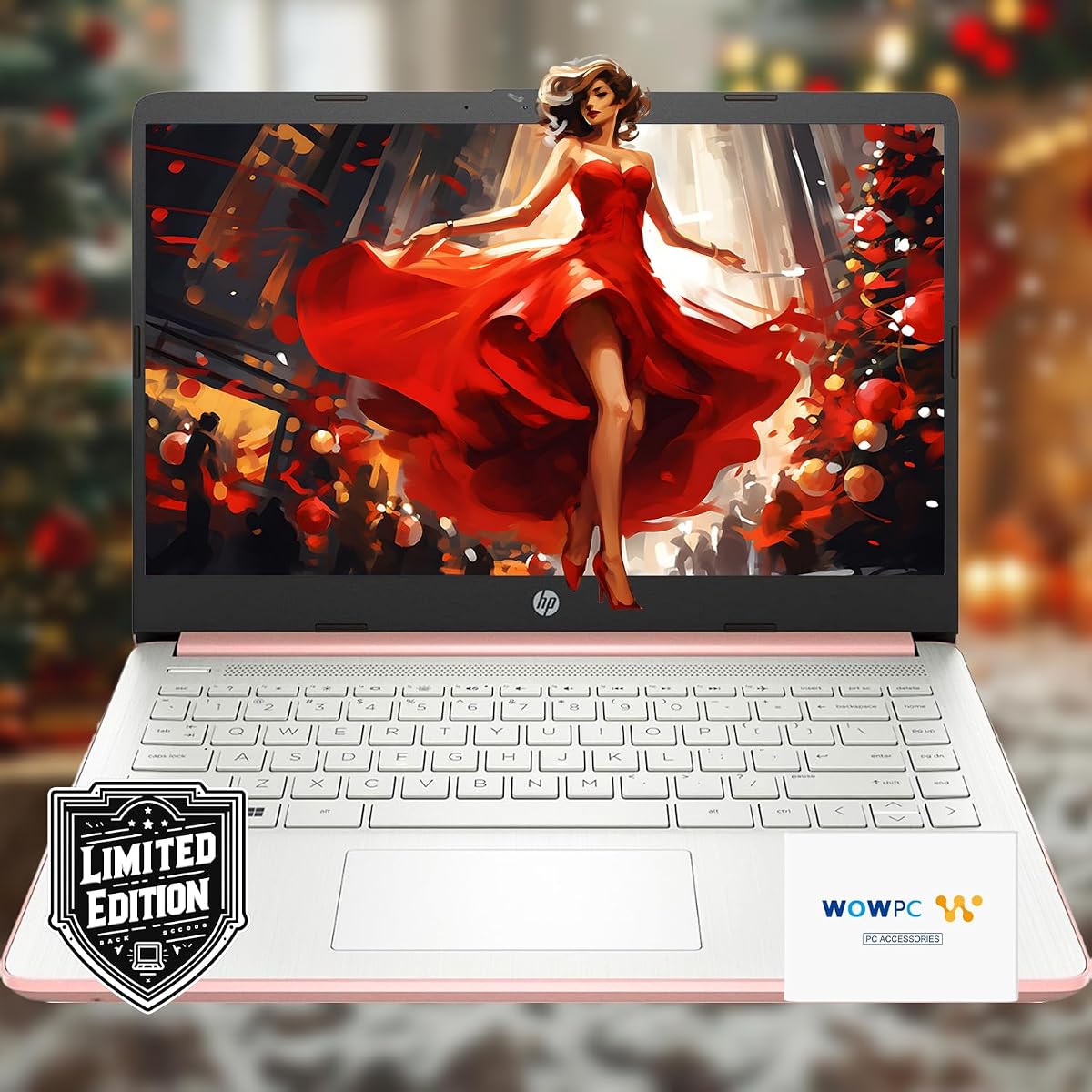
This premium limited edition model offers top-tier memory and storage options for demanding users. With 16GB of RAM and over a terabyte of storage, it is built to handle heavy workloads and media storage easily.
We may earn a commission when you buy through this link, at no additional cost to you.
The accessory package includes an external drive and cleaning tools which add value beyond the hardware. The sleek design combines functionality with a stylish finish suitable for professional environments.
Battery life extends to eleven and a half hours ensuring all-day productivity. The large storage capacity means you do not need to delete files to make space for new projects.
We recommend this for students with advanced needs such as video editing or large data sets. It provides a robust and future-proof solution for academic and professional tasks.
With over 1600GB of total space you can store all your projects without worrying about running out of room.
The bundle includes accessories like microfiber cloth and hotkey stickers to enhance your computing experience.
We may earn a commission when you buy through this link, at no additional cost to you.
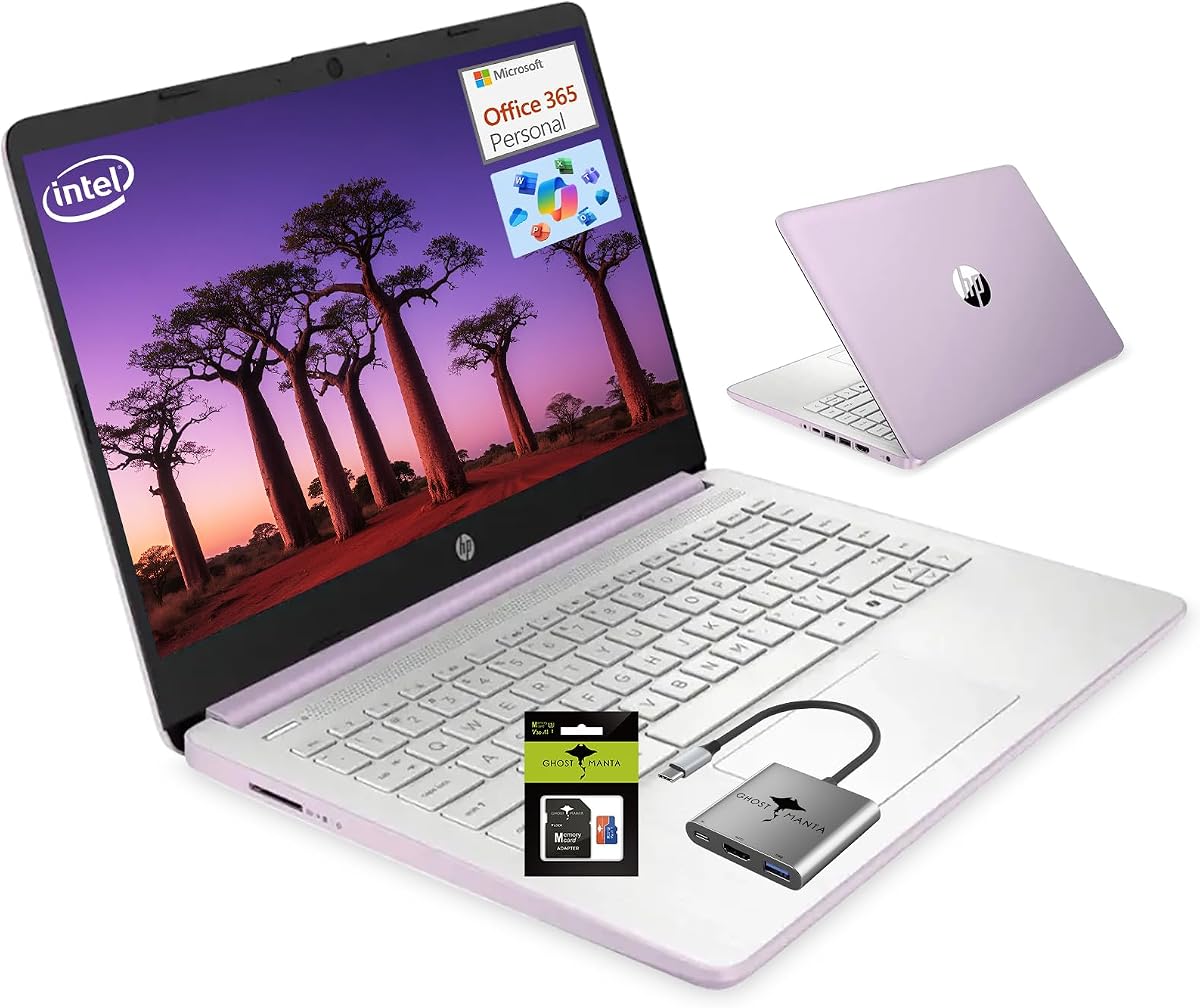
This laptop provides a balanced mix of memory and storage for everyday academic use. The addition of an SD card expands storage capacity which is useful for managing photos and project files locally.
We may earn a commission when you buy through this link, at no additional cost to you.
The 8GB RAM supports comfortable multitasking for web browsing and document editing. It comes with Microsoft 365 and Copilot AI for improved productivity during assignment work and research.
While the processor is entry-level, it handles standard tasks efficiently. The energy-efficient design supports all-day battery life so you can stay productive without finding a power outlet often.
We recommend this as a solid all-rounder for students seeking reliability and value. It offers enough power for most general coursework needs without unnecessary cost.
Enjoy seamless multitasking with 8GB RAM and plenty of space via the additional SD card.
This efficient design provides all-day battery life and ensures you stay productive on the go.
We may earn a commission when you buy through this link, at no additional cost to you.
Selecting the right laptop involves balancing several key factors to ensure it meets your specific academic needs without breaking the bank.
The processor acts as the brain of your laptop determining how fast it can complete tasks. Look for models with at least a quad-core processor like the Intel N150 to handle modern web browsers and document editors efficiently.
Choose a processor that balances power consumption and speed to ensure your device remains responsive throughout the day without draining the battery quickly.
Memory or RAM allows your laptop to run multiple applications at once. For students, 8GB is the recommended target to smoothly switch between research tabs and study tools without slowing down.
Prioritize laptops with 8GB or more if you plan to run multiple programs simultaneously to avoid lag during multitasking sessions.
Storage holds your files and operating system. Solid State Drives are standard now for speed. Consider models with expandable storage or cloud options if you need to save large media files.
Ensure you have enough space for your documents and consider external or cloud options for backups to keep your data safe and organized.
A laptop with long battery life is essential for students moving between classes or studying in libraries without charging access. Look for devices promising ten hours or more of usage.
Check specifications for realistic battery life to ensure the device lasts through a full day of lectures and study time.
A good screen reduces eye strain during long study sessions. Anti-glare coatings and Full HD resolutions help maintain clarity and comfort when reading text or viewing slides.
Select a display with anti-glare properties to ensure comfortable viewing in various lighting conditions throughout the campus.
Modern Wi-Fi standards ensure fast and stable internet connections. Look for Wi-Fi 6 support to maintain speed even in crowded environments like dorms or lecture halls.
Verify the laptop has necessary ports like USB-C and HDMI for connecting to projectors or external monitors for presentations.
A lightweight laptop is easier to carry around campus. Models weighing under four pounds are ideal for students who transport their devices daily between different buildings.
Choose a slim design that fits easily into your backpack to reduce physical strain during long days on campus.
Pre-installed software like Microsoft 365 saves time and money. Check if the device includes essential tools or subscriptions to maximize productivity immediately after purchase.
Review warranty details to understand the coverage for hardware repairs and ensure peace of mind for the duration of your studies.
To maintain optimal performance keep your laptop clean by wiping the screen with a microfiber cloth regularly. Avoid using harsh chemicals that could damage the anti-glare coating on the display.
Manage your battery health by avoiding extreme temperatures and not leaving it plugged in for excessive periods when fully charged. This practice helps extend the overall lifespan of the battery cells.
Organize your files using cloud storage or external drives to keep the system drive free for essential applications. Regularly update your operating system and antivirus software to protect against security threats.
Engineering students often require robust processing power for simulations and drafting software. Models with higher RAM such as 16GB and dedicated graphics cards are ideal. The HP 14 Limited Edition with 16GB RAM is a strong candidate for handling complex academic tasks efficiently.
Yes all listed models include built-in webcams and microphones suitable for Zoom or Teams calls. Modern Wi-Fi 6 connectivity ensures stable connections for virtual lectures without frequent dropouts.
Cloud storage is highly valuable for backing up assignments and accessing files across multiple devices. Many of these models include subscriptions like OneDrive which help prevent data loss due to local drive failures.
Yes many models come with a one-year subscription to Microsoft 365. This includes Word Excel and PowerPoint which are essential tools for writing papers and creating presentations.
Chromebooks are excellent for students who rely mostly on web-based apps and cloud services. They offer great battery life and security but may lack support for specialized offline software required by some majors.
With proper care these devices can last through a full undergraduate degree. Regular software updates and avoiding physical damage can extend their usability for four to five years or more.
Our top picks cover a range of needs from budget-friendly options to premium models with high memory. The HP Essential Laptop offers a balanced experience while the Chromebook excels in battery life and value.
Prioritize features like RAM and storage based on your specific major and coursework requirements. If you need heavy multitasking look for 8GB or more to ensure smooth performance over time.
Prices and availability change frequently so check current details before making your final purchase. A reliable laptop is an investment in your academic success and comfort for the upcoming year.