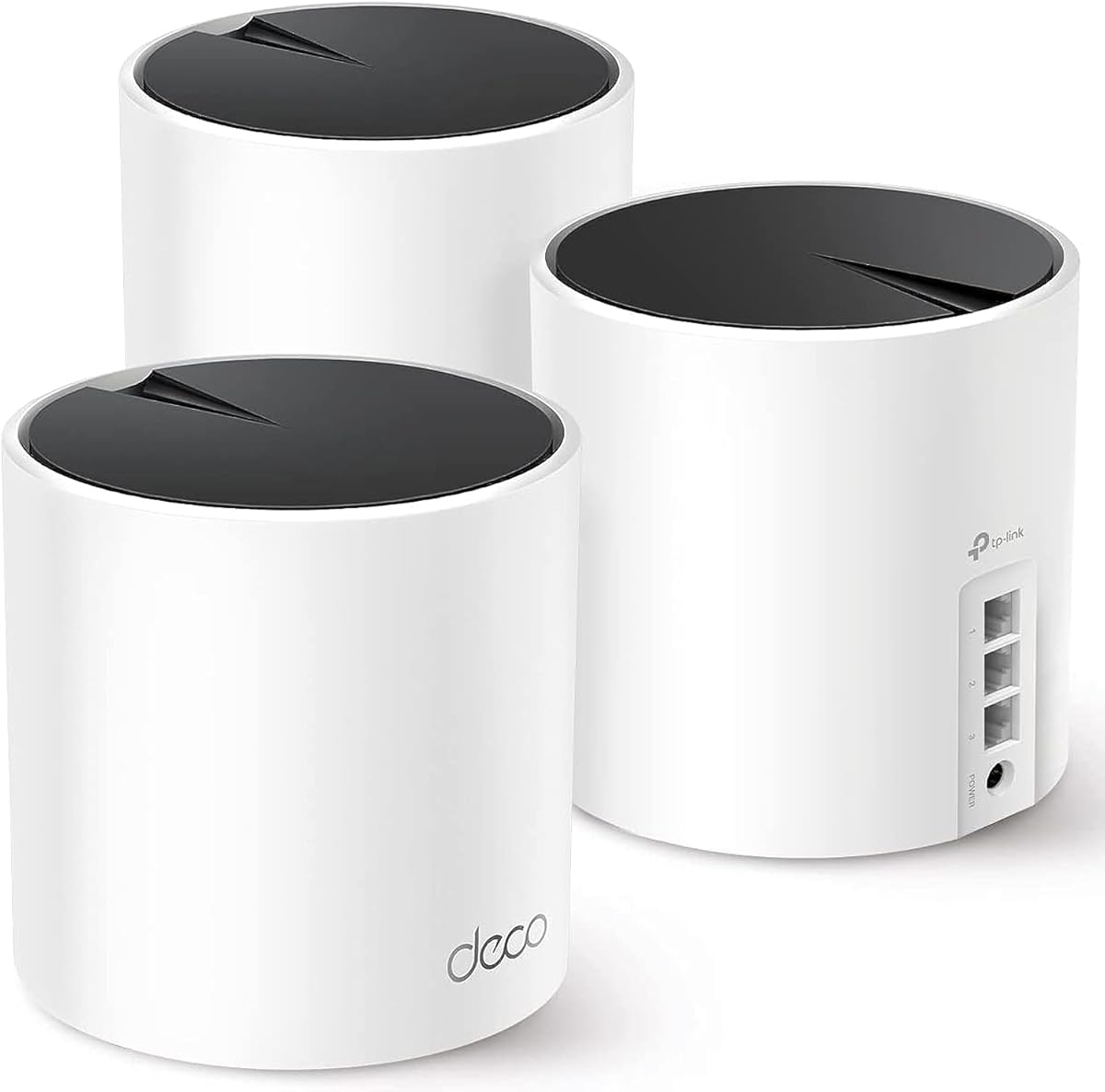
TP-Link Deco X55
4.4Editor score
Whole home coverage system
Up to 6500 sq ft range
Includes 3-pack units
Discover the top distance WiFi router options for 2026. We compare speed, range, and features to help you choose the best long-range wireless network solution.
Finding a reliable distance WiFi router is essential for modern homes with multiple connected devices. These routers ensure seamless connectivity across large spaces without signal loss or lag.
We evaluated ten leading models based on coverage area, throughput speeds, and advanced features like Mesh support. Our analysis highlights performance differences in real-world scenarios for accuracy.
Each pick shows specific strengths for different user needs. Prices change frequently so check current listings before purchase. This guide helps you invest wisely in your home network infrastructure.
4.4Editor score

4.3Editor score

4.3Editor score
This table provides a side-by-side overview of all ten models. Compare key specifications like band types, speed ratings, and coverage area to find the best fit.





The TP-Link AXE5400 stands out as a powerful distance router with Tri-Band WiFi 6E technology. It offers robust performance for homes needing extended range and high speed simultaneously.
We may earn a commission when you buy through this link, at no additional cost to you.
Its 5400 Mbps total speed ensures smooth streaming even at the edge of coverage. The 6 GHz band provides near-zero latency for responsive gaming or video calls.
While the RAM is sufficient for most users, power users may wish for more. The unique housing helps heat dissipation for long-term reliability during heavy loads.
Buyers needing a strong standalone router will appreciate this model. It balances performance, security, and easy expansion via EasyMesh effectively for large homes.
Separate bands prevent interference ensuring consistent speeds across your property.
Basic network protection and parental controls are included free with the unit.
We may earn a commission when you buy through this link, at no additional cost to you.
The TP-Link Deco X55 offers excellent value as a 3-pack mesh system. It eliminates dead zones effectively for homes needing significant distance coverage.
We may earn a commission when you buy through this link, at no additional cost to you.
With up to 6500 sq ft of coverage, it handles up to 150 devices with stable performance. AI-driven mesh intelligently routes data to reduce lag.
While it lacks the 6 GHz band of newer WiFi 6E models, it remains highly reliable for standard streaming and browsing tasks.
Homeowners looking for broad coverage without complex setup will find this ideal. The Deco app makes management simple for non-technical users easily.
Three units ensure seamless roaming without connection drops between rooms.
TP-Link adheres to cybersecurity pledges ensuring built-in advanced security.
We may earn a commission when you buy through this link, at no additional cost to you.
The TP-Link BE6500 represents the cutting edge with WiFi 7 technology. Its MLO capability allows simultaneous data transfer across bands for superior throughput.
We may earn a commission when you buy through this link, at no additional cost to you.
With speeds up to 5764 Mbps, this router handles demanding tasks like AR/VR gaming with ease. It supports up to 90 devices reliably at once.
Being dual-band limits its channel flexibility compared to tri-band rivals, but performance remains top-tier for compatible devices like the latest phones.
Users seeking maximum speed and future compatibility should consider this model. The advanced security and multi-gig ports make it a robust investment.
Simultaneous band usage reduces latency significantly for real-time apps.
2.5G ports enable multi-gigabit internet connections seamlessly.
We may earn a commission when you buy through this link, at no additional cost to you.
The TP-Link BE230 brings modern WiFi 7 technology to budget-conscious users. It delivers decent speeds for streaming and gaming in medium-sized spaces.
We may earn a commission when you buy through this link, at no additional cost to you.
With 2882 Mbps total speeds, it manages daily tasks efficiently. The inclusion of 2.5G ports ensures it won't bottleneck faster internet plans.
Its smaller size and coverage limits make it best for apartments or condos. EasyMesh compatibility allows users to expand the network later if needed.
Homeowners needing a reliable compact router will find this unit sufficient. It offers strong performance for its size and price segment.
Improves reliability by allowing multiple resource units per transmission.
Alexa and Google Assistant integration simplifies control and setup.
We may earn a commission when you buy through this link, at no additional cost to you.
The NETGEAR Nighthawk RS900 offers powerful performance with minimal complexity. It supports up to 3.6 Gbps speeds suitable for fast broadband connections.
We may earn a commission when you buy through this link, at no additional cost to you.
Using the Nighthawk app, users can manage guest networks and run speed tests easily. It covers up to 2000 sq ft effectively for most households.
While basic security is included, advanced protection requires a subscription. Still, the automatic updates and user interface make it accessible for non-experts.
Anyone seeking a plug-and-play router with next-gen speeds will appreciate this. It simplifies home networking without sacrificing essential performance features.
Delivers significantly faster data rates than previous WiFi generations.
Mobile app provides intuitive control over network settings remotely.
We may earn a commission when you buy through this link, at no additional cost to you.
The TP-Link BE550 delivers top-tier performance with its Tri-Band WiFi 7 design. It supports massive bandwidth needs for demanding home offices or entertainment hubs.
We may earn a commission when you buy through this link, at no additional cost to you.
With nine total 2.5G ports, this router ensures every wired device gets maximum speed. Beamforming antennas help direct signals for better reliability.
The privacy-focused IoT network adds extra layers of security for smart devices. However, the physical dimensions require ample space for proper ventilation.
Power users wanting every available feature should consider this model. It balances high speed, security, and wired connectivity better than most.
Separate channels for devices prevent traffic jams during peak use.
Strategic antenna placement ensures higher capacity and stronger signals.
We may earn a commission when you buy through this link, at no additional cost to you.
The TP-Link AX3000 remains a reliable choice for standard WiFi 6 needs. It offers consistent performance without the cost of newer technologies.
We may earn a commission when you buy through this link, at no additional cost to you.
OFDMA technology ensures efficient data sharing among connected devices. This helps reduce latency even when many users are active simultaneously at home.
Its cooling design keeps the router running cool during extended periods of heavy use. The external antennas focus signals toward hard-to-reach areas effectively.
Buyers seeking proven performance at a moderate price will like this. It is a solid workhorse for average home network requirements.
Shares channels more effectively cutting latency for multiple devices.
Larger heat sink prevents throttling during peak data loads.
We may earn a commission when you buy through this link, at no additional cost to you.
The Amazon eero 7 offers modern mesh capabilities with minimal configuration. It is ideal for those already invested in the eero ecosystem.
We may earn a commission when you buy through this link, at no additional cost to you.
Supporting speeds up to 2.5 Gbps, it handles large data transfers well. TrueMesh software proactively optimizes connections for reliability and speed.
While it works alone, it shines when combined with other eero units. The built-in support on Echo devices adds extra convenience for smart home users.
Families prioritizing simplicity and smart home integration should consider this. It balances modern tech with user-friendly software features effectively.
Proactive management keeps users on optimal connections automatically.
Compatible with Echo and previous models for easy expansion.
We may earn a commission when you buy through this link, at no additional cost to you.
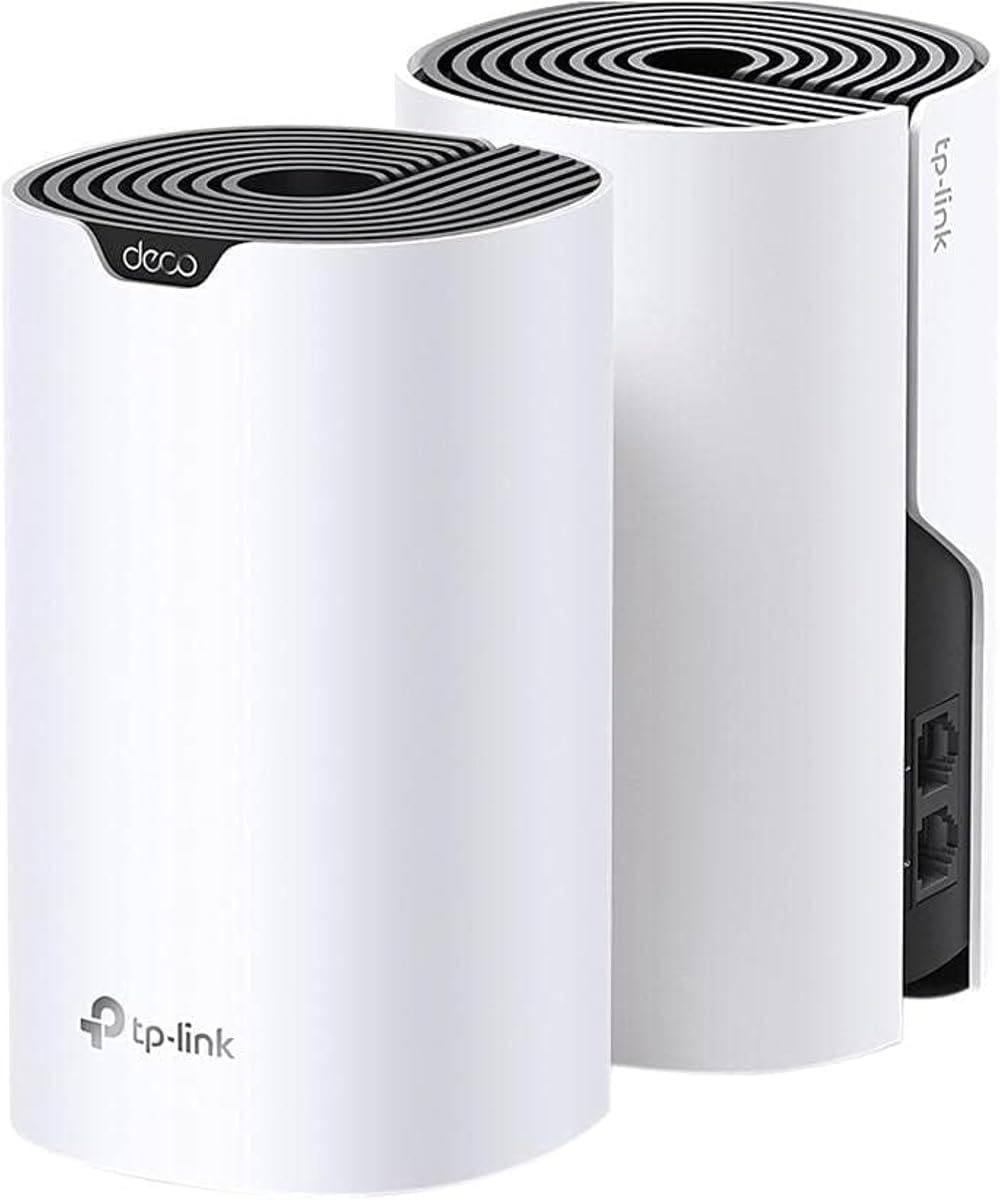
The TP-Link Deco S4 provides an easy entry into mesh networking. It eliminates dead zones effectively for those needing reliable whole-home coverage.
We may earn a commission when you buy through this link, at no additional cost to you.
With two units, it covers up to 3800 sq ft. Devices switch automatically between nodes for consistent speeds during movement.
Though it uses older AC1900 standards, it is sufficient for average streaming and browsing needs. The parental controls offer robust management for families.
Budget-conscious shoppers wanting seamless mesh should choose this. It delivers reliability and coverage at an attractive price point.
Single network name ensures smooth transitions between units without drops.
Custom profiles help manage online time and content for kids.
We may earn a commission when you buy through this link, at no additional cost to you.
The Amazon eero Outdoor 7 brings high-performance mesh Wi to outdoor spaces. It supports large yards up to 15000 sq ft easily.
We may earn a commission when you buy through this link, at no additional cost to you.
With an IP66 rating, it withstands dust, rain, and snow reliably. It connects over 100 devices ensuring pool parties or outdoor entertainment stay connected.
The PoE+ adapter simplifies cabling for hard-to-reach mounting spots. This makes it ideal for expanding indoor mesh networks seamlessly outside.
Homeowners needing robust outdoor internet for entertainment or work should choose this. It merges durability with modern connectivity features well.
Built to operate safely in extreme cold and hot temperatures.
Flexible power options simplify installation without extra outlets.
We may earn a commission when you buy through this link, at no additional cost to you.
Selecting the right distance router requires balancing speed, coverage, and future-proofing. This guide outlines key factors to consider for optimal performance.
Coverage determines how far your signal extends. Look for models rated for your square footage plus buffer for walls.
Ensure the router can cover every room to avoid dead zones in your home.
Newer standards like WiFi 7 offer faster speeds and better range. Consider if your devices support these generations.
Invest in future-proof tech to avoid upgrading sooner than necessary.
Tri-band routers separate traffic on distinct frequencies. This helps reduce congestion in homes with many devices.
Choose dual or tri-band based on your total device count.
Stronger processors handle multiple data streams efficiently. A powerful CPU ensures low latency even under heavy load.
Look for quad-core processors for better multitasking performance.
External or high-performance antennas boost signal strength. Beamforming technology helps direct signals toward devices.
Check if the router supports Beamforming for optimal range.
High-speed ports like 2.5G allow for future internet plans. Ensure enough LAN ports for your wired devices.
Multi-gigabit ports are essential for future-proofing your network.
Mesh support allows expansion as needs grow. Some routers work with standalone nodes for whole-home coverage.
Consider models with EasyMesh or built-in mesh capabilities.
Robust security includes VPN support and parental controls. Premium routers often include subscriptions for advanced protection.
Look for built-in security services to protect sensitive data.
Place the router centrally and elevated for optimal range. Avoid placing it near thick walls or metal objects.
Update firmware regularly to ensure security and performance. Most routers offer automatic updates for convenience.
Reboot the router every few weeks to clear cached data. This helps maintain consistent speeds over time.
A good distance router supports strong signal penetration through walls and offers high throughput at range. Look for features like Beamforming and high-gain antennas to ensure connectivity in every room.
WiFi 7 offers significantly lower latency and higher speeds. If you have compatible devices and high-speed internet, it provides a future-proof investment for years ahead.
Use Mesh systems or EasyMesh-compatible routers. Adding nodes extends coverage seamlessly without dead zones.
Yes, a powerful processor handles data efficiently over long distances. It prevents bottlenecks that degrade signal quality at the edge of range.
External antennas often provide better range than internal ones. They allow for flexible positioning to direct signals where needed most.
Yes, most setups require a modem for internet access and a router for distribution. Ensure they are compatible for stable connectivity.
The TP-Link AXE5400 leads our picks for its balance of speed and reliability. It offers a strong starting point for most large homes.
Consider your budget and specific needs like mesh expansion or tri-band support. High-performance routers pay off for heavy users.
Always verify current availability and offers before purchasing. Technology evolves quickly so checking specs ensures you get the best value.