
Warrky 4K DisplayPort to HDMI Cable,6FT, Uni-Directional, DP to HDMI Cord
4.6Editor score
24K gold plated connectors for signal
Nylon braided jacket withstands 16000 bends
Slim aluminum alloy one-piece shell design
Compare the top Displayport to HDMI Cables for 2026 including features performance and compatibility to find the perfect cable for your monitor and PC setup
Finding the right Displayport to HDMI cable is essential for connecting modern computers to TVs and monitors. A good cable ensures stable high definition video and audio transmission without signal loss or flickering issues.
We compared ten top rated cables based on build quality resolution support and compatibility with various graphics cards and displays. Our analysis focuses on durability signal integrity and ease of use for different user scenarios.
Each pick highlights specific strengths like 4K support or braided durability to help you choose wisely. Prices and availability change frequently so verify current details before making your final purchasing decision online.
4.6Editor score

4.7Editor score

4.8Editor score
The following table provides a side by side comparison of all ten selected cables. Review each entry to see key specifications build materials and compatibility notes before deciding which option fits your setup.




This UGREEN cable delivers high quality video signals with a strong rating. It supports 4K and 1080P at 120Hz for smooth motion.
We may earn a commission when you buy through this link, at no additional cost to you.
The cable uses DP 1.2 transmission for stable connections without flicker. Its nylon jacket is ten times stronger than PVC.
You cannot use this cable to connect HDMI sources to DP displays. It only works one way from PC to screen.
Buy this if you need reliable performance for work or gaming. It offers excellent value and durability.
It supports 1080P at 120Hz which reduces motion blur during fast tasks or games.
The double shielding and aluminum case help manage heat and resist electromagnetic interference effectively.
We may earn a commission when you buy through this link, at no additional cost to you.
This cable provides extraordinary visual clarity at a great price point. It delivers 4K resolution and 30Hz refresh rates easily.
We may earn a commission when you buy through this link, at no additional cost to you.
The aluminum shell offers corrosion resistance and looks sleek. Its nylon jacket handles over 16000 bends without performance loss.
Ensure your source has DisplayPort and display has HDMI. This cable does not work in reverse direction.
Select this for budget conscious users needing 4K capability. It balances affordability with quality well.
Five-layer shielding ensures pristine signal transmission to minimize interference and static during use.
The slim alloy one-piece shell makes it look modern and fits well with premium hardware setups.
We may earn a commission when you buy through this link, at no additional cost to you.
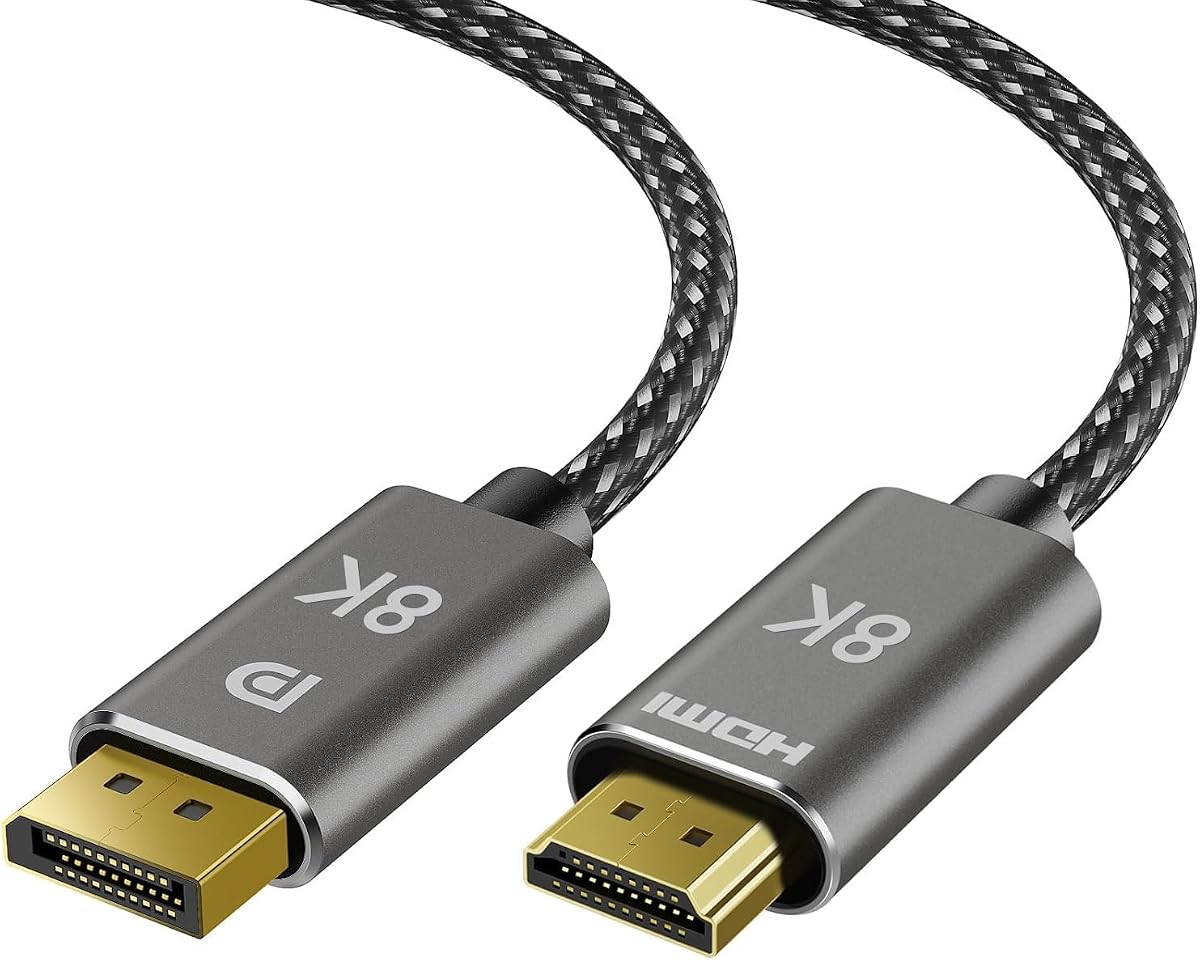
This active adapter supports up to 8K at 60Hz for top tier visuals. It is ideal for advanced monitors and TVs.
We may earn a commission when you buy through this link, at no additional cost to you.
With a transmission rate of 32.4Gbps it handles HDR and DSC effectively. The aluminum case aids heat management.
Note it requires a compatible DP 1.4 GPU to enable full resolution. It is not a universal converter.
Choose this for future proofing or 8K workstations. It offers the highest resolution performance available.
It supports 8K at 60Hz which is the latest standard for ultra high definition displays.
HDR and DSC support ensure vivid images and efficient compression for higher resolutions.
We may earn a commission when you buy through this link, at no additional cost to you.
Highwings delivers vibrant 4K resolution with synchronized audio. It offers a 20000+ bend lifespan for durability.
We may earn a commission when you buy through this link, at no additional cost to you.
The nylon braided wire with multi-layer shielding enhances signal. It supports backward compatibility for lower resolutions.
High resolution data transmission can cause chip heating which is normal. Ensure settings are consistent to avoid issues.
Buy this for long term reliability and immersive streaming. It is a solid choice for regular use.
Ensures synchronized audio and video for an immersive streaming or gaming experience.
The braided wire design ensures high connectivity and resists wear over time.
We may earn a commission when you buy through this link, at no additional cost to you.
Amazon Basics provides a simple unidirectional passive cable. It supports 1080p and 1920×1200 resolutions effectively.
We may earn a commission when you buy through this link, at no additional cost to you.
It uses gold-plated connectors and bare copper conductors for picture quality. It transmits 7.1 channels of audio.
This cable is not compatible with USB ports or LVDS sources. It connects PC to display only.
Choose this for basic work setups and presentations. It is a reliable and straightforward option.
Supports uncompressed digital audio channels for pure sound during presentations.
Gold-plated connectors enhance picture quality and reduce signal degradation over time.
We may earn a commission when you buy through this link, at no additional cost to you.
JSAUX offers a 10FT length for flexible desk setups. It supports 4K at 30Hz and 1080P at 120Hz.
We may earn a commission when you buy through this link, at no additional cost to you.
The durable nylon exterior provides reliability. It is ideal for meeting rooms or home entertainment.
Check your source has DP output and display has HDMI input. It is one way only.
Select this if you need extra reach in a room. It is sturdy and reliable.
The 10FT cable length gives you more flexibility for desk setups and entertainment spaces.
Built with a durable nylon exterior for daily use and reliable connections.
We may earn a commission when you buy through this link, at no additional cost to you.
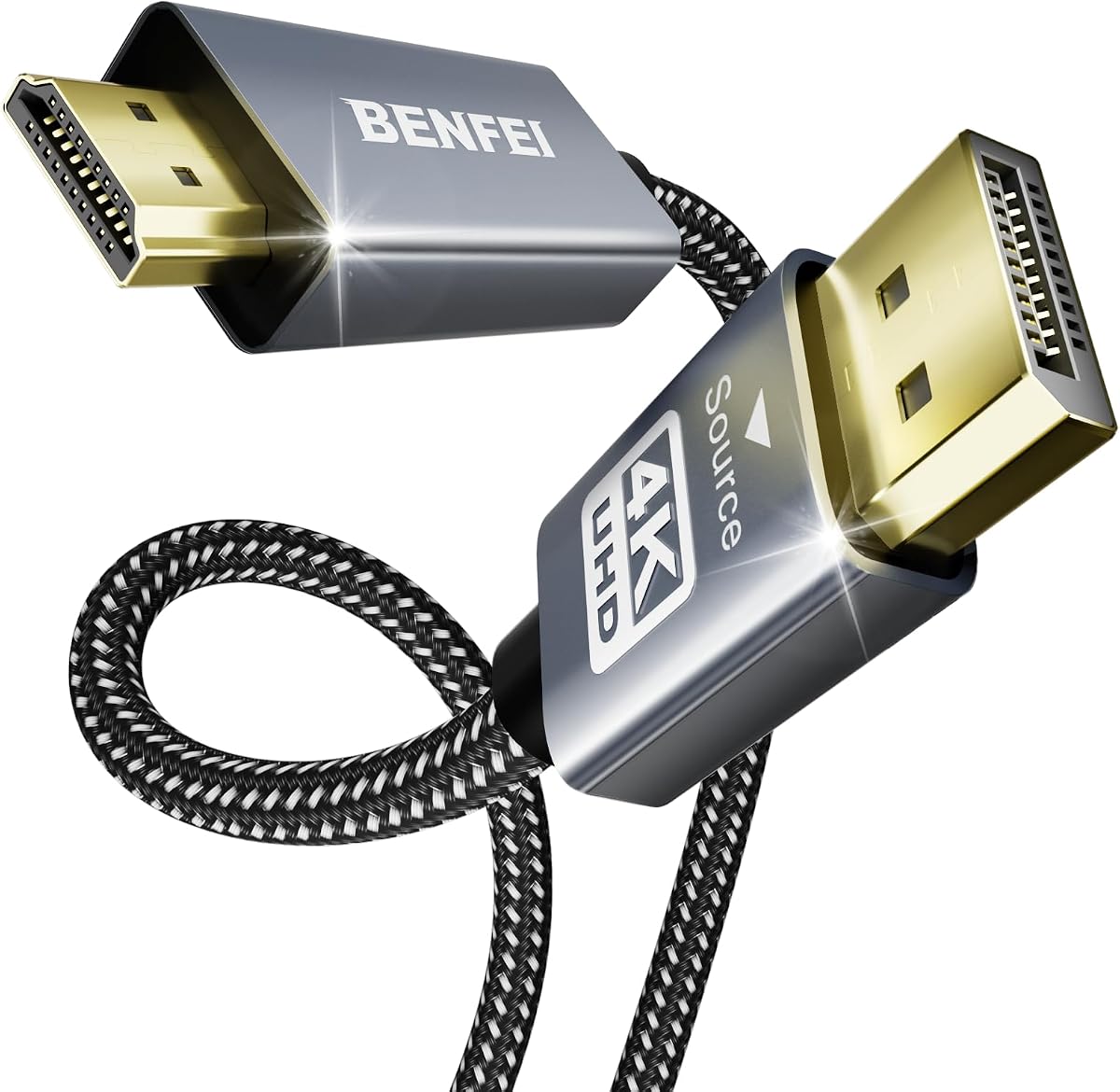
BENFEI provides a high quality cable with an 18 month warranty. It ensures instant data streaming.
We may earn a commission when you buy through this link, at no additional cost to you.
The nylon braided layer protects against heavy usage. It has a built-in IC chip for stability.
This converter cannot transmit from HDMI to DP. It requires a displayport source.
Buy this for reliable performance and peace of mind. It is well built and tested.
Exclusive Benfei Unconditional 18-month Warranty ensures long-time protection of your purchase.
Built-in advanced IC chip converts DisplayPort signal to HDMI signal for better stability.
We may earn a commission when you buy through this link, at no additional cost to you.
This bundle includes two cables which is great for multiple setups. It supports 1080p full HD.
We may earn a commission when you buy through this link, at no additional cost to you.
Gold-plated connectors ensure superior performance. The latch ensures a secure connection.
It transmits video for gaming and presentations. It prevents accidental disconnection.
Choose this for office setups with multiple monitors. It is a solid value.
The DisplayPort connector with latches prevents accidental disconnection for safety.
Includes two cables for multiple devices or backups in one purchase.
We may earn a commission when you buy through this link, at no additional cost to you.
This cable supports 8K at 60Hz and 4K at 240Hz. It brings HDMI 2.1 to DP.
We may earn a commission when you buy through this link, at no additional cost to you.
Firmware updates may be necessary for optimal resolution. It supports HDR and Dolby Atmos.
Note that VRR is not supported and updates are needed for RTX series. It is one way only.
Buy this for high refresh rate gaming. It enables the latest display standards.
Supports 4K at 240Hz for ultra high resolution gaming monitors.
Experience surround sound and HDR with this cable for vibrant colors.
We may earn a commission when you buy through this link, at no additional cost to you.
This cable enables 8K at 60Hz on supported monitors. It requires a DP 1.4 GPU with DSC.
We may earn a commission when you buy through this link, at no additional cost to you.
It supports HDR and Dolby Atmos for vivid images. It is compatible with many RTX GPUs.
Note that VRR and G-Sync are not supported. It is designed for high resolution.
Select this for professional workflows or high end gaming. It offers advanced connectivity.
Featuring a braided jacket and secure latch for a stable connection.
Fully compatible with NVIDIA RTX 4090 and AMD RX 7900 for high performance.
We may earn a commission when you buy through this link, at no additional cost to you.
Selecting the right cable requires understanding resolution refresh rates and build quality to match your hardware.
Ensure the cable supports your desired resolution like 4K@30Hz or 1080P@120Hz for smooth video.
Higher refresh rates are important for gaming and motion clarity in content.
Most passive cables are uni-directional from PC to TV so verify your port types before buying.
Do not use for HDMI to DP connections unless you have an active converter.
Look for nylon braided jackets and gold-plated connectors for better durability and signal quality.
Aluminum cases help with heat dissipation and signal shielding.
Choose a length that fits your room layout without stretching or excess slack.
Shorter cables generally maintain signal integrity better over long runs.
Check that the cable supports digital audio channels like 5.1 or 7.1 surround sound.
Flawless audio pass-thru ensures high quality sound from your PC.
Multi-layer shielding protects against electromagnetic interference which prevents flickering.
Bare copper conductors ensure better conductivity for stable transmission.
Verify your graphics card output matches the cable requirements like DP 1.2 or 1.4.
Some 8K features require specific driver updates on the graphics card.
Look for brands offering warranties to ensure protection against manufacturing defects.
Responsive customer support helps quickly resolve any connection issues.
Connect the DisplayPort end to your computer and the HDMI end to your TV or monitor before turning on devices.
Ensure the display is set to the correct HDMI input source on your TV remote or monitor menu.
Avoid sharp bends or stretching the cable and keep it away from high heat sources to maintain longevity.
Most passive cables are uni-directional and only work from a DisplayPort source to an HDMI display. You cannot connect an HDMI source to a DisplayPort monitor using this cable type.
Standard cables support up to 4K at 30Hz. Active adapters can reach 4K at 120Hz or 8K at 60Hz depending on the hardware.
Most cables are plug and play and do not require special drivers. However some high resolution features may need GPU updates.
Flickering can be caused by loose connections unsupported refresh rates or insufficient shielding. Check the cable and settings first.
Yes if your laptop has a DisplayPort output. Many modern HP Lenovo and Dell laptops include this port for external displays.
Yes Displayport to HDMI cables transmit both video and uncompressed digital audio to your display or speakers.
Active DisplayPort to HDMI 2.1 cables support 8K at 60Hz. Passive cables generally do not support 8K resolution.
Price varies based on length material quality and resolution capabilities. Higher bandwidth cables are usually more expensive.
We reviewed ten high quality cables including the UGREEN active adapter and Warrky budget pick for different needs.
Prioritize build quality and resolution support to ensure a stable and clear viewing experience for your setup.
Prices and availability change regularly so always check current details before finalizing your purchase online.