
BUFFALO LinkStation 210 6TB
3.9Editor score
6TB Capacity Included
RAID for Backup
Free Personal Cloud
This guide compares the top ten Buffalo NAS devices for home and business, evaluating storage capacity, speed, security features, and included drive options.
Buffalo NAS devices offer reliable network storage for homes and offices. They provide centralized backup, file sharing, and media streaming without monthly fees. Choosing the right model depends on your storage needs, budget, and desired features like RAID support.
We compared ten models based on capacity, speed, security, and ease of use. Each unit includes hard drives for immediate setup. We reviewed specifications, warranty terms, and real-world performance to identify the strongest options available today.
Each pick highlights key strengths and trade-offs for different user scenarios. Prices and availability change frequently, so check current listings before purchasing. This guide helps you select a Buffalo NAS that fits your specific data protection goals.
3.9Editor score

4.8Editor score

This side-by-side comparison highlights key specifications across all ten models to help you quickly identify the device that best fits your storage requirements and workflow.
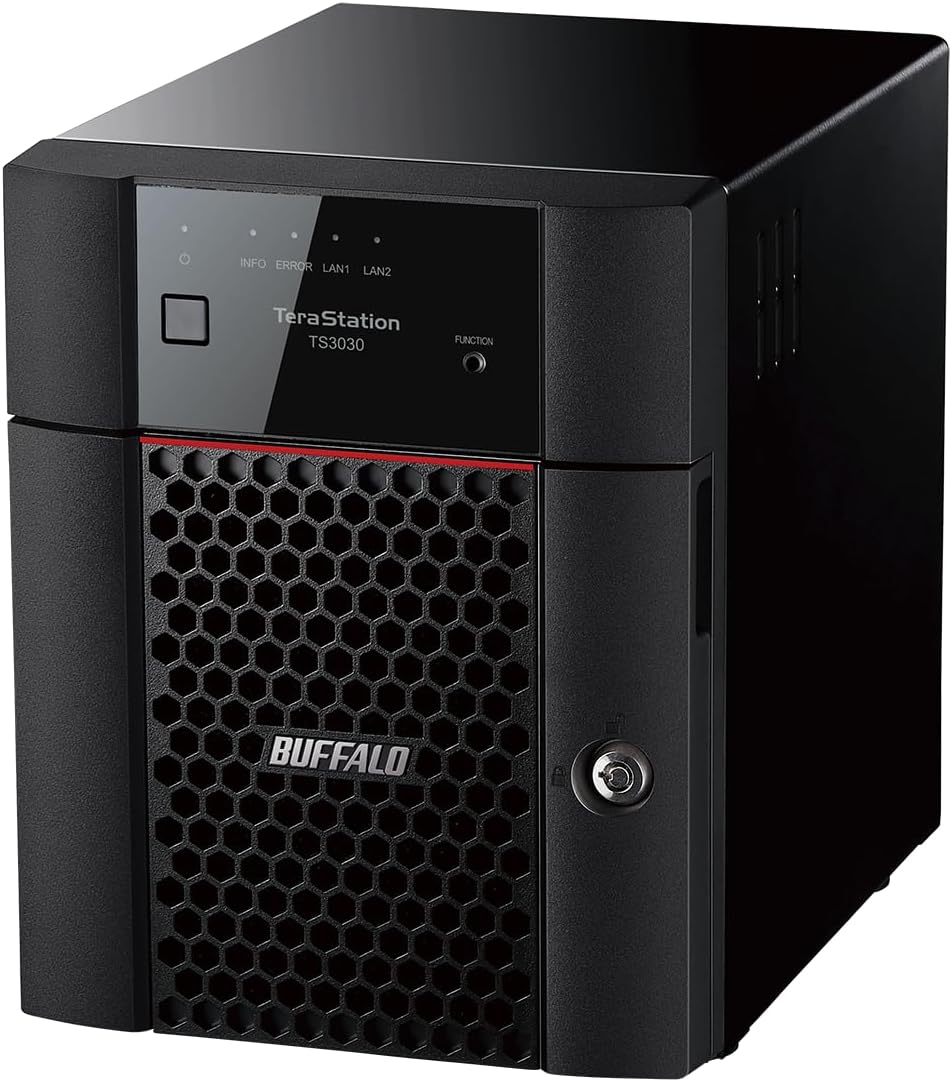


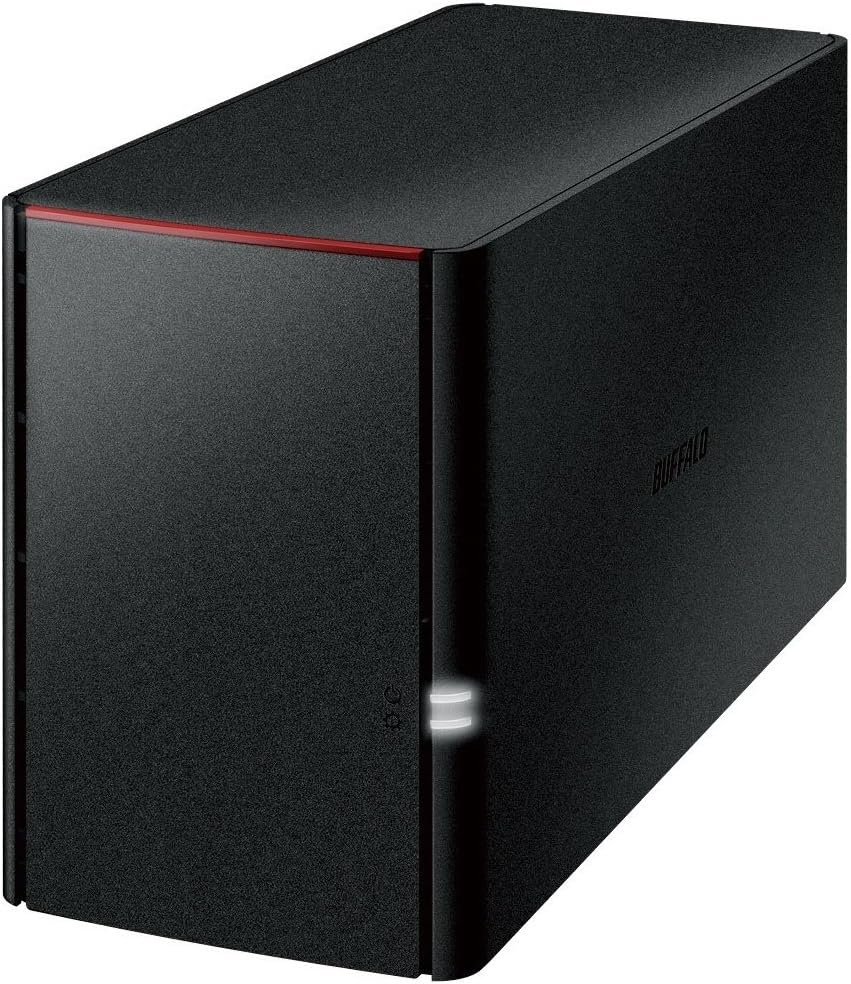


The Buffalo LinkStation 210 delivers solid home storage for an affordable price. With 6TB capacity out of the box, it eliminates immediate upgrade costs. Its simple design makes it ideal for families needing centralized photo and media backups.
We may earn a commission when you buy through this link, at no additional cost to you.
It features a closed system to reduce vulnerabilities, keeping your data safe from third-party app risks. SSL encryption ensures secure file transfers across your network. The included NAS Navigator utility helps automate backups for Windows and older macOS systems.
While it lacks advanced RAID configurations beyond mirroring, the single bay design keeps the footprint small. macOS 26 users should note compatibility requires checking the LS 700 series. Support is limited to US-based teams available 24/7 for setup guidance.
Buy this if you need straightforward, subscription-free storage without complex management. It works well for basic file sharing and automated PC backups. The 2-year warranty covering drives adds peace of mind for home office environments.
Store and access videos music and photos from anywhere without paying monthly cloud storage fees.
SSL encryption and closed system design protect your files during transfers and reduce attack vectors.
We may earn a commission when you buy through this link, at no additional cost to you.
The TeraStation Essentials 2025 balances professional features with accessible pricing. It includes four 6TB drives pre-configured in RAID 5 for 18TB usable space. The 2.5GbE port ensures fast transfers without needing new cables for supported routers.
We may earn a commission when you buy through this link, at no additional cost to you.
Built for data protection, it offers 256-bit drive encryption and a closed system. You can sync with Amazon S3 Dropbox Azure and OneDrive to create hybrid cloud backups. This flexibility secures data against local hardware failures effectively.
Setup is hassle-free with pre-tested drives and out-of-the-box protection. The 3-year warranty includes drive coverage and US-based support with data recovery service. It is TAA compliant, meeting government procurement standards for many organizations.
Choose this model for small businesses needing significant storage with robust redundancy. The cost per gigabyte is competitive given the included drives. It scales well as your team grows and requires minimal IT overhead to maintain.
Native 2.5GbE port allows high-speed file movement without upgrading existing network cabling.
Sync with major cloud providers to add an extra layer of data security and remote access.
We may earn a commission when you buy through this link, at no additional cost to you.
This full-scale solution handles heavy data loads with advanced hardware and firmware. It ships with four 8TB drives in RAID 5 for 24TB usable space. The native 10GbE port delivers enterprise-level speeds without additional network upgrades.
We may earn a commission when you buy through this link, at no additional cost to you.
Snapshots allow instant data backup and recovery, mitigating ransomware risks with minimal disruption. Security features include two-factor authentication and 256-bit drive encryption. You can sync with Dropbox S3 and Azure for versatile hybrid cloud backups.
The 3-year warranty includes drive coverage and optional extensions to five years upon registration. It is TAA compliant and made in Japan ensuring high build quality. Award-winning US-based support provides assistance around the clock for business continuity.
Invest in this NAS for critical business environments needing maximum performance and protection. Its stability ensures no drops during heavy loads. The included iSCSI support enables block-level storage for virtual machines and databases.
Create snapshots that allow near-instantaneous data restoration with little to no system downtime.
Two-factor authentication and closed system design secure sensitive business data from unauthorized access.
We may earn a commission when you buy through this link, at no additional cost to you.
The LinkStation SoHo 220 is optimized for small offices needing organized storage. It includes two 2TB drives with RAID 1 for automatic backup. The USB direct copy lets you back up devices without a computer involved.
We may earn a commission when you buy through this link, at no additional cost to you.
You can create individual access restrictions to ensure data privacy while sharing specific folders securely. The system uses SSL encryption to keep transfers safe. It supports automated backups for computers and works with NAS Navigator utilities.
Note that macOS compatibility is currently limited to version 15 and earlier. For newer versions, check the SoHo 720 series. The device is made in Japan with a 3-year warranty covering hard drives and US support.
This unit fits well in home offices sharing files among staff members. Its ease of setup makes it accessible for non-technical users. The balance of capacity and redundancy suits teams with moderate storage requirements.
Back up photos and files directly from USB devices without needing a PC connection.
Configure individual folder access to keep private data safe while sharing necessary work files.
We may earn a commission when you buy through this link, at no additional cost to you.
This value-focused rackmount NAS organizes storage for server rooms or IT closets. It includes four 2TB drives pre-configured in RAID 5 for 4TB usable space. The 2.5GbE port facilitates fast transfers without requiring new cabling.
We may earn a commission when you buy through this link, at no additional cost to you.
You can sync with cloud services like Dropbox S3 and OneDrive for hybrid backups. A closed system with 256-bit encryption keeps data secure. Setup is effortless with pre-tested drives and ready-to-use RAID protection.
The unit is fully TAA compliant and made in Japan. It comes with a 3-year warranty including drive coverage and access to data recovery services. US-based support is available 24/7 for technical assistance.
Ideal for businesses needing rack space without high costs, this model offers reliability. While 4TB usable is modest, it serves well for specific application servers or backup targets. The design fits standard racks easily.
Professional-grade rackmount storage at a lower cost point for budget-conscious IT managers.
Integrate cloud services to add redundancy and remote accessibility to your local storage.
We may earn a commission when you buy through this link, at no additional cost to you.
This model runs native Windows Server IoT 2025 Storage Workgroup edition. It includes two pre-tested NAS-grade drives with RAID pre-configured. Because it avoids CAL licenses, it remains cost-effective for small businesses needing server features.
We may earn a commission when you buy through this link, at no additional cost to you.
NovaBACKUP software licenses are included for professional-level backups. Azure and OneDrive integration enables hybrid cloud security. The 4TB capacity ships in RAID 1 for 2TB usable space but supports RAID 0 for full access.
A 3-year warranty comes with an optional 5-year extension. Simple Logical Data Recovery service qualifies upon registration. Support is available 24/7 in North America for setup and troubleshooting issues.
Select this if your environment relies on Windows management tools. It simplifies administration for teams familiar with server interfaces. The inclusion of NovaBACKUP adds value without requiring separate software purchases.
Run native Windows Server operating system for familiar administration and security management.
Avoid extra licensing fees by using Storage Workgroup edition which does not need CALs.
We may earn a commission when you buy through this link, at no additional cost to you.
The LinkStation 220 offers solid legacy performance for basic file sharing. It features a Marvell ARMADA 370 processor with DDR3 memory. Gigabit LAN ensures decent transfer speeds for typical home documents and media files.
We may earn a commission when you buy through this link, at no additional cost to you.
DLNA support allows streaming to smart TVs and media players easily. USB 2.0 connectivity lets you connect peripherals for additional storage expansion. The compact size fits well on shelves without taking much space.
Keep in mind this is an older design compared to modern standards. It may lack newer encryption protocols or fast USB 3.0 transfer capabilities. Support is limited as Buffalo moves focus to newer series.
This remains a functional option if you need basic NAS features at a low cost. It works well for secondary backup tasks or media streaming in smaller networks. Check condition and compatibility before purchase.
Stream media files directly to compatible smart TVs and devices on your local network.
Provides essential storage functions with older hardware architecture at a budget-friendly price.
We may earn a commission when you buy through this link, at no additional cost to you.
TeraStation 1200D delivers an economical storage solution for small offices. It includes two pre-tested drives with RAID pre-configured for reliability. The business-level PC backup and data recovery software help protect critical files effectively.
We may earn a commission when you buy through this link, at no additional cost to you.
Multiple user access allows everyone to reach files from anywhere with internet service. Setup is simple: just plug into a router for instant network storage. You get 2TB usable capacity in RAID 1 from the 4TB total.
Personal cloud access lets you reach files from PCs Macs tablets and smartphones. The 3-year warranty includes North American-based support for assistance. Free personal cloud eliminates extra subscription costs for remote access.
This model suits small businesses needing robust backup without server complexity. It balances performance and ease of use for growing teams. Ensure compatibility with your current network before integrating it into your workflow.
Bundled server and PC backup software provide comprehensive protection for your business data.
Access your files securely from any internet connected device without monthly subscription fees.
We may earn a commission when you buy through this link, at no additional cost to you.
This unit is optimized for smartphone and tablet backup needs. It includes 4TB capacity across two drives with mirroring active for safety. Photos and music are protected automatically without requiring manual transfers.
We may earn a commission when you buy through this link, at no additional cost to you.
Ideal for users worried about smartphone capacity limits or HDD breakage. It allows enjoying more TV programs by storing local media files easily. Giga LAN ensures wired stability while USB 2.0 supports basic peripheral needs.
The package includes body AC adapter and LAN cable for quick start. Warranty covers one year excluding projections with detailed instructions. It serves well as a personal cloud for family media without subscriptions.
Pick this if mobile device backup is your primary goal. It keeps files safe from phone loss or damage. The simple design ensures even non-technical users can manage their data backups.
Files are automatically duplicated to protect important data from drive failures or loss.
Designed specifically to support smartphones and tablets for seamless photo and music access.
We may earn a commission when you buy through this link, at no additional cost to you.
While technically a DAS this device offers NAS-like RAID protection via USB. It includes 8TB across two drives with RAID 1 shipping for 4TB usable capacity. USB 3.2 Gen 1 offers universal connectivity for PC Mac and servers.
We may earn a commission when you buy through this link, at no additional cost to you.
Hot swap lets you replace drives without powering down the unit. Time Machine support allows scheduled backups for protecting Mac computers. NovaBACKUP Buffalo Edition helps schedule automatic backups for your office server effectively.
It is a premium desktop attached storage ideal for creative professionals needing local redundancy. However it lacks network features unless connected to a host system. Check if your needs require network sharing or just local backup.
Choose this for local storage expansion with hardware redundancy. It suits professionals working with large media files needing fast USB access. The TAA compliance and 3-year warranty add value for government or enterprise use.
Universal connectivity provides fast transfer speeds for PC and Mac storage needs.
Mac users can schedule automatic backups to protect computers from data loss.
We may earn a commission when you buy through this link, at no additional cost to you.
Selecting the right Buffalo NAS requires evaluating capacity, network speed, and security features. Understanding these factors ensures you choose a device that meets your current and future storage needs.
Decide how much space you need for photos videos and documents. Single bays offer simplicity while multi-bay systems allow RAID configurations for data redundancy.
Choose higher bay counts if you plan to expand or mirror data for safety.
Look for Gigabit 2.5GbE or 10GbE ports depending on your network router. Faster ports prevent bottlenecks during large file transfers.
Match the NAS network speed to your router to ensure smooth performance.
RAID protects data against drive failure. RAID 1 mirrors data while RAID 5 balances capacity and redundancy.
Ensure the NAS supports the RAID type your workflow requires.
Hybrid cloud support lets you sync with services like Dropbox or Azure. This adds an extra layer of backup off-site.
Pick a model with sync options that match your existing cloud providers.
Verify support for Windows macOS or Linux. Newer macOS versions may require specific NAS models.
Check compatibility lists to avoid access issues with your current devices.
SSL encryption and drive locking protect sensitive information. Two-factor authentication prevents unauthorized access.
Prioritize models with advanced security if handling confidential business data.
Most Buffalo NAS units include 3-year warranties covering drives. US-based support helps with setup and troubleshooting.
Register your product to extend warranties and qualify for data recovery services.
Effortless setup with pre-configured RAID saves time. Management utilities automate backups and monitoring.
Choose user-friendly tools if you lack dedicated IT staff.
Connect the NAS directly to your router using Ethernet cables. Ensure your device connects to the same network to access shared files.
Install the recommended management software on your computers. This allows automated backups and remote access configuration easily.
Regularly check drive health and update firmware. Proper care extends the lifespan and reliability of your storage system.
LinkStation is designed for home and personal use with simpler features. TeraStation targets business environments with advanced networking security and management tools.
Most models listed include pre-tested hard drives for immediate setup. This eliminates the need to purchase drives separately before using the NAS.
Yes, many models offer subscription-free personal cloud access via mobile apps or web portals. This allows safe file access from anywhere.
RAID provides data redundancy which protects against drive failure. For valuable data RAID 1 or 5 is recommended to prevent permanent loss.
Use the included management utility to check for updates. Install updates carefully to maintain security and system stability.
In RAID 1 your data remains accessible on the surviving drive. Replace the failed drive to rebuild redundancy and protect against further failures.
Yes, Buffalo provides US-based technical support 24/7 for setup and troubleshooting. Registered products may qualify for extended warranty services.
Most Buffalo NAS units support Mac connectivity. However macOS version compatibility may vary so check specific model notes before purchasing.
We reviewed ten models ranging from budget home storage to enterprise solutions. Each offers distinct advantages based on capacity network speed and security needs.
Prioritize security and redundancy if you protect sensitive business data. For personal use, look for simplicity and free cloud access.
Always verify current pricing and availability before finalizing your choice. Deals change frequently, so check listings to secure the best value.