
ASUS RT-AX1800S
4.3Editor score
WiFi 6 standard support
AiProtection Classic security
Gigabit port connectivity
This guide compares the top ten ASUS WiFi routers for October 2026, evaluating speed, coverage, security, and smart home features to help you choose the right
Finding the right router is crucial for modern connectivity. ASUS offers a wide range of models that deliver reliable performance and advanced security for homes and businesses.
We evaluated these routers based on speed, coverage, ease of use, and additional features like mesh compatibility and parental controls to help you make an informed decision.
Each pick highlights specific strengths and ideal use cases. Please note that prices and availability change frequently, so check the latest offers before purchasing your new network gear.
4.3Editor score

4.5Editor score

4.3Editor score
Below is a detailed side-by-side comparison of all ten ASUS routers featured in this guide. This table helps you quickly identify key specifications and differences between models.
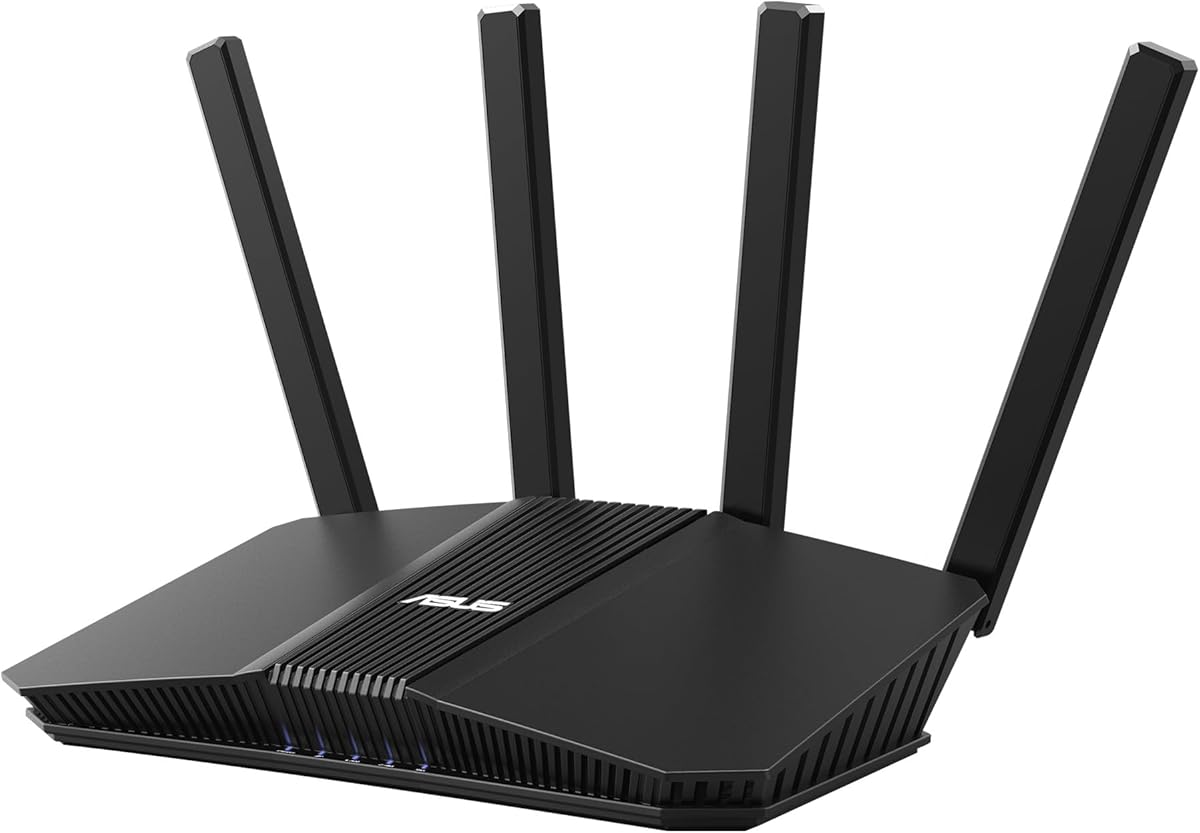




The ASUS RT-AX1800S is a compact yet powerful router designed for budget-conscious users who still want modern WiFi 6 technology. With a rating of 4.3 stars, it is praised for its balance of cost and performance.
We may earn a commission when you buy through this link, at no additional cost to you.
It features MU-MIMO and OFDMA to handle multiple devices efficiently. The router includes commercial-grade AiProtection Classic for security without a subscription. Four Gigabit LAN ports ensure reliable wired connections for stationary devices.
While it lacks the raw speed of higher-end models, it is sufficient for standard streaming and browsing. The lack of advanced gaming features is a trade-off for its lower price point and simplicity.
This router is ideal for small to medium homes needing reliable internet without breaking the bank. It stands out as a practical choice for upgrading from older WiFi standards.
MU-MIMO and OFDMA allow the router to communicate with multiple devices simultaneously without congestion.
AiProtection Classic powered by Trend Micro provides network-level protection for all connected devices.
We may earn a commission when you buy through this link, at no additional cost to you.
The ASUS RT-BE58U introduces WiFi 7 technology to the mainstream market. It supports speeds up to 3.6 Gbps and features 4096-QAM for increased transmission speed. This makes it a future-proof choice for tech enthusiasts.
We may earn a commission when you buy through this link, at no additional cost to you.
Multi-link operation ensures stable connections by linking multiple bands simultaneously. The Smart Home Master simplifies IoT management with up to three SSIDs. Versatile WAN options allow for 4G/5G tethering via USB.
While it offers cutting-edge features, actual speeds depend on having WiFi 7-compatible devices. The investment is justified for users needing robust bandwidth for demanding tasks like 8K streaming.
Buyers looking for the latest wireless standards should consider this router. It balances high performance with practical features like VPN support and commercial-grade security.
WiFi 7 brings massive improvements in capacity and efficiency compared to previous generations.
Smart Home Master allows easy setup and segmentation of IoT devices within your network.
We may earn a commission when you buy through this link, at no additional cost to you.
The ROG Rapture GT-BE98 Pro is designed for serious gamers and power users. With speeds up to 30 Gbps, it handles multiple high-demand tasks without lag. It features dedicated 10G ports for wired connectivity.
We may earn a commission when you buy through this link, at no additional cost to you.
Triple-Level Game Acceleration optimizes traffic from your PC to the server. The external antennas boost coverage and signal strength significantly. Mesh support ensures whole-home coverage even in large estates.
This router is expensive and overkill for average users, but justified for performance seekers. The premium features ensure that gaming sessions remain uninterrupted by network bottlenecks.
Gamers who demand the absolute best will find this router unmatched. It combines raw speed with specialized tools to reduce latency and improve online play.
Triple Level Game Acceleration prioritizes gaming traffic to minimize lag during critical moments.
Dual 10G ports and quad 2.5G ports offer flexibility for high-speed wired connections.
We may earn a commission when you buy through this link, at no additional cost to you.
The ASUS RT-BE92U offers a balanced approach to WiFi 7 performance for the home. With speeds up to 9.7 Gbps, it supports heavy streaming and gaming. Multi-link operation ensures stable connections across bands.
We may earn a commission when you buy through this link, at no additional cost to you.
It includes Smart Home Master for easy management of multiple SSIDs. This helps isolate IoT devices for better security and organization. Subscription-free network security protects all connected devices without monthly fees.
While powerful, its benefits are most apparent with compatible hardware. Users upgrading from older routers will notice significant improvements in speed and responsiveness.
This router is a solid choice for families needing robust internet. It combines high performance with user-friendly management features for seamless daily use.
Linking multiple bands simultaneously creates a more stable and efficient internet connection.
Smart Home Master simplifies managing IoT devices with dedicated network segments.
We may earn a commission when you buy through this link, at no additional cost to you.
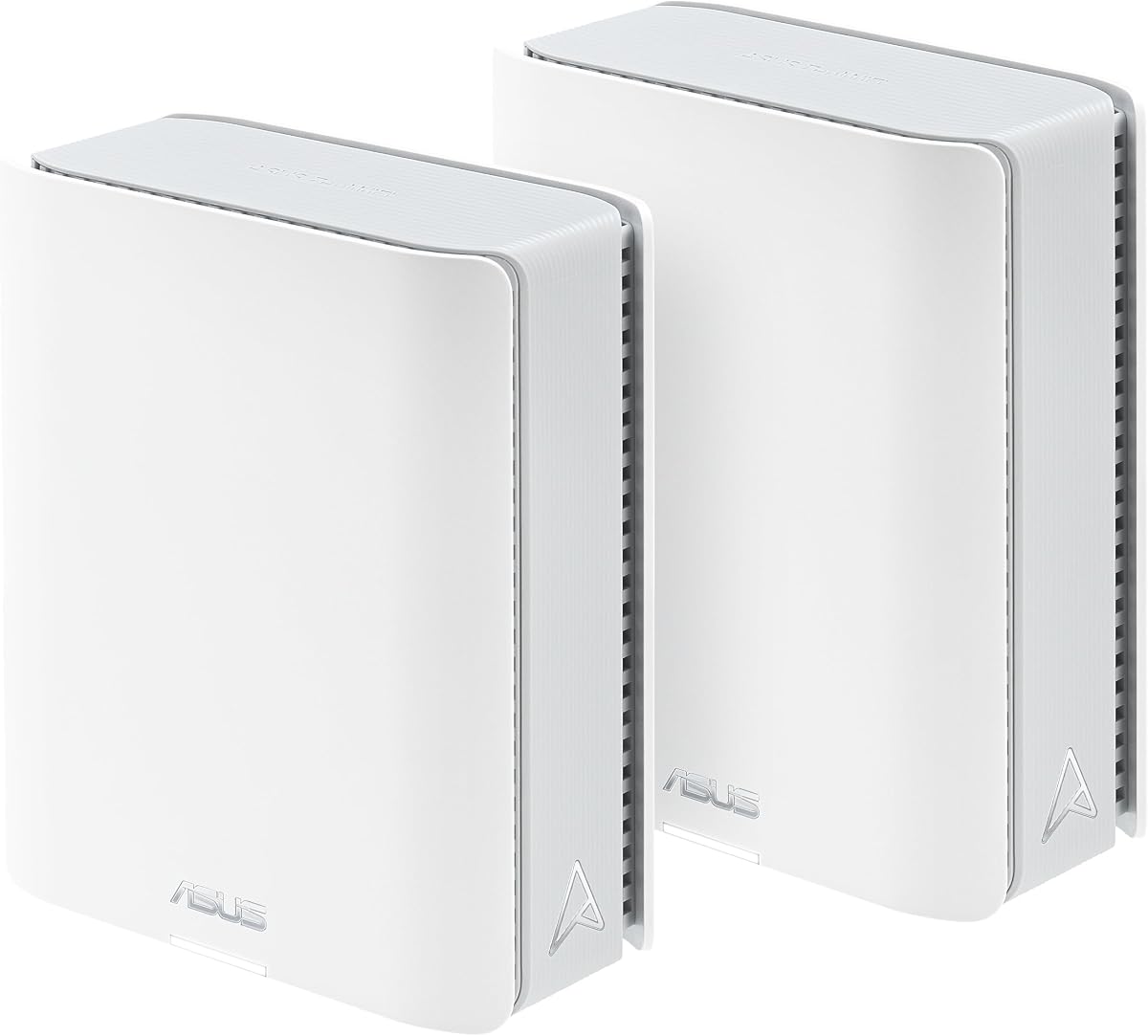
The ZenWiFi BT10 is a two-pack mesh system designed to cover large spaces. With up to 6000 sq ft of coverage, it ensures strong signals throughout the home. Dual 10G ports offer ultrahigh-speed wired connections.
We may earn a commission when you buy through this link, at no additional cost to you.
Eight internal antennas help eliminate dead zones in all directions. AiMesh technology allows you to scale your network effortlessly with other ASUS routers. Smart Home Master facilitates easy device management.
While coverage is excellent, the high price point might be a barrier. It is best suited for large homes where standard routers fail to reach every corner.
Buyers needing extensive coverage should consider this kit. It delivers robust connectivity that adapts to your growing smart home needs.
Eight internal antennas ensure consistent signal strength throughout the entire property.
AiMesh technology allows you to add more nodes as your home grows.
We may earn a commission when you buy through this link, at no additional cost to you.
The RT-AX82U brings gaming aesthetics to your home. With a renewed status, it offers a cost-effective entry into advanced WiFi 6. Mobile Game Mode minimizes lag for handheld gaming.
We may earn a commission when you buy through this link, at no additional cost to you.
It supports 5400 Mbps speeds for fast data transfer. Aura RGB lighting allows customization to match your setup. AiMesh support helps extend coverage if needed.
Renewed products may have cosmetic wear but function like new. For gamers wanting style and speed without high costs, this is a compelling option.
Ideal for gaming setups where aesthetics matter. It delivers performance that meets most needs for competitive and casual gaming.
Dedicated ports prioritize gaming traffic to reduce latency during matches.
Mobile Game Mode reduces lag for games played on smartphones.
We may earn a commission when you buy through this link, at no additional cost to you.
The ZenWiFi BT8 is a single-node solution offering WiFi 7 speeds of up to 14 Gbps. It covers up to 3000 sq ft efficiently. Seven internal antennas eliminate dead zones in most rooms.
We may earn a commission when you buy through this link, at no additional cost to you.
It includes commercial-grade AiProtection Pro for security. Smart Home Master SSIDs help manage IoT and guest networks. It works well as a standalone or mesh node.
While coverage is decent, larger homes may need additional nodes. It is best for those seeking high-speed connections in a standard living space.
Users looking for a modern mesh starting point will find this useful. It balances performance with practical features for daily use.
AI Smart AiMesh boosts coverage and allows easy extendibility with other routers.
24/7 end-to-end protection keeps connected devices safe from threats.
We may earn a commission when you buy through this link, at no additional cost to you.
The RT-AX3000 delivers consistent performance for households of various sizes. With 3000 Mbps total speed, it handles streaming and gaming well. AiMesh allows it to pair with other models for expanded coverage.
We may earn a commission when you buy through this link, at no additional cost to you.
Commercial-grade network security protects the family with parental controls. Adaptive QoS prioritizes critical apps. It is a proven choice for reliability.
It lacks the cutting-edge specs of new models but offers consistent stability. The range and speed are sufficient for most daily needs.
Ideal for users prioritizing reliability over hype. It is a straightforward router that performs well under pressure.
Adaptive QoS ensures video streaming and calls stay smooth even with heavy usage.
Advanced parental controls manage family internet usage effectively.
We may earn a commission when you buy through this link, at no additional cost to you.
The RT-AC68U is a classic router known for stability. While older, it provides reliable dual-band connectivity. The 1GHz dual-core CPU handles multitasking efficiently.
We may earn a commission when you buy through this link, at no additional cost to you.
Five Gigabit LAN ports offer excellent connectivity for wired devices. AiProtection security ensures safety. It is ideal for those not needing the latest WiFi 6.
Newer models offer higher speeds, but this unit remains robust. It is best for smaller setups or as a secondary router.
Buyers valuing stability and wired connectivity may prefer this. It is a proven workhorse for basic networking needs.
Five LAN ports provide ample options for connecting computers and consoles.
AiProtection provides multi-stage protection to keep data safe.
We may earn a commission when you buy through this link, at no additional cost to you.
The EBR63 is a business router designed for small offices. It allows custom guest portals for a professional image. Remote management simplifies IT tasks.
We may earn a commission when you buy through this link, at no additional cost to you.
It supports five SSIDs to separate and prioritize devices. Free commercial-grade security secures the WiFi environment. VLAN support helps segregate traffic.
It is overkill for home use but perfect for small businesses. The customization options add value for client-facing networks.
Businesses needing secure, scalable networks should consider this. It combines security with flexibility for professional needs.
Customize guest portals to fit your business branding and policies.
VLAN support allows you to isolate devices for better security.
We may earn a commission when you buy through this link, at no additional cost to you.
Choosing a router depends on your specific needs. Consider speed, coverage, and features to find the right fit.
Evaluate your internet plan and how many devices use it. Higher speeds like 30 Gbps suit heavy users, while 3000 Mbps is fine for families.
Choose a router that supports your plan's max speed to avoid bottlenecks.
Consider the size of your home. Single routers work for apartments, while mesh systems cover large homes with multiple units.
Ensure the router's range matches your floor plan for consistent connectivity.
WiFi 6 is standard for efficiency, but WiFi 7 offers the latest speed and capacity. Older models like AC68U are sufficient for light use.
Pick a standard that supports your current and future devices.
Look for built-in security like AiProtection Pro. Subscription-free protection is vital for safety without monthly costs.
Ensure the router includes parental controls and encryption for a secure home network.
If you use IoT devices, check for features like Smart Home Master. SSID segmentation helps organize smart gadgets efficiently.
Prioritize routers that simplify device management to reduce network congestion.
Gamers should look for features like Game Acceleration and dedicated ports. These prioritize traffic to minimize lag during matches.
Select a model with low latency specs for competitive play.
Prices vary from affordable models like the RT-AX1800S to premium gaming routers. Balance cost with necessary features.
Determine your spending limit and prioritize essential functions within that range.
If you plan to expand later, choose routers with AiMesh compatibility. This allows adding nodes without changing the main system.
Scalability is key for growing households needing consistent coverage.
Set up your router by connecting it to the modem and power source. Use the web interface or mobile app to configure settings.
Place the router in a central, elevated location. Avoid walls and electronics that cause interference for better signal.
Regularly update firmware via the app or web interface. Keep ventilation clear to prevent overheating.
WiFi 6 handles multiple devices better with efficiency features. WiFi 7 is the latest standard with much higher speeds and lower latency. You need compatible devices to use WiFi 7 benefits.
Yes. A modem connects to your ISP to bring internet into your home. A router distributes that internet to your devices via WiFi and Ethernet.
Generally yes. As long as your modem supports your plan, the router works independently. Check modem compatibility if using a combo unit.
It is commercial-grade network security powered by Trend Micro. It blocks malicious sites and protects devices automatically without subscription fees.
AiMesh lets you connect compatible routers to form a mesh network. It allows you to extend coverage seamlessly without separate networks.
Yes, most models include parental controls. You can block websites and manage time limits via the mobile app easily.
We reviewed ten routers ranging from budget-friendly to high-end gaming. The RT-AX1800S and RT-AX3000 offer great value for most homes.
Prioritize speed and coverage based on your specific needs. Consider future needs like mesh compatibility and smart home integration.
Check current prices before buying as offers change frequently. Choosing the right model ensures reliable connectivity for years to come.