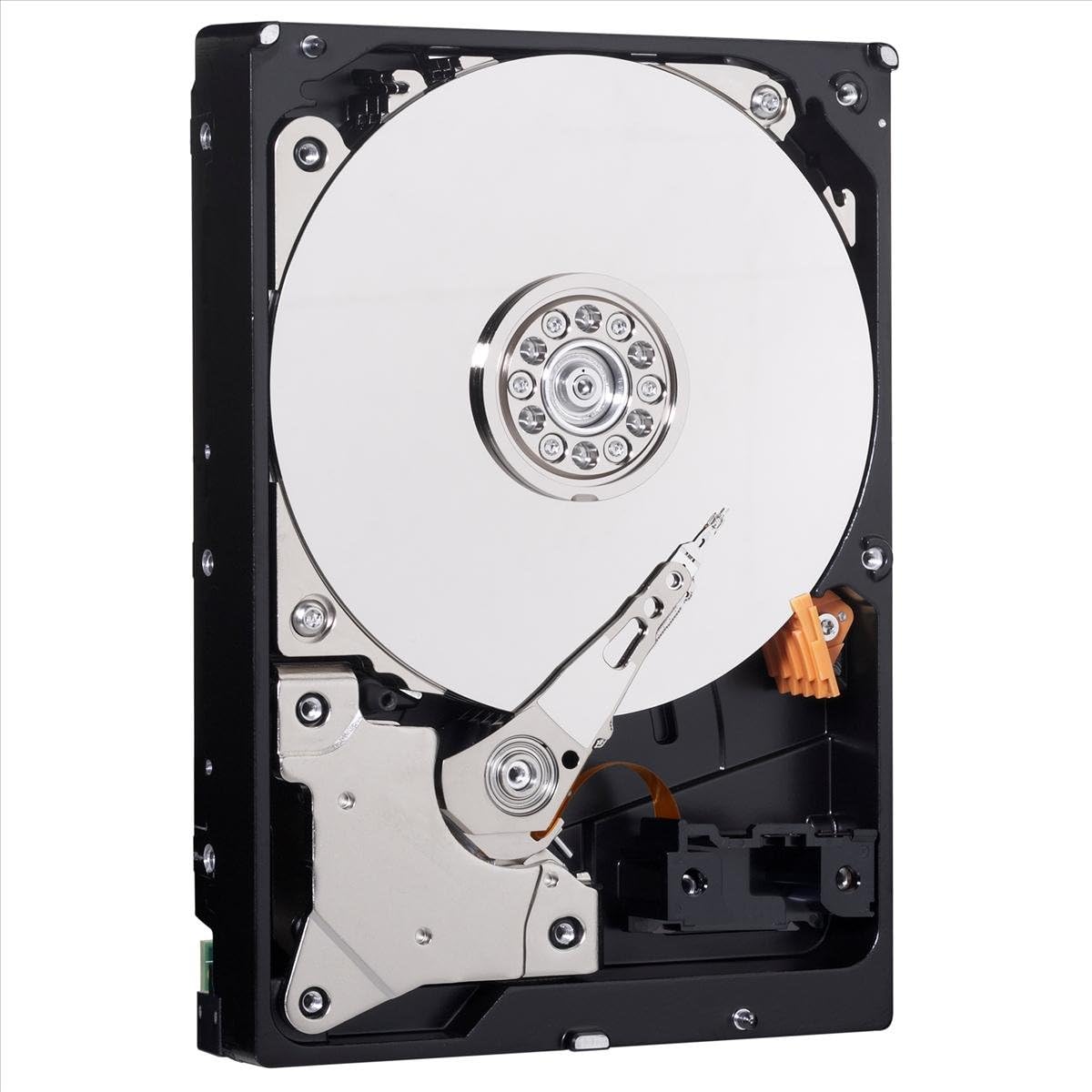
WD Blue 500GB Desktop Hard Disk Drive
4.4Editor score
IntelliSeek technology for power
NoTouch Ramp Load safety
Reliable data health monitoring
Finding the right storage solution is crucial for any computer setup. A 7200 Rpm HDD Hard Drive offers a balanced mix of speed and capacity for everyday tasks and gaming.
We evaluated ten top models based on performance, reliability, and user feedback. Our comparison focuses on key specs like cache size, interface speed, and warranty coverage to help you decide.
Each pick highlights specific strengths and ideal use cases. Prices and availability fluctuate frequently, so check current listings before purchasing to ensure you get the best deal available today.
4.4Editor score

4.6Editor score
4.6Editor score
As an Amazon Associate we earn from qualifying purchases.
The following table provides a side-by-side look at the top ten 7200 Rpm HDD Hard Drive options available today. Compare their specs to find the right fit.




This drive offers excellent reliability and speed for desktop PCs. With a 4.6 rating, it stands out for general computing and gaming needs.
We may earn a commission when you buy through this link, at no additional cost to you.
Its 7200 RPM speed ensures quick data access. The 64MB cache helps manage data flow efficiently during heavy tasks.
While it lacks advanced features like data recovery services, it remains a solid choice for standard storage needs. The frustration-free packaging simplifies setup.
Users looking for dependable performance without excessive cost should consider this option. It fits well in most desktop cases easily.
The high RPM ensures quick file loading for daily tasks and applications.
Frustration-free packaging reduces setup time and minimizes waste.
We may earn a commission when you buy through this link, at no additional cost to you.
This model excels with enhanced cache and robust warranty support. Its 4.6 rating reflects consistent performance across various applications including laptops.
We may earn a commission when you buy through this link, at no additional cost to you.
The 128MB cache significantly boosts burst performance. This makes it ideal for users handling large media files or complex projects regularly.
Although more expensive, the inclusion of data recovery services adds significant value. It provides peace of mind for critical data storage.
Professionals needing reliable storage with recovery options will appreciate this drive. It balances speed and protection effectively for demanding workloads.
Larger cache speeds up data access for demanding applications like video editing.
Included data recovery services offer an extra layer of security for your files.
We may earn a commission when you buy through this link, at no additional cost to you.
Designed for gamers and creative pros, this drive offers substantial capacity and speed. The 4.4 rating highlights its solid performance in high-demand environments.
We may earn a commission when you buy through this link, at no additional cost to you.
Features like StableTrac and Dynamic Cache Technology boost reliability. It ensures consistent speeds even when the system is under heavy load.
The 5-year limited warranty adds confidence to this purchase. While it can be noisy under load, the performance gains often justify this trade-off for users.
Anyone needing high capacity for games or media editing should consider this model. It delivers professional-grade storage at a competitive level.
StableTrac technology secures the drive to reduce vibration and improve stability.
Available in larger capacities for extensive storage requirements.
We may earn a commission when you buy through this link, at no additional cost to you.
This model boasts an impressive 4.9 rating from users. It provides reliable 2TB storage with fast 7200 RPM performance for desktop PCs.
We may earn a commission when you buy through this link, at no additional cost to you.
Users appreciate its consistent speed and ample space. It handles everyday tasks efficiently without compromising on data access times.
While specific warranty details are minimal, the high user satisfaction suggests durability. It remains a top pick for those prioritizing capacity and speed.
Home users needing more space for media will find this drive appealing. It balances performance and capacity well for general storage needs.
High ratings indicate strong reliability and performance in real-world usage.
Two terabytes provide ample room for growing media libraries.
We may earn a commission when you buy through this link, at no additional cost to you.
Built for datacenter environments, this drive excels in stability. The 4.4 rating reflects its strength in handling heavy workloads consistently.
We may earn a commission when you buy through this link, at no additional cost to you.
RAFF technology enhances vibration tolerance significantly. This makes it ideal for multi-drive setups where vibration can impact performance or lifespan.
However, the package includes only the drive itself. Users must purchase cables and mounting hardware separately, which adds to setup effort.
Small business owners or server enthusiasts will appreciate its reliability. It is a solid choice for stable storage in 24×7 operation.
Enhanced feedback reduces vibration to maintain data integrity.
Low cost per GB makes it economical for large storage arrays.
We may earn a commission when you buy through this link, at no additional cost to you.
This drive is designed for extreme storage and desktop performance. Its 4.4 rating highlights its capability to handle space-hungry games and movies.
We may earn a commission when you buy through this link, at no additional cost to you.
The 64MB cache optimizes burst performance effectively. It reduces bottlenecks during large file transfers or game loading sequences.
While it delivers high-end performance, users may notice noise under load. This trade-off is common for high-speed mechanical drives of this class.
Gamers needing fast access to large libraries will benefit from this model. It provides the speed and capacity required for modern gaming PCs.
High RPM ensures faster game load times compared to slower drives.
Large cache helps manage data flow smoothly during heavy usage.
We may earn a commission when you buy through this link, at no additional cost to you.
A reliable option for standard desktop use, this drive offers consistent speed. The 4.6 rating confirms its value for everyday computing and media tasks.
We may earn a commission when you buy through this link, at no additional cost to you.
It delivers the speed needed for smooth operation without unnecessary costs. The two-year warranty provides basic protection for the hardware investment.
While it lacks some advanced features, it remains a solid general-purpose drive. It fits well in most standard desktop cases easily.
Users seeking dependable storage without complex features should consider this model. It balances performance and price effectively for general consumers.
Ideal for everyday computing tasks like browsing and document editing.
Includes a two-year limited warranty for basic peace of mind.
We may earn a commission when you buy through this link, at no additional cost to you.
This drive offers a low-cost entry into high-speed storage. With a 4.4 rating, it is efficient for users with moderate storage needs.
We may earn a commission when you buy through this link, at no additional cost to you.
IntelliSeek technology lowers power consumption and noise. It calculates optimal seek speeds to maintain efficiency during use.
The 500GB capacity is limited compared to others but sufficient for basic systems. It remains a strong choice for budget-conscious buyers.
Anyone needing a cheap yet reliable upgrade for older PCs should consider this. It provides necessary speed without breaking the bank.
IntelliSeek adjusts speeds to save energy and reduce heat.
Advanced algorithms monitor drive health for ongoing reliability.
We may earn a commission when you buy through this link, at no additional cost to you.
A standout feature is the massive 256MB cache. The 4.7 rating confirms its superior performance in handling data-intensive tasks.
We may earn a commission when you buy through this link, at no additional cost to you.
This large cache boosts burst speeds significantly. It is ideal for users transferring large files or running complex applications regularly.
While it costs more, the performance gains justify the investment. Free migration software also simplifies moving data from old drives.
Power users needing fast, high-capacity storage should look at this model. It offers an excellent balance of capacity and cache for demanding tasks.
A massive cache ensures smoother performance during heavy data operations.
Free software tools help migrate data easily without losing files.
We may earn a commission when you buy through this link, at no additional cost to you.
Ideal for RAID storage, this drive offers massive capacity at a lower cost. The 4.2 rating reflects its reliability in centralized surveillance or backup tasks.
We may earn a commission when you buy through this link, at no additional cost to you.
Its sustained transfer rate supports consistent performance during long transfers. PowerChoice technology helps manage energy usage efficiently.
However, it is a renewed product with a shorter warranty. Users should verify its condition before relying on it for critical data.
Those needing large storage space without new-drive pricing will find this useful. It is a practical option for secondary storage needs.
High sustained transfer rates support long backups and video streaming.
Renewed drives offer cost savings but may have limited warranties.
We may earn a commission when you buy through this link, at no additional cost to you.
Selecting the right 7200 Rpm HDD Hard Drive requires understanding key technical specs. Below are the essential factors to consider for your specific needs.
Ensure the drive fits your case. Most desktops use 3.5-inch drives while laptops often use 2.5-inch drives. Check your system specs before buying to avoid compatibility issues.
Choosing the correct form factor is critical for physical installation. Measure your available space to ensure a smooth fit.
Cache memory acts as a buffer for data. Larger cache sizes like 256MB improve burst performance during heavy tasks. Look for at least 64MB for general desktop use.
A larger cache helps manage data flow efficiently. It reduces bottlenecks during large file transfers.
SATA 6 Gb/s is the standard for modern drives. It ensures maximum data transfer rates supported by your motherboard. Avoid older SATA interfaces that limit speed.
Always verify that your motherboard supports the latest SATA standard. This ensures you get the full performance potential of the drive.
Warranties range from two years to five years. Higher-end models often include longer protection periods. Consider the warranty as part of the total value of the drive.
Longer warranties indicate higher confidence in durability. Always check warranty terms before purchasing for long-term peace of mind.
Determine how much storage you need based on your files. Gamers and creators need terabytes while casual users may need hundreds of gigabytes. Plan for future growth.
Buying more capacity than needed today ensures longevity. It avoids the need for immediate upgrades as your data grows.
Multi-drive setups generate vibration that affects performance. Drives with RAFF technology handle high vibration environments better. This is crucial for servers or multi-bay cases.
Vibration resistance extends the life of the drive. It ensures consistent performance even in dense storage configurations.
Features like data recovery or hot-plug support add value. Check if the drive includes tools for data migration or backup. These features can simplify maintenance tasks.
Special features vary by model and manufacturer. Assess if they align with your specific workflow or backup requirements.
Reputable brands offer better quality control and support. Check user ratings and expert reviews before buying. A strong reputation often translates to fewer failures over time.
Brand reliability is a key indicator of long-term performance. Stick with known manufacturers for critical data storage needs.
Proper installation ensures stability and longevity. Secure the drive firmly with screws to prevent vibration-induced failures during operation.
Regularly monitor drive health using built-in tools. Software like Data LifeGuard alerts you to potential issues before data loss occurs.
Keep the system well ventilated to reduce heat. High temperatures can accelerate mechanical wear and reduce the overall lifespan of the drive.
A 7200 Rpm drive spins faster, providing quicker data access and transfer speeds. It is ideal for gaming and video editing where speed is critical. This results in faster boot times and smoother performance.
Most drives require standard SATA data and power cables. Always check if cables are included with your power supply. Some packages include only the drive itself, so verify contents first.
Generally laptops use 2.5 inch drives to save space. However some larger laptops or desktop replacements support 3.5 inch drives. Check your laptop specs or buy an adapter if needed.
Cache size refers to the buffer memory used to store temporary data. Larger cache speeds up read and write operations during heavy loads. It helps manage data flow between the drive and system.
With proper care, these drives can last five to seven years. Factors like temperature and vibration impact actual lifespan. Regular backups are essential regardless of drive age or condition.
Renewed drives can offer savings but may have shorter warranties. Verify the testing process and return policy before purchasing. They are suitable for non-critical storage tasks or testing environments.
Most drives come pre-formatted but checking file systems is key. Windows uses NTFS while macOS uses APFS or exFAT for compatibility. Formatting ensures the system recognizes the drive correctly.
Enterprise models are ideal for RAID configurations due to vibration tolerance. Standard models can work but are less optimized for constant loads. Check drive specs for RAID compatibility ratings.
We reviewed ten top models ranging from budget picks to enterprise grade options. Each offers unique strengths for different users and applications.
Prioritize capacity and warranty based on your needs. Speed and features matter for professionals while casual users may value simple reliability.
Prices and availability change often so check current listings. Ensure you choose the right size and specs for your specific system.