
ASRock DeskMini X300 2.5G Series
4.2Editor score
Ultra-compact 1.92L form factor
Supports AM4 Ryzen processors
Triple display output support
This expert guide compares the top ten barebone mini PC options for 2026, evaluating performance, connectivity, and expandability to help you choose the
Barebone mini PCs offer a unique solution for builders who want full control over their system components. These compact devices provide the motherboard and chassis while leaving RAM and storage up to you to select for maximum flexibility.
We evaluated ten leading barebone mini PC models based on processing power, cooling efficiency, port selection, and overall build quality. Our analysis focuses on how each kit supports diverse use cases from gaming to enterprise deployment.
Each selection highlights specific strengths and trade-offs so you can match a kit to your needs. Prices fluctuate regularly so please verify current details on the product pages before making a final purchasing decision.
4.2Editor score

4.0Editor score

5.0Editor score
The following table provides a side-by-side look at the core specifications and key features across all ten kits to help you quickly identify the model that fits your requirements.




The AOOSTAR MACO stands out as a powerful choice for enthusiasts seeking maximum flexibility in a compact form factor. With a rating of 4.0 stars from verified users it delivers consistent performance under demanding workloads. Its standout quality is the integration of the Ryzen 7 PRO 8845HS which offers exceptional single-thread and multi-thread efficiency.
We may earn a commission when you buy through this link, at no additional cost to you.
Performance is driven by the Zen 4 architecture which supports up to 5.1GHz turbo speeds. The Radeon 780M iGPU handles casual gaming and creative tasks without needing a discrete card. The OCuLink port allows users to connect high-bandwidth external GPUs for gaming or rendering workstations with minimal latency compared to USB4.
While the lack of included storage and memory adds to the initial cost it ensures users can build a system tailored to their exact specifications. Some users may find the BIOS customization complex for advanced tuning but the stability provided by the enterprise-grade security features justifies the learning curve for business applications.
This kit is ideal for professionals who need a compact yet expandable workstation for office productivity or light gaming. The extensive port selection including dual USB4 and dual 2.5G LAN makes it perfect for networking enthusiasts. We recommend it for anyone prioritizing future-proofing and raw compute power in a small chassis.
The dedicated OCuLink port allows for direct PCIe connectivity to external graphics cards reducing bottlenecks common in Thunderbolt setups.
A VC heat spreader and turbo fans ensure the CPU maintains boost clocks even during extended rendering sessions without throttling.
We may earn a commission when you buy through this link, at no additional cost to you.
The ASUS NUC 15 Pro Barebone Kit represents the pinnacle of compact computing with its latest Series 2 Intel Core Ultra processor. With a perfect 5.0 rating it impresses users with reliability and advanced AI-optimized power features. The kit focuses on premium connectivity including Wi-Fi 7 and Thunderbolt 4 for seamless data transfer.
We may earn a commission when you buy through this link, at no additional cost to you.
The integrated Intel Arc 130T graphics provide a solid balance for general computing tasks. The chassis design allows for quick upgrades and includes a sync power-off feature to save energy when displays are idle. Durability is a key selling point given the MIL-STD-810H certification which ensures it can withstand harsh conditions.
The main trade-off is the reliance on specific Intel processors which may limit CPU choices compared to AM4 platforms. Additionally the tool-less design while convenient may feel less robust to some traditional builders. However for users seeking enterprise-grade reliability the investment pays off in long-term stability.
This kit is best suited for businesses or power users who need a reliable small form factor PC for 24/7 operation. The high connectivity options make it great for digital signage or multi-monitor workstation setups. We recommend it for those who value durability and cutting-edge wireless technology over raw gaming performance.
Support for Wi-Fi 7 offers up to 2.4x faster transfer rates ensuring low latency connections even in crowded network environments.
Rigorous torture testing and certification ensure this system remains stable in demanding environments like factories or field offices.
We may earn a commission when you buy through this link, at no additional cost to you.
The ASRock DeskMini X300 is the top choice for users seeking affordability without sacrificing essential functionality. With a 4.2 rating it serves as a reliable platform for office work or home theater setups. Its 1.92L volume makes it one of the smallest kits available for a barebone system.
We may earn a commission when you buy through this link, at no additional cost to you.
It supports a wide range of Ryzen processors from the AM4 socket allowing users to choose CPUs based on their budget. The triple display support is excellent for productivity tasks while the included 2.5G LAN ensures fast wired network speeds. Storage flexibility is provided by both M.2 and 2.5 inch bays.
While DDR4 RAM is not the latest standard it remains cost-effective and adequate for most applications. The AM4 socket is legacy but still provides strong multi-core performance for the price. Some users may miss PCIe 4.0 speeds but the cost savings generally outweigh this limitation.
This kit is perfect for budget-conscious builders who need a tiny footprint for a desk or media center. It is also a great option for retro gaming or light server use. We recommend it for anyone prioritizing compact size and value over the latest high-end technologies.
The 1.92L chassis is perfect for tight spaces or mounting behind a monitor using the included VESA bracket.
Support for both M.2 NVMe and traditional SATA drives allows users to balance speed and capacity effortlessly.
We may earn a commission when you buy through this link, at no additional cost to you.
The MINISFORUM X1 Lite-255 offers a balanced mix of performance and modern connectivity features. With a 3.9 rating it provides a smooth experience for web browsing and creative workloads. The Ryzen 7 255 delivers capable multi-threaded performance for daily tasks and light multitasking.
We may earn a commission when you buy through this link, at no additional cost to you.
It includes a full-blood USB4 port with 40Gbps transfer speeds and up to 100W power delivery which is useful for docking stations. The OCuLink port is a unique feature for adding external GPUs although it requires an adapter plate and is not hot-swappable. This adds some complexity to upgrades.
The cooling system uses PCM phase-change material to manage heat effectively under load. However some users may find the chassis ventilation less aggressive than competitors. The triple display output remains a strong asset for those needing multiple monitors without external docks.
This kit is a good fit for home users who want a modern mini PC with expansion options. It is particularly useful for those who need 8K video output capabilities and USB4 versatility. We recommend it for general productivity and home entertainment where budget is moderate.
The USB4 port supports both high-speed data transfer and power delivery making it versatile for various peripherals and displays.
Connect up to three independent displays simultaneously via HDMI USB4 and DP for enhanced productivity workflows.
We may earn a commission when you buy through this link, at no additional cost to you.
The ASRock DeskMeet X300 is a robust kit designed for users who need desktop-level power in a smaller footprint. With a high 4.8 rating it is appreciated for the included 500W PSU and PCIe x16 slot. This allows for a dedicated graphics card or other expansion cards in a compact chassis.
We may earn a commission when you buy through this link, at no additional cost to you.
It supports the full range of AM4 processors including high-end Ryzen 5000 series. The large internal space accommodates desktop coolers up to 54mm which helps with thermal management. This makes it suitable for workstations that require significant compute power or GPU acceleration.
The size is larger than standard mini PCs which may limit where it can be placed on a desk. While the DDR4 platform is older it remains very cost-effective for high-performance builds. Users must ensure they have a compatible CPU cooler as this is not included.
This kit is best for hobbyists and professionals needing a compact workstation with GPU capabilities. It is also great for retro gaming or specific industrial applications. We recommend it for those who prioritize internal expansion over extreme portability.
Having a 500W power supply included saves users from sourcing a separate unit and ensures sufficient power for GPUs.
The PCIe x16 slot enables installation of dedicated graphics cards or other high-bandwidth expansion cards.
We may earn a commission when you buy through this link, at no additional cost to you.
The AOOSTAR GEM12+ is optimized for gaming and media consumption with its powerful AMD Ryzen 7 PRO 8845HS processor. With a 4.5 rating it stands out for its dedicated OCuLink channel which ensures external GPUs perform efficiently. The vapor chamber cooling keeps the system cool during extended play sessions.
We may earn a commission when you buy through this link, at no additional cost to you.
It supports up to 8TB of storage via dual M.2 slots and allows for quad 4K displays which is rare in mini PCs. The BIOS offers adjustable modes for silent balanced or performance operation giving users control over noise and power consumption. Energy efficiency is improved with VAT architecture.
Users must purchase RAM and storage separately which increases the total cost. The OCuLink port cannot be hot-swapped meaning the system must be powered down for GPU changes. Despite this the flexibility it offers for a mini PC is exceptional.
This kit is perfect for gamers and content creators who want a small desktop replacement. It is also excellent for multi-monitor setups in office environments. We recommend it for those who need top-tier graphics performance in a compact chassis.
A dedicated channel ensures high bandwidth for external GPUs without competing with other PCIe slots for speed.
Connect four 4K monitors simultaneously for immersive setups or high-resolution productivity work.
We may earn a commission when you buy through this link, at no additional cost to you.
This version of the ASUS NUC 15 Pro features the Core Ultra 7 processor for maximum performance. It maintains a 5.0 rating due to its robust build and tool-less chassis that simplifies upgrades. The integrated Arc 140T graphics handle demanding tasks with ease.
We may earn a commission when you buy through this link, at no additional cost to you.
It supports four 4K displays and includes sync power-off features for better energy efficiency. The Wi-Fi 7 ensures the fastest wireless speeds available. This kit is designed for professionals who need a reliable system that can handle heavy workflows without compromise.
The premium price means it is not for casual users. However the reliability and speed justify the cost for business deployments. Some users may not need all the enterprise features but having them available adds value.
This kit is best for high-end workstations or business offices. It is ideal for CAD rendering or heavy multitasking. We recommend it for organizations that require stable and powerful hardware for daily operations.
The chassis design allows for quick access to components without tools making maintenance and upgrades fast.
Advanced power management ensures the system runs efficiently while delivering peak performance for AI tasks.
We may earn a commission when you buy through this link, at no additional cost to you.
The GEM12+ PRO adds premium features like fingerprint recognition and a built-in display monitoring tool to the standard GEM12. With a 4.1 rating it appeals to users who want enhanced security and control. The Ryzen 7 PRO 8845HS delivers strong performance for both office and gaming tasks.
We may earn a commission when you buy through this link, at no additional cost to you.
Users can monitor real-time CPU and GPU data through dedicated software which is great for optimization. The OCuLink port ensures external GPUs connect efficiently while the cooling system maintains stability. The kit supports quad 4K displays which is rare for a mini PC.
The fingerprint feature simplifies login without complex passwords enhancing daily usability. However the lack of pre-installed OS means users must install their own system manually. This requires technical knowledge but allows for a clean setup.
This kit is best for advanced users who want security and performance combined. It is excellent for home office setups where data protection is key. We recommend it for those who value biometric access and powerful graphics support.
Built-in fingerprint recognition provides secure and quick access to the system without needing a password.
Software tools allow users to track CPU GPU and RAM usage in real time to optimize performance.
We may earn a commission when you buy through this link, at no additional cost to you.
This version of the ASUS NUC 15 Pro offers a balanced mid-range option with the Core Ultra 5 processor. It maintains a perfect 5.0 rating due to its reliability and extensive feature set. The inclusion of Wi-Fi 7 ensures fast and stable wireless networking.
We may earn a commission when you buy through this link, at no additional cost to you.
It is designed for both office and server environments with headless emulation support for 24/7 operation. The MIL-STD-810H certification confirms it can withstand extreme conditions. This makes it suitable for industrial or outdoor deployments.
Users may find the price higher than comparable AMD kits but the enterprise features justify the cost. The eco-friendly packaging aligns with modern sustainability goals. While it lacks a dedicated GPU slot the iGPU is sufficient for most tasks.
This kit is ideal for business offices needing a reliable and efficient system. It is also great for home server setups requiring stability. We recommend it for organizations valuing durability and long-term support.
Support for headless operation allows the system to run efficiently without connected monitors for server tasks.
Sustainable packaging and power-efficient architecture help reduce the environmental impact of your system.
We may earn a commission when you buy through this link, at no additional cost to you.
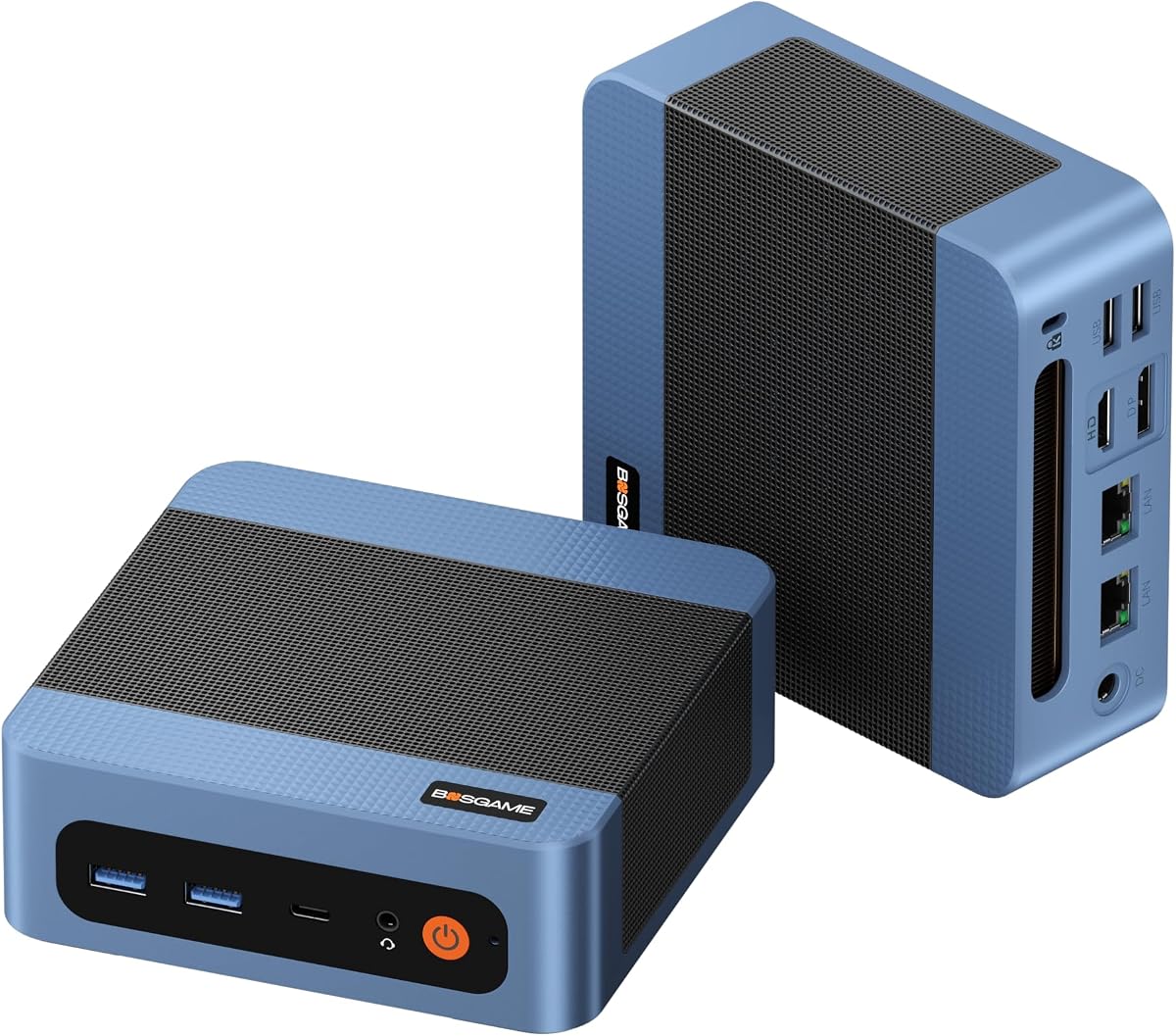
The BOSGAME E5 11 Pro is a value-focused kit pre-installed with Windows 11 Pro making it ready to use. With a 4.3 rating it serves well for general office tasks and browsing. It offers a dual 2.5GbE LAN which is unusual for this price point.
We may earn a commission when you buy through this link, at no additional cost to you.
It supports triple 4K displays allowing for efficient multi-monitor workflows. The silent design keeps noise levels low at under 25dB. This makes it suitable for quiet environments like offices or bedrooms where noise is a concern.
The Ryzen 3 5300U is capable but not suitable for heavy workloads or modern gaming. However for browsing and documents it performs efficiently. The pre-installed OS saves time for users who do not want to install Windows.
This kit is best for budget users needing a ready-to-use system for office work. It is also great for home theater or media consumption. We recommend it for students or professionals needing a simple and quiet PC.
Two fast Ethernet ports allow for advanced networking setups like load balancing or dual network isolation.
Optimized cooling and fan design ensure the system remains silent even during extended use.
We may earn a commission when you buy through this link, at no additional cost to you.
Selecting the right barebone mini PC involves considering several technical factors to ensure the system meets your needs.
Choose between AMD AM4 or newer Zen 4 architectures for performance. Intel options offer strong enterprise features. Ensure compatibility with the CPU you plan to install.
Select a CPU that matches your workload whether it is office work or creative rendering.
Check for DDR5 support for future-proofing or DDR4 for budget builds. Look for multiple M.2 slots to expand storage. Some kits include SATA ports for bulk storage.
Opt for at least 32GB of RAM if you run virtual machines or heavy multitasking.
USB4 ports are essential for high-speed data and displays. OCuLink is vital if you plan to use an external GPU. Ensure there are enough USB ports for peripherals.
Prioritize USB4 and OCuLink if you need to connect multiple monitors or high-speed storage.
Look for 2.5G Ethernet for fast file transfers. Wi-Fi 7 or 6e ensures fast wireless connectivity. Dual LAN ports allow for advanced networking setups.
Choose a system with dual LAN if you plan to use it as a router or firewall.
Efficient cooling like vapor chambers prevents throttling. Ensure the design allows for airflow. Some kits include active cooling for SSDs and RAM.
Avoid models with poor airflow if you plan to run high-performance CPUs for long periods.
Compact sizes fit in small spaces but may limit cooling. Check for VESA mount compatibility to hide the PC. Tool-less designs make upgrades easier.
Measure your available space to ensure the chassis fits comfortably on your desk or behind a monitor.
Some kits include a power supply which saves cost. Others use external adapters. Ensure the PSU is efficient for energy savings.
Verify the wattage of the included PSU if you plan to install power-hungry components.
Barebone kits often do not include an OS. You may need to purchase a license separately. Some offer a key or support for Windows or Linux.
Check if the kit supports your preferred operating system before purchasing to avoid extra costs.
When installing components ensure the system is powered off. Insert RAM modules into the slots until the clips snap into place. Connect M.2 SSDs using the provided screws for stability.
Keep the chassis clean by dusting it regularly with compressed air. Place the unit in a well-ventilated area to allow proper airflow. Avoid stacking items on top of the device during use.
Regularly update your BIOS and drivers for optimal performance. Monitor temperatures using built-in tools to ensure the cooling system is functioning correctly. Proper care will extend the lifespan of your system.
Most barebone kits do not include an OS. You will need to install Windows or Linux yourself. Some manufacturers provide a license key or support for installation.
USB4 uses a shared channel which adds latency. OCuLink offers direct PCIe connectivity which is faster for external GPUs. OCuLink is preferred for high-performance gaming.
You must check socket compatibility. AM4 kits work with Ryzen 3000 to 5000 series. Intel kits require specific Core Ultra processors. Always verify the support list before purchasing.
Yes especially with OCuLink support for external GPUs. Built-in graphics handle light gaming. High-end models support AAA titles with dedicated hardware.
Most kits support up to 128GB of RAM. DDR5 models allow for faster speeds. Ensure you use dual channel memory for best performance.
Most offer a one to three year warranty. Check the manufacturer policy for specific details. Some provide lifetime support for hardware components.
Yes if the chassis allows internal access. Ensure the new PSU fits the dimensions. Most kits use standard form factors for easy swaps.
It requires creating a bootable USB drive and following standard setup steps. Most users find it manageable with online guides. Support is available from the manufacturer.
We have reviewed ten distinct barebone mini PC options ranging from budget-friendly AM4 builds to high-end Intel Core Ultra models. Each kit offers unique strengths such as OCuLink support for external GPUs or compact footprints for small spaces.
Prioritize your specific needs like display output or networking before deciding. The AOOSTAR MACO offers top performance for gaming and the ASUS NUC 15 Pro provides enterprise reliability for professional use.
Always verify current specifications and compatibility on the product pages since components and prices fluctuate. These kits provide a flexible foundation for building a custom PC that fits your exact requirements.