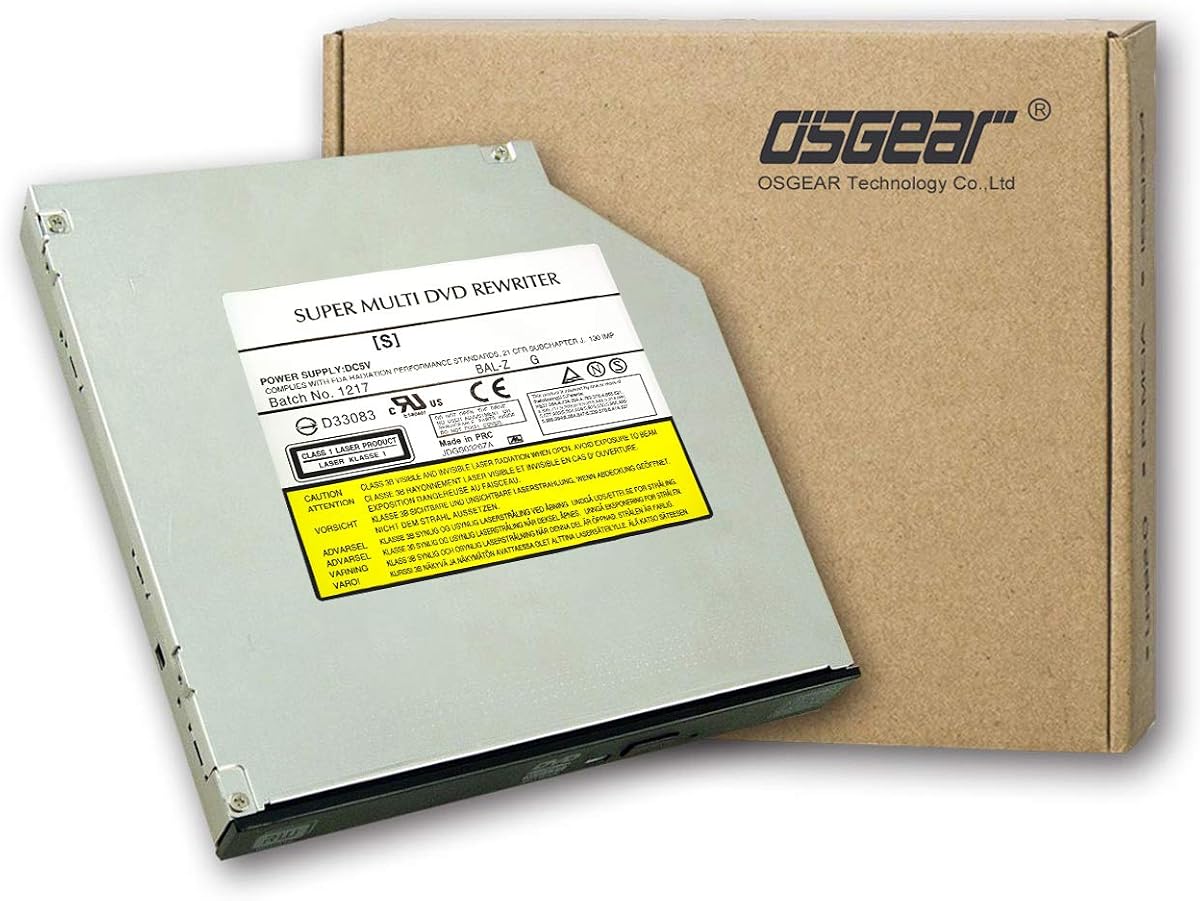
OSGEAR Internal 9.5mm slim SATA 8x DVDRW CD DVD RW Rom Burner Writer Laptop PC Optical Drive Device Tray Loading
4.1Editor score
9.5mm thickness
Wide system support
Tray loading design
This guide compares the top internal DVD drives for laptops focusing on compatibility speed and reliability for users needing optical media access in 2026.
Modern laptops often lack built-in optical drives leaving users without a way to access discs. An internal DVD drive restores this functionality ensuring you can install software or play media without external peripherals.
We evaluated ten top-rated models based on speed compatibility and build quality. Each drive was selected to fit standard laptop bays while offering reliable performance for data backup and media playback tasks.
Each pick highlights key features and potential limitations to help you choose wisely. Prices vary by retailer and time so always check current listings before finalizing your purchase decision today.
4.1Editor score

4.4Editor score
4.4Editor score
This table provides a side-by-side comparison of all ten drives focusing on key specifications and compatibility details to help you identify the best fit for your laptop model.


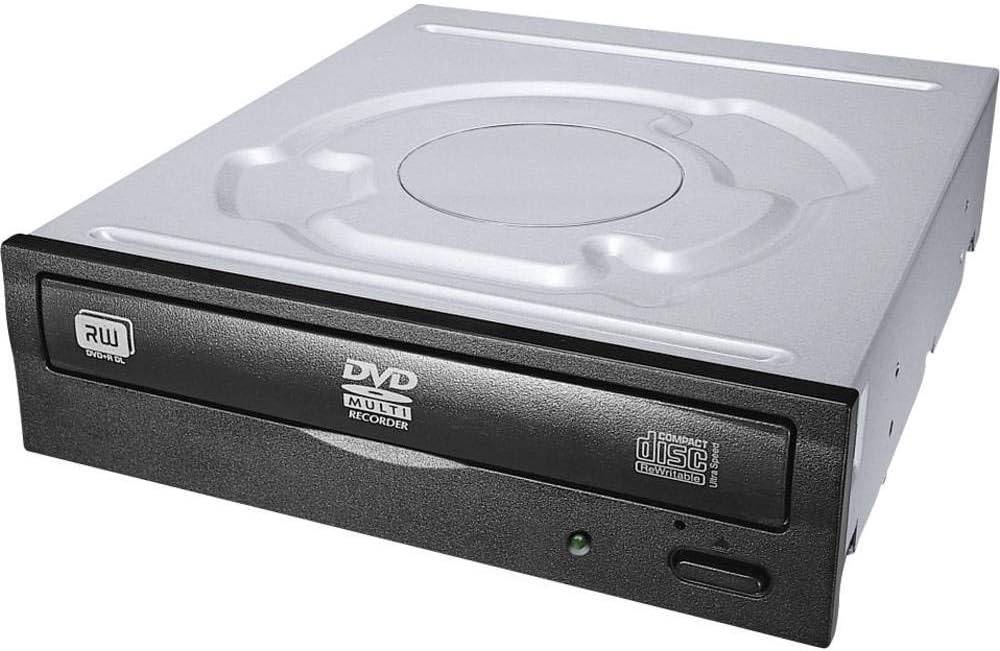


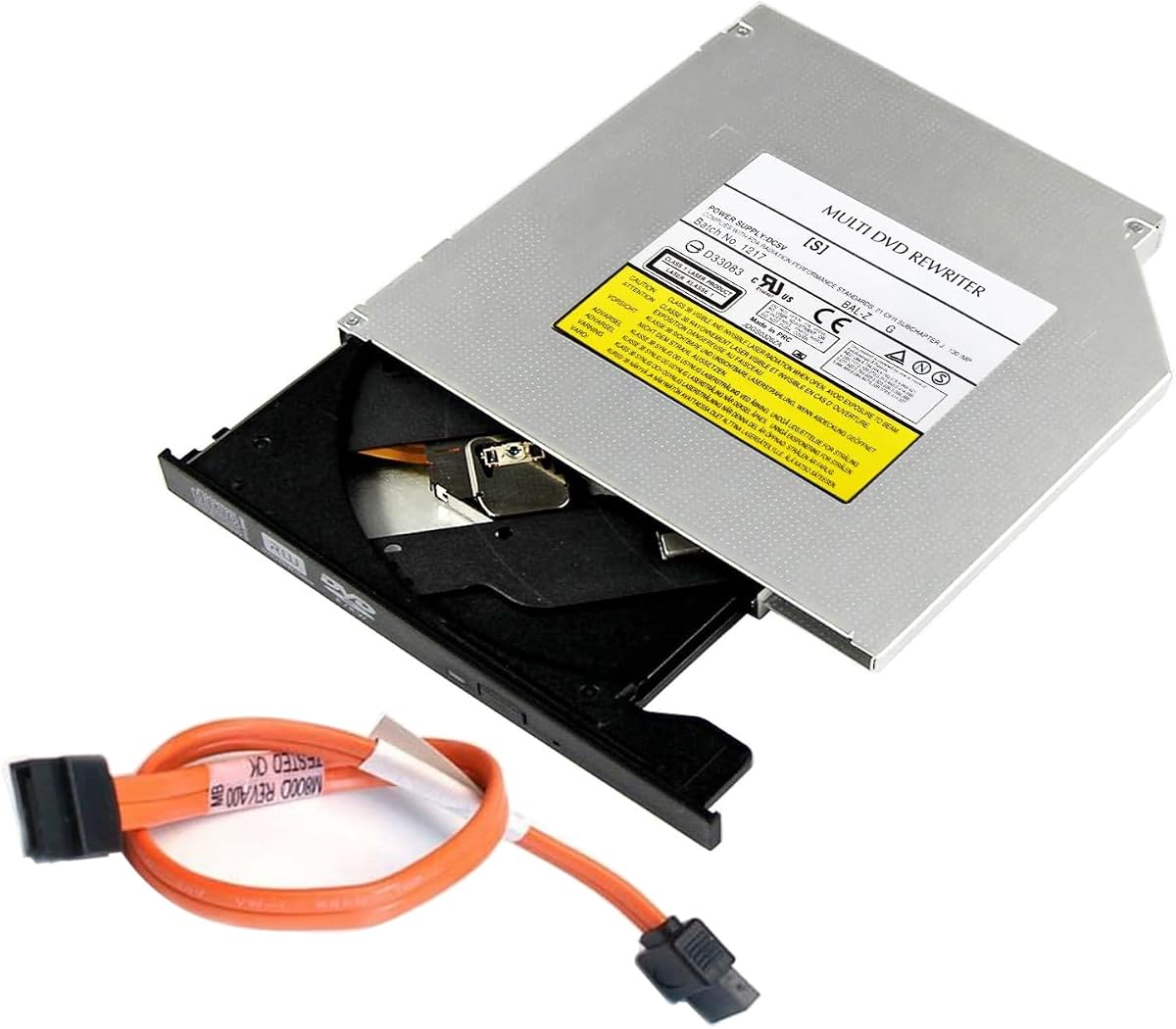

The Hitachi-LG GTC2N is a highly rated internal optical drive designed for laptops requiring a 12.7mm slim bay. With a solid 4.4 rating it stands out for its superior data protection features and quiet operation.
We may earn a commission when you buy through this link, at no additional cost to you.
Its M-DISC support ensures your photos and files are stored on a rock-like recording surface lasting longer than standard DVDs. The Silent Play technology adjusts speed to reduce noise during movie playback offering a smoother user experience.
While it offers great compatibility with various disc formats including DVD-RAM and CD-RW some users may find the 12.7mm thickness limits fit in ultra-slim modern laptops. Always verify your laptop bay size before installation.
This drive is ideal for users needing reliable data backup and media playback in compatible systems. Its balance of speed quietness and durability makes it a top choice for internal DVD replacement.
M-DISC technology uses a durable surface to etch data ensuring archival quality storage for over a thousand years.
The drive recognizes media types and adjusts speed to minimize spinning noise during video playback or reading.
We may earn a commission when you buy through this link, at no additional cost to you.
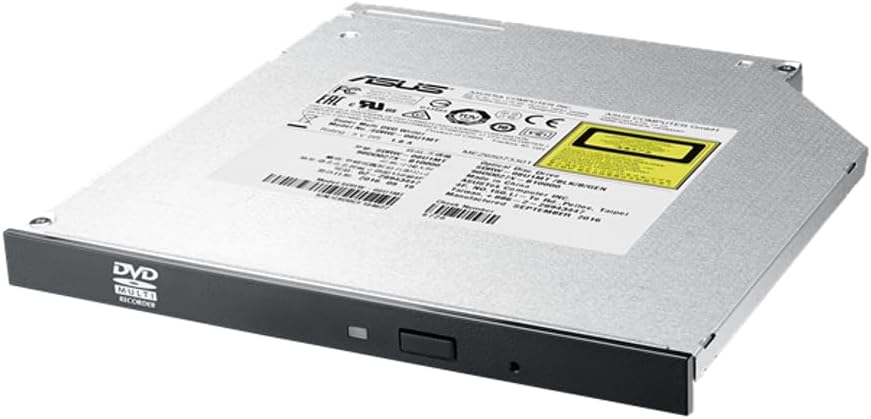
The ASUS SDRW-08U1MT is a premium internal DVD writer built for users prioritizing data longevity and energy efficiency. Its 4.4 rating reflects strong performance in both writing speed and quiet operation.
We may earn a commission when you buy through this link, at no additional cost to you.
M-DISC support allows for archival-quality storage protecting your precious photos and videos for up to a thousand years. E-Green technology automatically closes the drive application when idle saving over 50% power for eco-conscious users.
The 9.5mm form factor fits most modern laptops but the higher price may be a consideration for budget shoppers. Also ensure your system has a matching SATA bay to avoid compatibility issues during installation.
Best for professionals needing reliable long-term backup solutions this drive offers peace of mind through its advanced data protection features. Its energy-saving design also adds value for daily use in portable setups.
This drive writes to M-DISC media which resists humidity and heat ensuring your critical data remains readable for centuries.
The drive reduces power consumption by auto-closing software when not in use helping extend battery life on laptops.
We may earn a commission when you buy through this link, at no additional cost to you.
This HP DVD-ROM drive is designed solely for reading discs making it perfect for users who only need to play movies or install software. It holds a perfect 5.0 rating reflecting high satisfaction among buyers.
We may earn a commission when you buy through this link, at no additional cost to you.
With a 16X read speed it ensures smooth video playback and fast loading of disc-based applications. The Serial ATA interface provides a stable connection reducing read errors and improving overall system responsiveness.
Since it is read-only you cannot burn data back to discs which limits its use for backups. Users looking to create their own discs should consider a RW model instead of this DVD-ROM unit.
Ideal for media centers or legacy systems where writing is unnecessary this drive delivers consistent performance. Its simplicity and reliability make it a great choice for restoring optical functionality without extra features.
The 16X reading speed ensures movies play smoothly and software installs quickly without buffering or delays.
Using a standard SATA interface the drive connects directly to your laptop motherboard for stable data transfer.
We may earn a commission when you buy through this link, at no additional cost to you.
This HP dual layer drive allows you to write more data to a single disc compared to standard single layer drives. Its 4.7 rating shows strong reliability for burning large files and media backups.
We may earn a commission when you buy through this link, at no additional cost to you.
The SH-216 model uses a proven Samsung chipset known for stable performance and compatibility with various disc formats. Dual layer support means you can burn up to 8.5GB of data on one disc ideal for large backups.
As an OEM part it might lack branded packaging and could require manual driver installation on some systems. Verify your laptop bay dimensions since older models often have specific height requirements for fitting properly.
Users needing to back up large video files or software collections will appreciate the extra storage capacity. This drive balances performance and value making it a strong contender for those needing higher capacity writing.
Dual layer support lets you store up to 8.5GB on a single disc doubling the capacity of standard DVDs.
Built with a Samsung SH-216 chipset this drive offers stable performance and broad compatibility with disc formats.
We may earn a commission when you buy through this link, at no additional cost to you.
The Lite-On 24X drive stands out for its fast CD writing speed making it a good choice for music and small data backups. With a 4.5 rating it offers reliable performance for daily use in compatible laptops.
We may earn a commission when you buy through this link, at no additional cost to you.
Its SATA connection ensures fast data transfers reducing burn times and improving overall efficiency. The drive supports a range of CD and DVD formats allowing versatility in handling various disc types without issues.
While the DVD speed is standard the CD performance is exceptional for users frequently burning audio or text discs. Older models may have a slightly bulkier profile so check dimensions before purchasing for slim laptops.
Ideal for those who prioritize CD burning this drive delivers speed and reliability at an accessible price point. It remains a popular choice for anyone needing quick access to CD media on their laptop.
Burn CDs up to 24X faster than standard drives saving you time when creating music or backup discs.
The drive handles multiple CD and DVD formats ensuring you can use almost any disc you have on hand.
We may earn a commission when you buy through this link, at no additional cost to you.
This LG drive offers excellent value with a perfect 5.0 rating reflecting high user satisfaction and reliable performance. It is ideal for general use requiring quiet operation and good compatibility with various disc types.
We may earn a commission when you buy through this link, at no additional cost to you.
Features like Silent Play and Power Saving Mode ensure the drive runs quietly and efficiently even during long sessions. M-DISC support adds a layer of data security ensuring your important files are stored on durable media.
The 8X write speed is standard for this class of drive but fits most daily needs well. Users should verify their laptop bay size as it fits standard 9.5mm internal slots common in many models.
A great choice for budget-conscious buyers this drive balances cost with quality and essential features. It is perfect for anyone looking to restore DVD functionality without overspending on unnecessary extra capabilities.
The drive enters sleep mode automatically when not in use reducing power consumption and heat generation.
Optimized media recognition adjusts spin speeds to keep noise levels low during video playback.
We may earn a commission when you buy through this link, at no additional cost to you.
The OSGEAR internal drive is a budget-friendly option for laptops needing standard 9.5mm optical drive replacement. With a 4.1 rating it offers solid functionality for basic tasks like media playback and light data burning.
We may earn a commission when you buy through this link, at no additional cost to you.
It supports a wide range of operating systems including Windows Mac and Linux making it versatile for different users. The tray loading mechanism is straightforward and allows easy disc access without complex ejection systems.
While the price is attractive users should be prepared for potential installation steps depending on their laptop model. Check the third picture in the listing to ensure the thickness matches your current drive before buying.
Best for cost-effective repairs this drive restores optical capability without breaking the bank. It is a practical solution for students or home users who need occasional disc access at a low price.
Compatible with Windows 98 to 10 and Linux ensuring it works across older and newer computing environments.
A 24x CD read speed ensures quick access to stored files and music without long wait times.
We may earn a commission when you buy through this link, at no additional cost to you.
This UJ8C2 drive is designed for easy installation with plug-and-play support on most modern laptops. Its perfect 5.0 rating highlights excellent reliability and user satisfaction across various brands and operating systems.
We may earn a commission when you buy through this link, at no additional cost to you.
It works on Windows Mac and Linux without requiring additional drivers making setup straightforward. The included USB 3.0 SATA cable facilitates testing and connection allowing for flexible installation options if needed.
The slot-in loading style offers convenience but may not fit all trays depending on your laptop's chassis. Always confirm your laptop's specific drive model number before ordering to avoid mismatches with your existing hardware.
A great choice for quick replacement this drive simplifies the upgrade process with minimal technical steps. Users seeking a hassle-free optical solution will appreciate the included accessories and broad system compatibility.
No driver installation is needed on most systems allowing you to start using the drive immediately.
The package includes a USB 3.0 SATA cable making testing and installation easier for various connection types.
We may earn a commission when you buy through this link, at no additional cost to you.
The TechMagnet internal drive is designed for modern laptops requiring an ultra-thin 7mm optical bay. While rated 3.8 it offers a rare fit for compact systems that cannot accommodate thicker 9.5mm drives.
We may earn a commission when you buy through this link, at no additional cost to you.
Features include M-DISC support for long-term storage and 8X DVD writing speeds for standard data backups. The renewed condition makes it an affordable option though buyers should inspect the unit upon arrival for quality.
Compatibility spans popular brands like Dell and Lenovo but verify your laptop specifications carefully before purchase. If your laptop has a standard 9.5mm bay this 7mm drive may not mount securely without an adapter.
Ideal for users of newer thin laptops this drive offers essential optical functionality in a compact form. Its specialized size ensures it fits where larger drives cannot making it a unique solution for slim models.
At only 7mm thick this drive fits inside modern ultrabooks that reject standard 9.5mm optical drives.
As a renewed product it offers lower pricing while maintaining functionality verified by the seller.
We may earn a commission when you buy through this link, at no additional cost to you.
This GUD1N drive simplifies installation by including the necessary data cable in the package. With a 4.2 rating it offers reliable performance for users needing a straightforward replacement for their laptop optical bay.
We may earn a commission when you buy through this link, at no additional cost to you.
Supporting M-DISC and multiple DVD formats it ensures you can store data and media reliably. The 9.5mm thickness fits most standard laptops making it a versatile option for various hardware configurations.
The package includes a data cable saving you a separate trip to buy one during setup. Always double-check your laptop thickness as drives vary between 7mm and 9.5mm and using the wrong one can cause fit issues.
Best for straightforward repairs this drive offers value and convenience with included accessories. It is a solid choice for anyone looking to quickly restore DVD reading and writing without additional purchases.
The package includes a 9.5mm slim SATA cable saving you the hassle of sourcing a compatible connector.
Support for M-DISC technology allows you to store files on durable media that resists data degradation.
We may earn a commission when you buy through this link, at no additional cost to you.
Choosing the right internal drive requires checking your laptop's physical dimensions and interface type to ensure compatibility and smooth operation.
Internal drives come in 7mm or 9.5mm standard sizes. Measure your current drive's height carefully to avoid purchasing one that does not fit your laptop bay.
Always verify your laptop's manual or existing drive specs to select the correct thickness before ordering.
Most modern laptops use a SATA interface for internal drives. Older models might use IDE or proprietary connectors so check your motherboard ports before buying.
Ensure the drive supports SATA 2 or SATA 3 to match your laptop's interface for stable data transfer speeds.
Write speeds typically range from 4X to 8X for internal laptops. Higher speeds mean faster burning but do not impact read performance which is often higher.
Look for 8X write speed if you frequently burn discs to save time during media creation and backups.
M-DISC technology allows for archival quality data storage that lasts longer than standard DVDs. It is ideal for preserving photos and vital files for the long term.
Select a drive with M-DISC support if you prioritize permanent storage and want to protect your data from degradation.
Dual layer drives allow you to write up to 8.5GB on a single disc compared to 4.7GB on standard drives. This is crucial for large software packages or HD video backups.
If you need to store large files on one disc choose a dual layer model to maximize space efficiency.
Internal drives generally work with Windows Mac and Linux. However drivers may vary by OS so ensure the drive supports your specific operating system.
Check product details for Linux and Mac compatibility if you are not using a standard Windows laptop setup.
Some drives feature Silent Play or noise reduction technologies that adjust speed to reduce vibration and sound during playback.
Choose a drive with quiet operation features if you plan to watch movies or run the drive in a quiet environment.
OEM drives often lack retail packaging and may require manual driver setup but cost less than boxed models.
Consider your technical comfort level when choosing OEM options as they may need more setup time to function correctly.
To install the drive power down your laptop and disconnect the battery. Remove the optical bay cover and slide in the new drive ensuring the SATA connector aligns with your motherboard.
Always keep discs clean to prevent read errors. Wipe them gently from the center to the edge with a microfiber cloth to avoid scratches that can damage the laser lens.
Clean the drive regularly by ejecting any discs when not in use. This allows the internal components to rest and prevents dust buildup that could affect performance over time.
Most modern internal drives work on plug-and-play on Windows and Mac without extra drivers. However older systems may require drivers available from the manufacturer's support website for full functionality.
Check your laptop manual or measure the current drive's height. Most laptops from 2013 onward use 9.5mm while newer ultrabooks often use 7mm. Never guess as mismatching will cause installation issues.
Yes many internal SATA DVD drives work with Macs but you may need a third party installer if the drive does not appear. Some newer Macs require specific firmware updates to recognize optical hardware.
DVD+R and DVD-R are recordable formats that differ in error correction. Most modern drives support both formats so you can use any disc type without worrying about compatibility issues.
Check that the SATA cable is fully inserted and the BIOS has the optical drive enabled. Sometimes restarting the laptop after installation helps the system detect the new hardware properly.
Clean the drive lens every few months or if discs start to scratch. Use a lint free cloth to wipe the lens gently and never use water or alcohol which can damage the optics.
The Hitachi-LG GTC2N and ASUS SDRW-08U1MT lead the list with superior features like M-DISC support and reliable performance. Both offer excellent balance for users needing long term data storage.
Prioritize thickness and interface type over brand to ensure your new drive fits your specific laptop model. Compatibility is more important than extra features if the drive does not physically fit.
Always check the latest pricing and compatibility notes on product listings before buying. Technology standards evolve so verifying current specs guarantees you get the right component for your system.