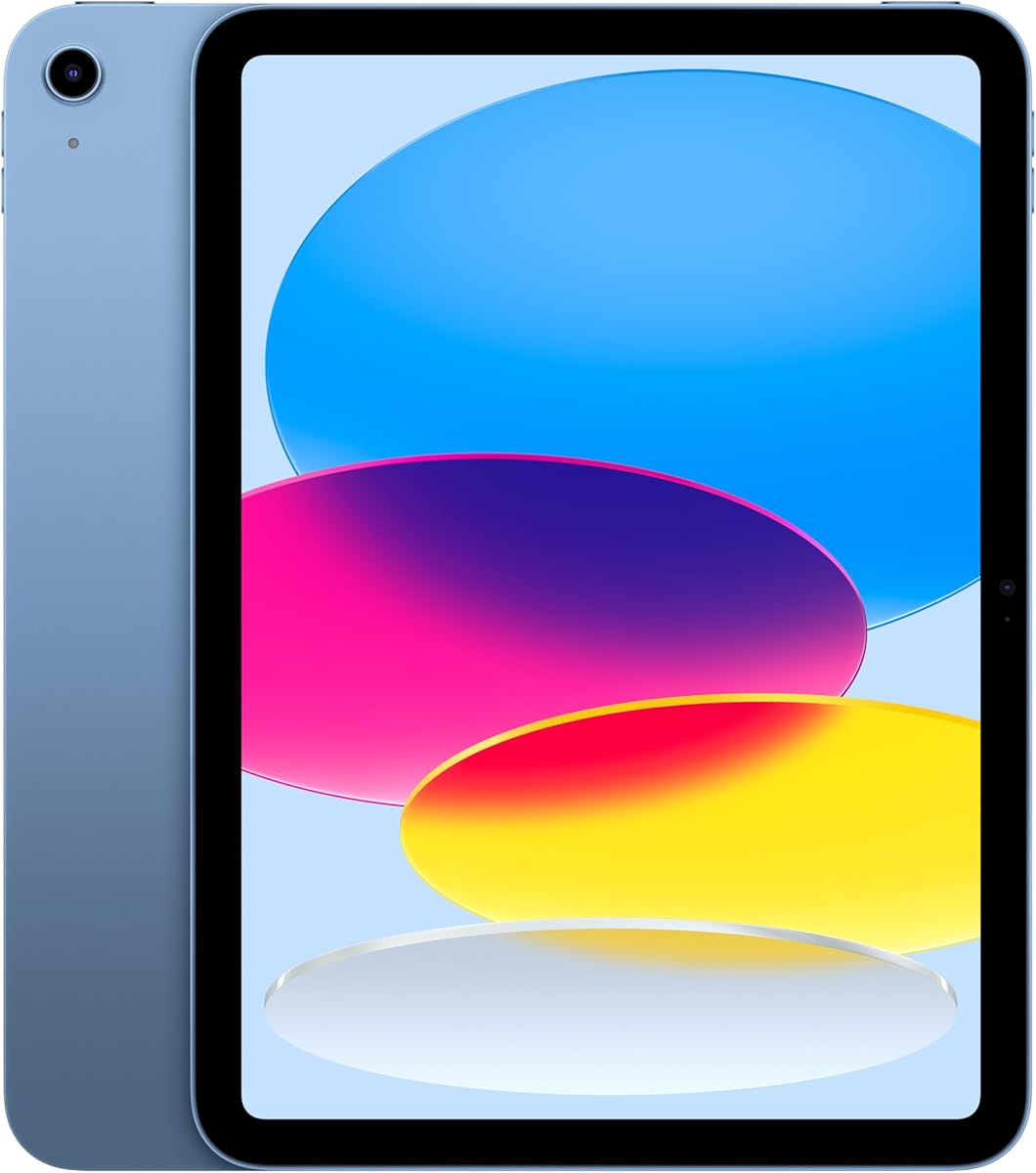
Apple iPad 11-inch
4.7Editor score
Superfast A16 chip performance
Liquid Retina display quality
All-day battery life support
Finding the right technology for older adults can be challenging. A good tablet simplifies communication and entertainment with large icons and simple navigation. These devices help seniors stay connected with family while avoiding complex setups or confusing menus.
We evaluated ten leading tablets based on usability, screen size, battery life, and customer support. Our comparison focuses on devices designed specifically for simplicity or those with adjustable interfaces. Each entry highlights key strengths and potential limitations for senior users.
Every pick below shows specific features tailored to ease of use. We include detailed reviews and a buying guide to help you decide. Please note that prices and availability change frequently, so check the latest offers before purchasing.
4.7Editor score

4.2Editor score

4.5Editor score
As an Amazon Associate we earn from qualifying purchases.
This side-by-side comparison outlines the core specifications and unique features of each tablet. We focus on screen size, operating system, and connectivity options to help you find the right fit for daily use.




The GrandPad is designed specifically for seniors who need a secure and simple way to connect. It holds a strong 4.2 rating among users who value safety and ease of use. Its standout quality is the private network that blocks spam and scams automatically.
We may earn a commission when you buy through this link, at no additional cost to you.
This device simplifies communication with large icons and easy navigation. Family members can share photos and videos securely through companion apps. The curated content keeps seniors engaged with music and games without overwhelming them.
However, it requires a specific plan for full functionality. This means there is an ongoing monthly cost beyond the initial device price. While this adds expense, it ensures the network remains secure and supported.
Seniors who prioritize safety and simple connection should consider this option. It is ideal for those who might struggle with standard tablets. The comprehensive support and fraud prevention make it a top choice.
The private network prevents unwanted contacts and scams. This allows seniors to interact with family safely without fear of phishing or fraud attempts.
Large icons and straightforward navigation help users operate the device alone. The design focuses on essential tasks like calling and photo sharing.
We may earn a commission when you buy through this link, at no additional cost to you.
The Pix Star Touch targets beginners with a simplified interface. It aims to make email and video conferencing accessible. Users highlight the zoom feature that helps adjust text and icons.
We may earn a commission when you buy through this link, at no additional cost to you.
Its interface highlights important buttons to reduce confusion. The tablet supports Google Play Store apps for flexibility. Two cameras allow for video calls and photo sharing with family.
Some users report a lower satisfaction rating. This suggests that while simple, it may not meet all expectations for performance or support. Buyers should consider reviews before purchasing.
This tablet works well for those needing basic connectivity. It is suitable for family gifts where simplicity is key. The zoom feature is a notable benefit for those with vision changes.
The zoom feature allows users to enlarge or reduce the interface. This helps accommodate different visual needs without external magnification tools.
Support for Google Play Store expands usability beyond built-in apps. Users can install essential social media and communication tools easily.
We may earn a commission when you buy through this link, at no additional cost to you.
The Fire HD 10 offers a vibrant screen for entertainment. It features an octa-core processor for smooth performance. The battery lasts up to 13 hours for reading and browsing.
We may earn a commission when you buy through this link, at no additional cost to you.
Alexa integration allows hands-free control for recipes and smart home devices. The display brings brilliant color to shows and games. It is designed to be durable for daily use.
The limitation is reliance on the Amazon ecosystem. Google Play Store apps are not directly supported. Users must use the Amazon Appstore which may lack some apps.
This device suits seniors who enjoy media and reading. It is robust and long-lasting. The Alexa feature adds convenience for everyday tasks without touching the screen.
Up to 13 hours of battery life means less frequent charging. This is helpful for users who read or stream for long periods.
Alexa helps with tasks like checking weather or recipes. Seniors can ask questions or set reminders without typing or navigating menus.
We may earn a commission when you buy through this link, at no additional cost to you.
The Galaxy Tab A11+ offers fast charging and responsive performance. The 11-inch screen is engaging for streaming and browsing. Dolby Atmos speakers provide a rich audio experience.
We may earn a commission when you buy through this link, at no additional cost to you.
Circle to Search helps find information quickly on the screen. It simplifies finding products or info without typing in a browser. The display delivers fluid motion for smoother viewing.
The device is larger which might be harder to hold for some. The new features like Circle to Search may need setup help. However, these improve navigation significantly once familiar.
This tablet is great for media and family time. The charging speed reduces downtime. It suits those who want a modern Android experience with good audio.
Fast charging gets the battery back to full quickly. This is useful for users who forget to charge overnight.
Circle to Search lets users find info by circling text. This simplifies web searches for those less comfortable with keyboards.
We may earn a commission when you buy through this link, at no additional cost to you.
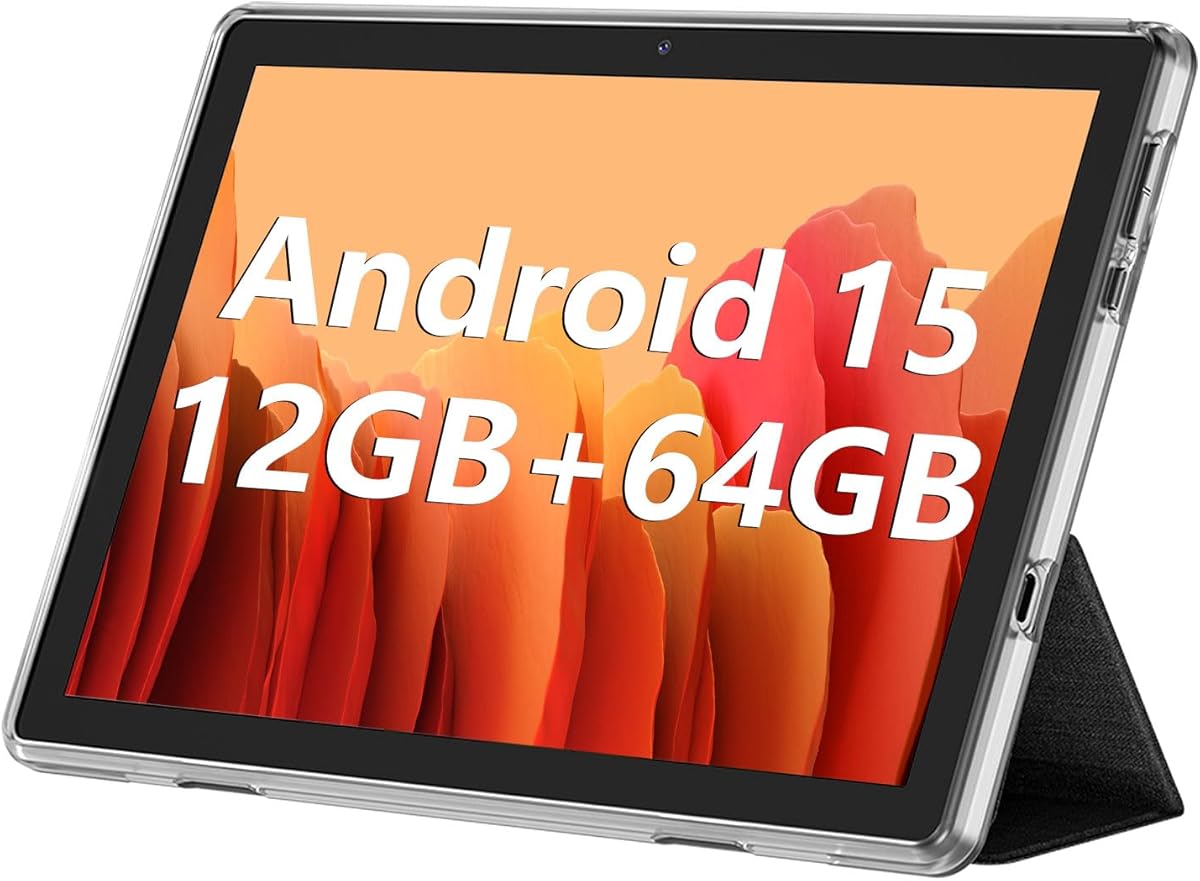
The ECOPAD features the latest Android 15 OS and ample storage. It includes support for SD card expansion up to 1TB. This allows users to store many photos and videos.
We may earn a commission when you buy through this link, at no additional cost to you.
With 6000mAh battery, it offers long play and usage. The dual cameras support video calls and photos. The IPS screen provides clear visuals for viewing.
User reviews indicate some stability issues with third-party apps. It may require time to set up properly. Checking warranty support is recommended before purchase.
This option is good for those needing storage space. It is cost-effective compared to branded devices. Just ensure you check setup support when ordering.
Up to 1TB expansion means room for all family memories. This reduces worry about running out of space.
Android 15 includes new privacy and speed improvements. Keeping the OS updated helps maintain security and performance.
We may earn a commission when you buy through this link, at no additional cost to you.
The Fire HD 8 is a portable and affordable option. It features an 8-inch HD display for comfortable viewing. The battery lasts up to 13 hours for media.
We may earn a commission when you buy through this link, at no additional cost to you.
With 4GB RAM, it handles streaming and reading smoothly. Alexa allows for video calls without extra apps. The design is thin and durable for daily use.
The smaller screen may not suit everyone. Some apps are limited to the Amazon Appstore. But for basic use, it offers great value.
This tablet is ideal for budget-conscious buyers. It is light enough for holding while reading. The Alexa feature adds useful hands-free control.
The compact size fits in bags or on tables. It is easier to hold for long periods than larger tablets.
Seniors can ask Alexa to call family hands-free. This simplifies communication without navigating complex call menus.
We may earn a commission when you buy through this link, at no additional cost to you.
The Lenovo Tab One is compact and includes a protective case. It weighs less than a pound for easy handling. The battery provides up to 12.5 hours of streaming.
We may earn a commission when you buy through this link, at no additional cost to you.
The included folio case has a stand for hands-free viewing. This is helpful for video calls or cooking recipes. The display offers realistic graphics and deep sound.
The MediaTek processor is efficient but not high-end. It suits browsing and streaming well. The device is a balanced choice for general use.
This option suits those who need a light travel device. The case protection is a bonus. It works well for entertainment and simple tasks.
The case stand allows hands-free viewing on surfaces. This is convenient for following along with videos or calls.
The light weight reduces hand strain. Seniors can hold it easily without fatigue.
We may earn a commission when you buy through this link, at no additional cost to you.
This tablet offers the latest Android 16 OS. It supports 4G LTE for connectivity anywhere. The 11-inch display provides a clear visual experience.
We may earn a commission when you buy through this link, at no additional cost to you.
The 7000mAh battery supports long standby times. This reduces charging anxiety for daily use. Dual cameras support photos and video calls.
As a newer brand, reliability may vary. Ensure you check the warranty before use. The connectivity features are beneficial for travel.
It is a strong choice for on-the-go needs. The battery and screen offer good value. Just confirm SIM compatibility before purchase.
With 4G LTE you stay online outside WiFi. This is useful for travel or places without WiFi access.
The 7000mAh capacity keeps the device running longer. You spend less time plugged into a charger.
We may earn a commission when you buy through this link, at no additional cost to you.
The Apple iPad offers premium performance with the A16 chip. Its Liquid Retina display shows brilliant color. It holds a high 4.7 rating among users.
We may earn a commission when you buy through this link, at no additional cost to you.
Touch ID makes unlocking simple with a fingerprint. The cameras are excellent for video calls. All-day battery supports use without constant charging.
The cost is higher than other options. The interface is intuitive but may need a learning period. However, the quality justifies the expense for many.
This device is perfect for those wanting long-term value. It is durable and well-supported. The screen quality enhances viewing significantly.
Touch ID allows quick secure access. This reduces the need to remember complex passwords.
The 12MP cameras capture clear photos. Family video calls look lifelike and sharp.
We may earn a commission when you buy through this link, at no additional cost to you.
This model offers a 90Hz display for fluid motion. It runs Android 15 and One UI 7. The size is compact for easy handling.
We may earn a commission when you buy through this link, at no additional cost to you.
The Wi-Fi only design simplifies connectivity. It does not require SIM setup. This reduces steps for those who stay at home mostly.
The lack of cellular data means no internet on the go. The international version might have limited warranty. Ensure you check region compatibility before buying.
It suits home-based users needing a simple device. The display provides smooth scrolling. Just note the connectivity limits before purchase.
The refresh rate makes scrolling look smooth. This reduces eye strain during browsing.
With no SIM slot setup is easier. You only connect to your home WiFi.
We may earn a commission when you buy through this link, at no additional cost to you.
Selecting the right tablet involves considering several factors like interface, size, and support. Here are the key aspects to review before buying.
Look for devices with large icons and straightforward menus. A simplified interface reduces confusion and makes navigation easier for older adults.
Prioritize models that highlight essential functions clearly.
A screen between 8 and 11 inches offers a balance of visibility and portability. HD resolution ensures text and images are sharp and easy to read.
Larger screens reduce eye strain during reading or video calls.
Seniors benefit from tablets that last a full day on one charge. Look for models with at least 10 hours of usage time.
This reduces the frequency of charging and avoids frustration.
Devices with built-in voice assistants allow hands-free operation. This is helpful for those with limited mobility or vision.
Choose models supporting clear voice recognition commands.
Strong customer support ensures help is available when needed. Look for brands with dedicated senior support lines.
This adds peace of mind for users learning new technology.
Safety features like spam blocking are essential for online protection. Ensure the device includes updates to stay secure against threats.
This protects personal data from scams or hackers.
Decide between Wi-Fi only and cellular models based on usage. Cellular adds internet access anywhere but costs more monthly.
Wi-Fi models work well for home-based users.
Look for durable glass or reinforced designs. A sturdy build withstands accidental drops or bumps better.
Consider including a protective case for extra safety.
Start by setting up the device with a trusted family member. Connect to a secure WiFi network and adjust display settings for brightness. Keep the tablet charged overnight for the first use.
Use voice commands to send messages or search the web. Practice using large icons to open apps regularly. Regular updates help maintain performance and security over time.
Protect the device with a case to prevent damage. Clean the screen with a soft cloth only. Store it in a safe place when not in use.
Yes, tablets often have larger screens and simpler interfaces. This makes text and icons easier to read. The physical size reduces the need for pinching to zoom.
Most features require internet access like email or streaming. However, basic functions like reading downloaded books work offline. Wi-Fi or cellular connectivity is needed for updates.
Yes, all listed tablets support video calling apps. They have front-facing cameras for face-to-face contact. Some models have voice-assisted calling for ease.
A 10 to 11-inch screen offers a good balance. It provides enough space for text without being too heavy. HD resolution is key for clarity.
Choose devices with built-in spam blocking. Teach them not to click unknown links. Regular updates help keep security features current.
Yes, voice commands reduce the need for typing. This is beneficial for those with hand pain or limited dexterity. Siri or Alexa can manage tasks easily.
Update software as soon as new versions are available. Updates fix bugs and improve security. Automatic updates are best for consistent maintenance.
Yes, most allow access to app stores for games. Many offer simple casual games suitable for relaxation. Some tablets have curated games for seniors specifically.
This guide covered ten top tablets tailored to ease of use. The GrandPad stands out for safety while the iPad offers premium quality. Budget options like the Fire HD 8 provide great value.
Prioritize screen size and support features when choosing. Voice control and large icons simplify daily tasks significantly. The right device enhances connection and entertainment.
Remember to check the latest prices before buying. Technology offers change frequently and new models appear often. Choose the one that best fits the user's daily needs.