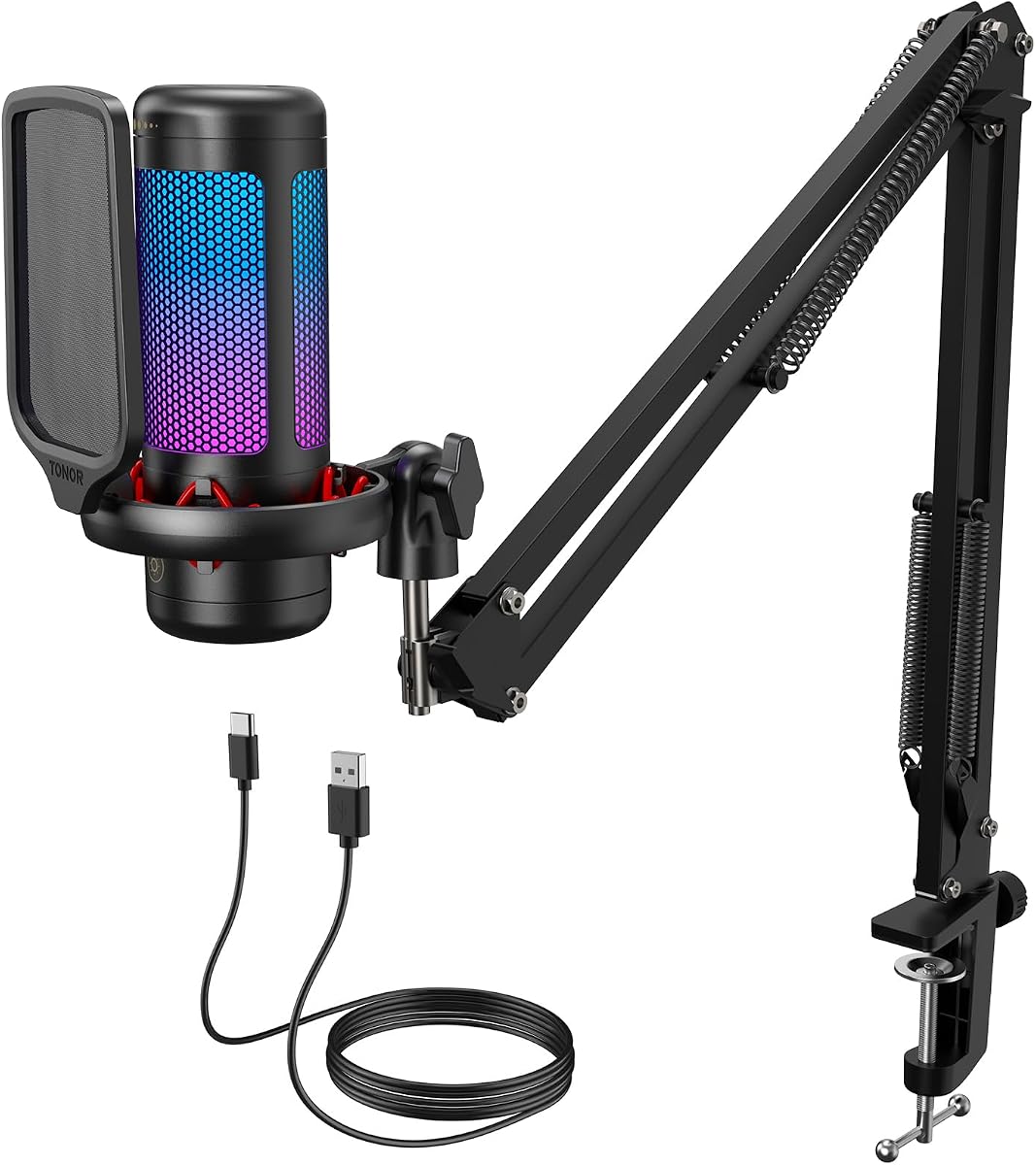
TONOR Gaming Microphone Set TC310+
4.5Editor score
Clear sound reproduction
RGB lighting modes
Included boom arm
This guide compares the best cheap boom microphone options for streaming and podcasting, evaluating audio quality, build durability, and value for money.
Finding the right cheap boom microphone can transform your streaming setup without breaking the bank. A good microphone ensures your voice is clear and your audience stays engaged during long gaming sessions or podcast recordings.
We compared ten top-rated options based on audio fidelity, noise cancellation, connectivity, and build quality. Our analysis focuses on real-world performance for gamers, streamers, and content creators seeking affordable reliability.
Each pick highlights unique strengths like RGB lighting, dual connectivity, or AI noise reduction. Prices and availability may change, so verify current details before making your final purchase decision today.
4.5Editor score

4.6Editor score

4.5Editor score
This side-by-side comparison evaluates ten affordable boom microphone kits. We assess connectivity, audio clarity, accessory inclusion, and build durability to help you find the best value for your specific setup needs.


The TONOR TC310+ stands out as the best budget cheap boom microphone for creators who want style and substance. It delivers clear audio with premium chips and features four vibrant RGB modes to match your gaming vibe.
We may earn a commission when you buy through this link, at no additional cost to you.
Its all-in-one kit includes a sturdy metal boom arm that fits most desks up to 2.36 inches thick. The tap mute button and rotating gain knob let you manage audio levels instantly without interrupting your stream or game.
While it lacks XLR connectivity and uses mostly plastic components, the sound quality remains impressive for the price. The RGB brightness is adjustable to prevent eye strain, making it ideal for long streaming sessions.
Buy this if you need a complete setup under fifty dollars that looks great and sounds clear. It is perfect for Twitch streamers and casual podcasters starting their journey without heavy financial investment.
The RGB lighting offers static and gradient modes that can be controlled with a single tap, enhancing your setup aesthetic instantly.
Everything you need is in the box, including the boom arm and clamp, so you can start recording right away.
We may earn a commission when you buy through this link, at no additional cost to you.
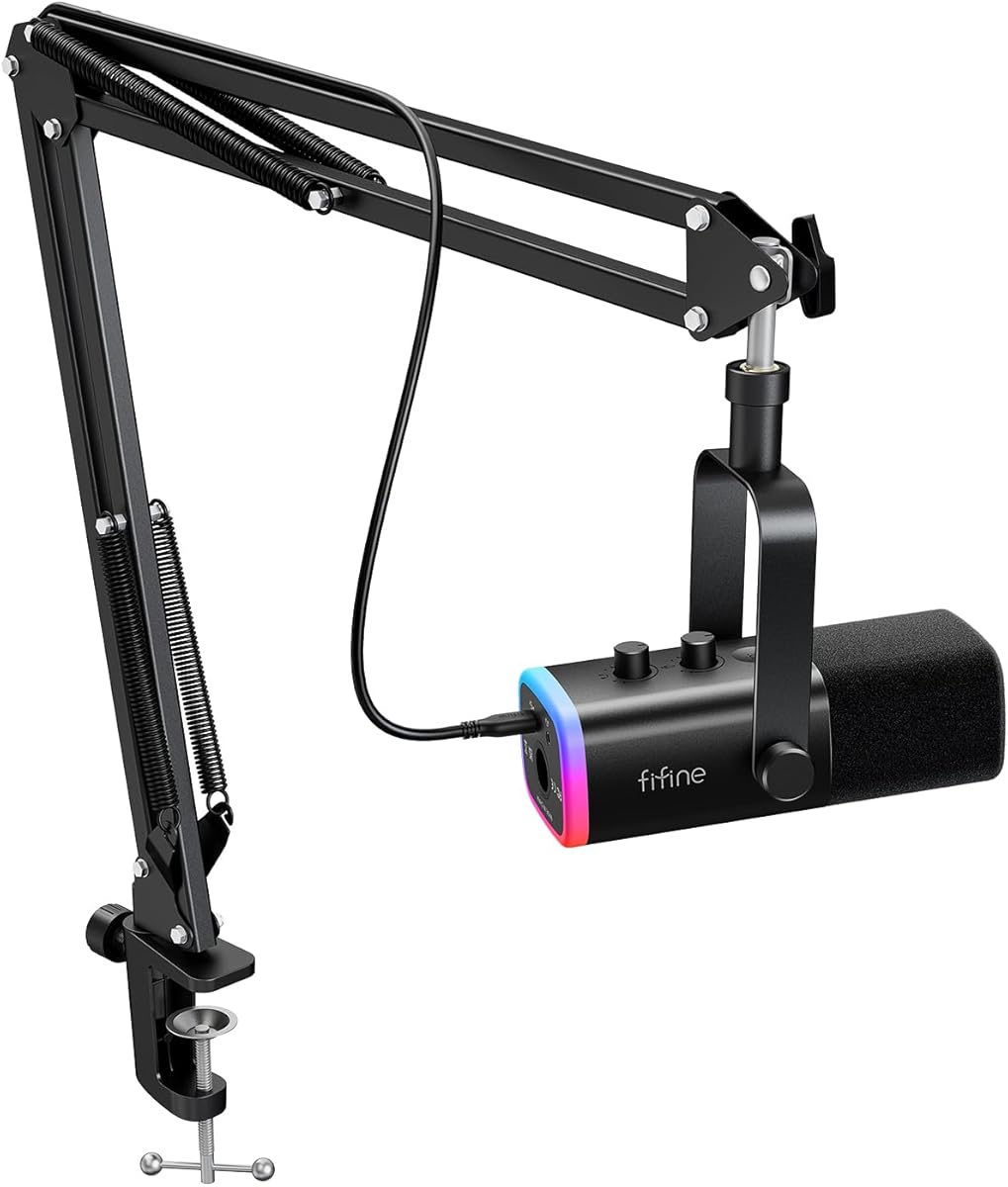
The FIFINE AM8T is a versatile cheap boom microphone that bridges the gap between entry-level and professional setups. It uses a dynamic capsule for clear audio and offers both USB and XLR connectivity for future proofing.
We may earn a commission when you buy through this link, at no additional cost to you.
Streamers will appreciate the headphone jack for real-time monitoring and the easy access mute and gain controls. The RGB lighting adds a visual flair similar to the TONOR, but the dynamic mic handles loud environments better.
The arm stand is robust with elastic springs to hold the mic securely. While you may need to buy a separate XLR cable later, the current USB setup works plug-and-play for PCs and laptops immediately.
Choose this if you want growth potential and better noise rejection. It is ideal for gamers who plan to upgrade their interface later but want quality now.
Switch between simple USB plug-and-play and professional XLR connections as your equipment and needs evolve.
Dynamic capsules naturally reject background noise better than condensers, making this great for noisy rooms.
We may earn a commission when you buy through this link, at no additional cost to you.
The MAONO A04 offers studio-quality audio with its 192kHz 24bit chipset, making it a top choice for podcasters and voiceover artists. The sound is flat and smooth, ensuring your voice is reproduced accurately on the internet.
We may earn a commission when you buy through this link, at no additional cost to you.
It comes fully equipped with a scissor arm, shock mount, pop filter, and windscreen. The magnet ring on the cable prevents interference, and the plug-and-play USB connection makes it easy to use with most laptops and PCs.
While it captures clear audio, it picks up background noise due to its sensitive condenser design. The range is best at 2 to 6 inches from your mouth, so position carefully for optimal results.
Buy this for high-quality recordings where clarity matters most. It is perfect for YouTube creators and professionals who need crisp voice capture without extra software.
The high sampling rate ensures extended frequency response and excellent reproduction for studio and speech work.
Every essential accessory is included, so you get a fully functional setup straight out of the box.
We may earn a commission when you buy through this link, at no additional cost to you.
The InnoGear Gaming Mic features advanced noise cancellation that minimizes background noise with precision. This makes it excellent for gaming and streaming where team communication is critical.
We may earn a commission when you buy through this link, at no additional cost to you.
Its cardioid capsule amplifies sound clarity significantly, capturing every nuance of your voice. The touch-sensitive mute button and large gain knob at the base give you precise control over your audio output.
The RGB lighting enhances ambiance with four unique modes like gradients and solid colors. USB-C connectivity and a long cable ensure flexible setup options for modern PCs.
Choose this if you need to cut through noisy environments. It is ideal for competitive gamers who want clear voice transmission without extra audio interfaces.
Noise cancellation tech ensures your teammates hear every word without keyboard clatter or background distractions.
Adjust volume and mute instantly using the dedicated knobs and buttons on the mic itself.
We may earn a commission when you buy through this link, at no additional cost to you.
The V-Moda BoomPro is a specialized cheap boom microphone designed for gamers who already own high-quality headphones. It offers premium voice quality and reduced background noise for communication and gaming.
We may earn a commission when you buy through this link, at no additional cost to you.
Its detachable design works with most 3.5mm headphones, and the controller includes a volume wheel and mute button. The gold-plated connector ensures durability and reliable signal transfer.
While not a standalone USB mic, it is a great upgrade for existing headset setups. The flexible boom allows for optimal positioning to capture your voice clearly.
Buy this if you need a reliable mic for your existing headphones. It is perfect for console gamers and mobile users who want quick communication.
Works with most headphones and consoles, making it a versatile add-on for current audio gear.
Reinforced cables and gold connectors provide long-lasting durability for daily gaming sessions.
We may earn a commission when you buy through this link, at no additional cost to you.
The FIFINE T669 delivers exceptional value for podcasters with its professional-grade shock mount and double pop filter. It is a reliable choice that avoids ambient noise while delivering wide frequency response.
We may earn a commission when you buy through this link, at no additional cost to you.
The all-steel boom arm is sturdy and durable, allowing for optimal adjustment angles. A fixed horizontal arm and 30-inch reach let you position the mic perfectly without blocking your screen.
Its rugged construction handles high sound pressure levels easily, making it suitable for varied recording environments. The 8.2-foot cable provides enough length for flexible setups.
Choose this for dedicated podcast recording where audio clarity is paramount. It is ideal for creators who prioritize function over flashy features like RGB lights.
Two layers of pop filters effectively remove plosives and breath noise for professional sounding vocals.
The steel scissor arm ensures stability and allows for precise positioning during long sessions.
We may earn a commission when you buy through this link, at no additional cost to you.
The Cable Boom Microphone is an affordable adapter that turns your headphones into a headset. It features a flexible arm and adds volume control and a mute switch for convenience.
We may earn a commission when you buy through this link, at no additional cost to you.
It works with most consoles and devices with 3.5mm inputs, making it perfect for travel or casual gaming. The Y-adapter included helps with devices that have separate inputs.
While not a high-end mic, it is functional for voice chat and quick calls. The steel flex arm allows you to position the mic close to your mouth.
Buy this for a budget-friendly upgrade to your headset. It is great for console players who need clear comms without buying a new full mic setup.
Designed to plug directly into PS4, Xbox, and PC controllers for seamless communication.
Adds essential controls like volume and mute to existing headphones without complex setup.
We may earn a commission when you buy through this link, at no additional cost to you.
The FIFINE K688CT offers authentic sound integrity with a dynamic capsule and XLR and USB outputs. This allows you to keep the mic as you upgrade to professional audio interfaces.
We may earn a commission when you buy through this link, at no additional cost to you.
It has a heavy-duty boom arm and intuitive controls like tap-to-mute and gain knobs. A windscreen and shock mount set minimize harsh noises and vibrations for smoother vocals.
The USB connection offers immediate plug-and-play use, while XLR provides studio-grade sound when connected to mixers. Note that mic controls only work on USB.
Choose this for versatile recording setups that can grow. It is perfect for podcasters who want studio quality without changing hardware later.
Seamlessly transition between simple USB connection and advanced XLR setups for better audio control.
The durable metal arm supports the mic securely, reducing vibrations for uninterrupted recordings.
We may earn a commission when you buy through this link, at no additional cost to you.
The TONOR Dynamic mic uses triple AI noise cancellation to eliminate distracting sounds like keyboard clatter. Its dual USB and XLR outputs allow for future audio upgrades without replacing the mic.
We may earn a commission when you buy through this link, at no additional cost to you.
The adjustable controls include mic and headphone volume knobs for fine-tuning. RGB ambient lighting adds a gaming flair to your desk setup.
While you must buy an XLR cable separately for advanced use, the USB connection works directly for computers and consoles. It is designed for gamers seeking clear communication.
Buy this if you want advanced noise tech and flexibility. It is ideal for streamers who plan to upgrade their audio chain gradually.
AI technology removes unwanted sounds, ensuring your teammates hear only your voice clearly.
Keep the mic even as you switch to professional audio interfaces, saving money in the long run.
We may earn a commission when you buy through this link, at no additional cost to you.
The ZealSound K66K offers studio-quality recording with built-in noise reduction and echo controls for expressive audio effects. It connects easily to PCs, iPhones, and Android devices via USB.
We may earn a commission when you buy through this link, at no additional cost to you.
Front-mounted knobs let you adjust input volume, headphone monitoring, and echo without software. The zero-latency monitoring ensures you hear yourself with no delay during recording.
Its heavy-duty metal boom arm extends up to 30 inches for flexible positioning. The top-address design captures sound best when facing your mouth directly.
Choose this for mobile creators or podcasters who want real-time control. It is perfect for interviews and streaming across multiple devices.
Control echo and volume directly on the device for faster workflow without opening apps.
Includes adapters for iPhone and Android, making it easy to record on the go.
We may earn a commission when you buy through this link, at no additional cost to you.
Selecting the right cheap boom microphone involves evaluating several technical and practical factors to match your specific needs and budget constraints.
Most affordable microphones use USB for plug-and-play convenience. However, some models offer XLR dual connectivity for future upgrades to professional audio interfaces.
Condenser mics capture more detail but require quieter environments. Dynamic mics reject background noise better and are more durable for noisy rooms.
Look for features like AI noise reduction or noise cancellation tech to eliminate keyboard clicks and background chatter during streams.
A sturdy metal scissor arm ensures stable positioning. Check the clamp thickness limit to ensure it fits your desk securely.
Features like RGB lighting, tap mute, and headphone monitoring add value. Ensure these features align with your usage habits before buying.
Verify that the mic works with your operating system and devices. Some mics do not support Xbox consoles or mobile devices directly.
Kits often include pop filters, windshields, and shock mounts. Comprehensive kits save money on add-ons compared to buying separately.
Check specifications like frequency response and sampling rate. Higher resolution like 192kHz offers more detailed audio capture.
Position the microphone 6 to 12 inches from your mouth to capture clear audio without distortion. Adjust the boom arm to keep the mic stable and out of your camera frame.
Use the mute button or touch controls to silence audio when not speaking. This prevents accidental background noises from reaching your audience or recording files.
Regularly dust the mic and check cable connections to ensure consistent performance. Store the boom arm folded when not in use to protect the joints and springs from wear.
USB mics are plug-and-play and connect directly to computers. XLR mics connect to audio interfaces for better sound quality but require extra gear.
Most USB mics do not work with Xbox controllers directly. Only mics with 3.5mm jacks or specific console support are compatible with Xbox.
For most condenser mics, keep 6 to 12 inches. For dynamic mics, 2 to 6 inches is better for capturing louder and clearer voice.
Use a mic with noise cancellation. Position the mic close to your mouth and use a pop filter to minimize plosives and air sounds.
Some mics support mobile with adapters. Look for models with Lightning or USB-C adapters included for iOS and Android connectivity.
Condenser mics are sensitive. Move the mic away from the keyboard or switch to a dynamic mic for better noise rejection.
We reviewed ten top cheap boom microphone options including the TONOR TC310+ for budget value and the FIFINE K688CT for premium versatility. Each offers unique features for streaming and podcasting needs.
Prioritize connectivity and noise reduction based on your environment. If you plan to upgrade gear later, choose a dual output model for long-term value.
Remember to check current prices and availability before purchasing. Our guide remains a reliable reference for finding quality audio gear within a tight budget.