
Lenovo 100E Chromebook 2ND Gen
4.0Editor score
Affordable Price Point
Compact 11.6 Inch Screen
Long Battery Life
Finding a reliable laptop on a tight budget can be challenging. Cheap Chromebooks offer an affordable solution for students and casual users who need essential computing power without breaking the bank.
We evaluated ten distinct models based on performance, build quality, display clarity, and battery life. Our analysis focuses on real-world usability for schoolwork, browsing, and media consumption.
Each selection highlights specific strengths like touchscreen versatility or enhanced storage. Keep in mind that pricing fluctuates frequently so verify current deals before making your final purchase decision today.
4.0Editor score

4.3Editor score
4.4Editor score
As an Amazon Associate we earn from qualifying purchases.
The following table provides a side-by-side overview of every selected model. Review the specifications to understand how each device meets different user requirements and budget constraints.




This HP model stands out as a top choice for students needing dependable performance without overspending. It earns a strong rating due to its balanced mix of processing power and portability.
We may earn a commission when you buy through this link, at no additional cost to you.
The Intel Celeron N4120 processor offers four cores which helps manage multiple browser tabs efficiently. This is crucial for modern online learning environments where research and writing happen simultaneously.
Storage is limited to 64GB but cloud integration on Chrome OS mitigates this effectively. The 14 inch screen provides adequate space for documents while remaining light enough for daily transport.
Ideal for high school or college students on a budget. It offers the necessary tools for coursework and media consumption while maintaining a low entry cost for families.
The quad core architecture ensures smooth multitasking essential for research and writing tasks simultaneously without slowdowns.
Includes USB Type A and C along with HDMI allowing flexible connection to peripherals and external displays easily.
We may earn a commission when you buy through this link, at no additional cost to you.
This laptop excels in mobility making it perfect for commuters and students moving between classes. Its thin profile and long battery life ensure you stay productive throughout the day without searching for outlets.
We may earn a commission when you buy through this link, at no additional cost to you.
HP Fast Charge technology is a standout feature allowing quick power boosts when needed. The multi-touch touchpad supports gestures that enhance navigation speed and comfort during extended usage sessions.
While the display is standard HD the anti-glare coating improves visibility in bright environments. The sustainable design aligns with eco-conscious values without compromising on core computing capabilities.
Recommended for users who prioritize carrying weight and battery longevity. It balances daily usability with environmental responsibility making it a smart choice for remote work or travel.
Reaches fifty percent charge in roughly forty five minutes ensuring minimal downtime during busy schedules.
ENERGY STAR certified and EPEAT Silver registered reflecting a commitment to reduced environmental impact.
We may earn a commission when you buy through this link, at no additional cost to you.
This renewed Dell model offers a unique combination of touch capability and low cost. It is particularly useful for younger students or casual users who benefit from direct screen interaction.
We may earn a commission when you buy through this link, at no additional cost to you.
The 2 in 1 design allows flexibility between laptop and tablet modes. This versatility supports various learning styles and media consumption habits without requiring separate devices.
Storage is limited to 32GB which may require heavy reliance on cloud storage. However for basic tasks like web browsing and word processing this is often sufficient for entry-level needs.
Best suited for families needing multiple devices on a tight budget. The touch feature adds engagement value that justifies the minimal cost compared to non-touch alternatives.
Direct finger navigation simplifies tasks for children or users preferring tactile controls over keyboard shortcuts.
Small 11.6 inch size fits easily into small backpacks making it ideal for younger students.
We may earn a commission when you buy through this link, at no additional cost to you.
This Lenovo model distinguishes itself with a Full HD touchscreen offering superior visual clarity. The resolution upgrade from standard HD makes media viewing and creative work significantly more enjoyable.
We may earn a commission when you buy through this link, at no additional cost to you.
The MediaTek Kompanio 520 processor provides an octa core setup designed for efficiency. This handles daily tasks smoothly and supports fast connectivity through modern WiFi 6 standards.
Build quality reflects a slim profile that maintains structural integrity while remaining light. The Abyss Blue color adds a modern aesthetic touch to a functional business or school device.
Recommended for users who prioritize screen quality over raw processing power. It serves well for visual learners and those consuming high definition content regularly.
1920×1080 resolution delivers sharp text and vibrant colors for an immersive viewing experience.
Integrated WiFi 6 ensures faster wireless speeds and better performance in crowded network environments.
We may earn a commission when you buy through this link, at no additional cost to you.
This Acer unit offers significant value by including essential accessories like a mouse and earbuds. The bundle reduces the need for immediate extra purchases making it a complete solution out of the box.
We may earn a commission when you buy through this link, at no additional cost to you.
The 15.6 inch display provides a larger workspace compared to standard 14 inch models. This is beneficial for multitasking where side by side windows improve productivity significantly.
Performance relies on a dual core processor which is adequate for standard web apps. The battery life remains competitive allowing for all day usage without frequent interruptions.
Ideal for users needing a primary device with minimal extra setup. The included peripherals make it ready for work or study immediately upon delivery.
Value bundle includes wireless mouse earbuds and cables saving extra spending on basic peripherals.
Larger screen real estate facilitates easier multitasking and document viewing compared to smaller laptops.
We may earn a commission when you buy through this link, at no additional cost to you.
This renewed ASUS model stands out for its 128GB storage which exceeds most competitors. It allows more local files and applications without requiring immediate cloud setup or external drives.
We may earn a commission when you buy through this link, at no additional cost to you.
The IPS panel ensures consistent viewing angles and accurate colors for media consumption. This visual quality enhances the experience beyond basic web browsing and document editing.
As a renewed unit it offers cost savings with verified functionality. Buyers should check the specific warranty details to ensure peace of mind regarding the refurbished status.
Recommended for users needing substantial local storage space on a budget. It bridges the gap between entry level and mid-range devices effectively.
128GB capacity supports more offline content and applications than typical 64GB models found in this category.
IPS technology provides wider viewing angles and better color consistency compared to standard TN panels.
We may earn a commission when you buy through this link, at no additional cost to you.
This model focuses on premium design and battery endurance despite older internal specs. The Ceramic White finish and backlit keyboard provide a polished look that stands out among competitors.
We may earn a commission when you buy through this link, at no additional cost to you.
Battery life is a major strength with claims of over thirteen hours for mixed usage. This ensures reliable performance throughout a full day of classes or meetings without recharging.
Audio quality is enhanced by B&O tuned speakers providing better sound for media. However storage remains limited which necessitates good cloud management habits for file storage.
Best for users who prioritize look and longevity over raw processing speed. It suits professionals or students needing a reliable daily driver that looks good.
Speakers tuned by Bang and Olufsen offer clearer and richer sound than standard laptop outputs.
Long battery performance minimizes dependency on power outlets during long work or study sessions.
We may earn a commission when you buy through this link, at no additional cost to you.
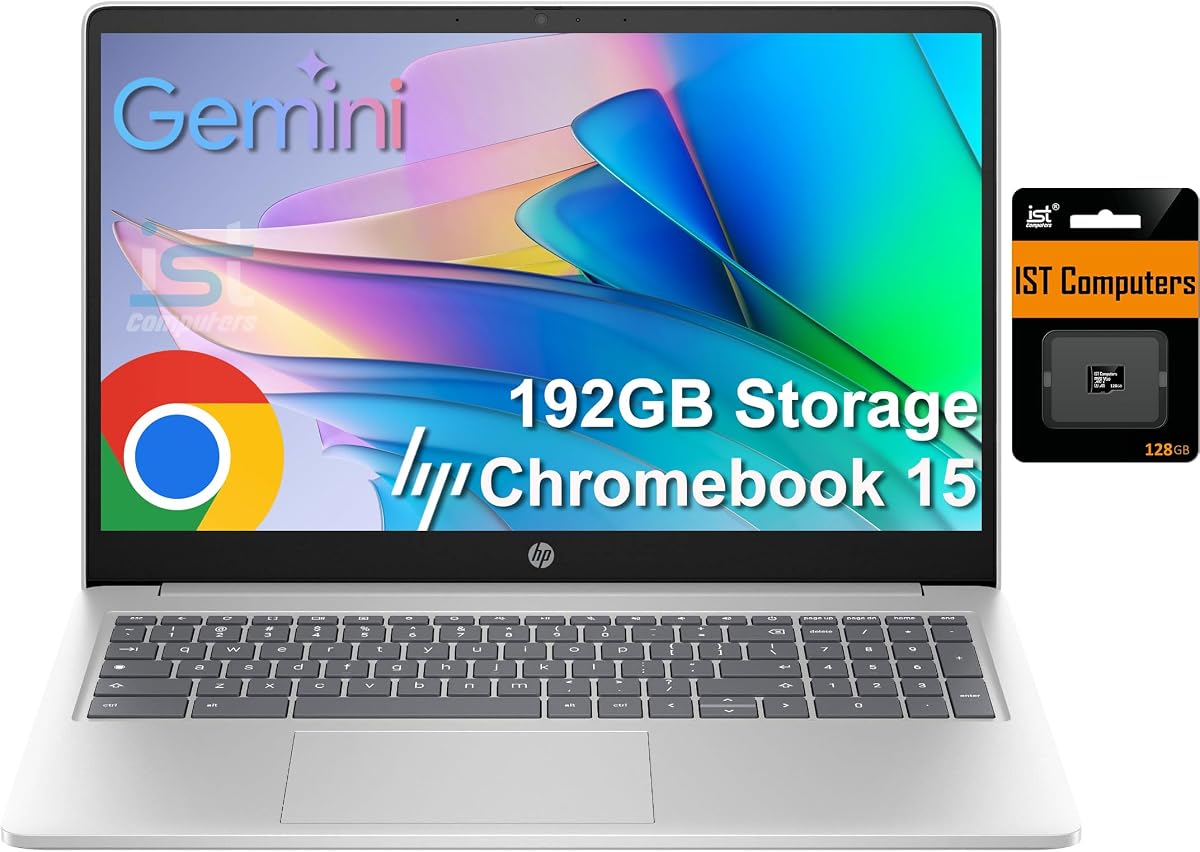
This model delivers premium performance features typically found in higher priced laptops. The 8GB DDR5 RAM allows for significantly more seamless multitasking compared to standard 4GB models.
We may earn a commission when you buy through this link, at no additional cost to you.
Storage is expanded to 192GB providing ample space for documents and media. The combination of eMMC and SD card ensures fast boot times and quick access to local files.
The numeric keypad is a valuable addition for users entering data frequently. This feature supports more complex work tasks beyond basic web browsing or word processing.
Ideal for power users needing better hardware without switching to Windows. It offers a robust alternative for data entry and heavy multitasking scenarios effectively.
Double the standard RAM allows more applications to run smoothly simultaneously without lag.
Integrated numeric keypad improves efficiency for entering numerical data or spreadsheets.
We may earn a commission when you buy through this link, at no additional cost to you.
This renewed Acer device incorporates modern technologies like DDR5 RAM and WiFi 6. These features ensure future proofing and faster wireless speeds in congested network environments.
We may earn a commission when you buy through this link, at no additional cost to you.
The Full HD IPS display provides clear visuals for both work and entertainment. Dale Purple color offers a unique aesthetic option for those wanting to stand out.
Performance relies on a Celeron processor which is adequate for web apps. The memory speed helps with system responsiveness even if raw computing power is modest.
Recommended for users needing reliable connectivity and modern memory standards. It serves well for households with multiple devices connecting to Wi-Fi.
Latest wireless standard offers faster speeds and lower latency for online meetings and streaming.
DDR5 RAM improves bandwidth efficiency allowing smoother system performance across applications.
We may earn a commission when you buy through this link, at no additional cost to you.
This model represents the most affordable entry point for Chrome OS computing. It is ideal for secondary users or basic browsing needs where minimal resources are required.
We may earn a commission when you buy through this link, at no additional cost to you.
The 16GB storage is extremely limited but sufficient for cloud based tasks. This encourages reliance on web applications which aligns well with the Chrome OS philosophy.
Portability is high due to the compact 11.6 inch frame. It fits easily in small bags making it convenient for travel or moving between rooms.
Best for users needing a secondary device at the lowest possible cost. It handles basic tasks well but lacks capacity for heavy local storage usage.
Lowest price point makes this accessible for anyone needing a simple computer for basic tasks.
Small footprint and lightweight design ensure easy transport and storage in tight spaces.
We may earn a commission when you buy through this link, at no additional cost to you.
Selecting the right budget laptop involves balancing hardware specifications with personal needs. This guide outlines the critical factors to consider before making a purchase.
The processor is the brain of your Chromebook. Look for Intel Celeron or MediaTek processors with at least dual core or quad core capabilities. These ensure smooth navigation and multitasking across multiple browser tabs.
Prioritize newer processor generations like N4120 over older models for better longevity and speed.
RAM determines how many applications you can run simultaneously. Most budget models offer 4GB which is sufficient for web browsing and word processing. If you require heavy multitasking consider models with 8GB options.
Ensure the RAM is upgradeable if possible though many thin Chromebooks have fixed memory soldered to the motherboard.
Local storage on Chromebooks is often limited to 32GB or 64GB. Since Chrome OS relies heavily on cloud storage this is often acceptable. However check if the model supports microSD cards for expansion.
Opt for models with at least 64GB if you need to store media files offline regularly.
Screen resolution significantly impacts your daily experience. Full HD screens provide sharper text and better colors than standard HD. IPS panels offer wider viewing angles which are useful for collaboration.
Consider touchscreens if you prefer direct interaction or use tablet mode for reading and note taking.
Portable computing requires long lasting power. Look for manufacturers claims of at least 10 to 12 hours. Real world usage may vary but fast charge technology can help mitigate shortfalls during the day.
Check reviews for actual battery performance rather than relying solely on marketing estimates.
Cheap laptops often use plastic chassis which is durable if reinforced. Check for military grade testing certifications if the device will be transported frequently. A sturdy hinge and spill resistant keyboard are valuable features.
Renewed models can offer better build quality for less but inspect the cosmetic condition carefully.
Modern Chromebooks should include USB C for charging and data transfer. HDMI ports are essential for connecting to external monitors. Ensure the device supports the latest Wi-Fi standards like Wi-Fi 6 for faster internet speeds.
Bluetooth connectivity is standard but check the version to ensure it works with your peripherals efficiently.
Chrome OS updates are managed by Google and depend on the device model. Check the Auto Update Expiration date to ensure the device will receive security updates for several years.
Devices with longer support windows protect your investment and maintain security standards for a longer period.
To maximize battery life avoid leaving the device plugged in constantly when fully charged. Adjust screen brightness to match your environment and close unused browser tabs to save resources.
Clean the screen regularly with a microfiber cloth to prevent scratches and dust buildup. Avoid spraying liquids directly on the device and instead use a damp cloth to wipe the surface gently.
Use cloud storage services to manage files and prevent local storage exhaustion. Regular backups of important documents ensure data safety in case of unexpected hardware failure or loss.
Yes most modern Chromebooks support Android apps via the Google Play Store. This allows you to use mobile apps directly on the laptop for productivity or entertainment.
Chrome OS is excellent for web based workflows and document creation. It may lack support for heavy desktop software like Adobe Creative Cloud but works well for business suites.
Most models support microSD cards for adding extra space. Alternatively use external USB drives or cloud storage services to manage large files effectively.
Renewed devices from trusted sellers are reliable and often cost less. Ensure they come with a warranty to cover any potential defects before purchasing.
FHD offers a resolution of 1920×1080 providing sharper images. HD is typically 1366×768 which is functional but less detailed.
Most models include HDMI or USB C ports allowing connection to external displays. Check specific port capabilities to ensure video output is supported for your setup.
Our top selections offer a mix of affordability and performance suitable for various needs. The HP and Lenovo models stand out for their balance of features and portability for daily use.
Prioritize battery life and display quality if you spend long hours on the device. Processing power is secondary for web based tasks but sufficient memory is crucial for multitasking.
Always verify current pricing and availability before buying as deals change frequently. This ensures you get the best value for your budget in the current market.