
Universal 65W USB C Laptop Charger
4.3Editor score
Fast charging support
Wide device compatibility
Compact portable design
Find the best Charger for Lenovo Chromebook with our expert guide comparing top-rated USB C adapters for power, durability, and value.
Finding the right power source is essential for keeping your Lenovo Chromebook running smoothly throughout your workday. A reliable charger ensures you stay connected without interruption.
We compared ten top-rated USB C adapters based on compatibility, safety features, and user feedback. This list covers various wattages to match your specific device needs.
Each pick highlights key strengths and potential limitations to help you decide. Prices and availability change frequently so please verify details before purchase.
4.3Editor score

4.7Editor score

4.5Editor score
The following table provides a side-by-side comparison of all ten selected chargers. Review the specifications to find the model that fits your laptop.


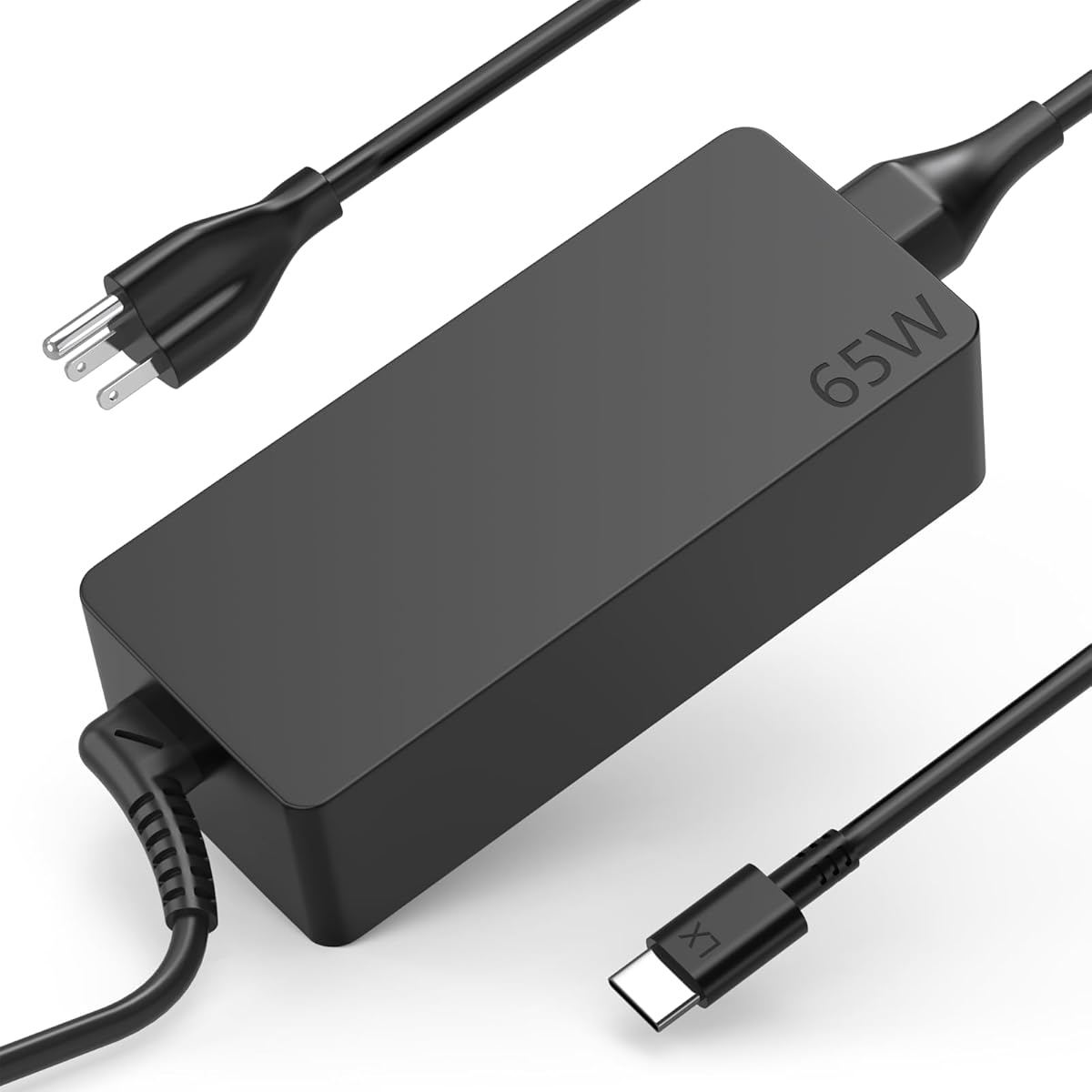

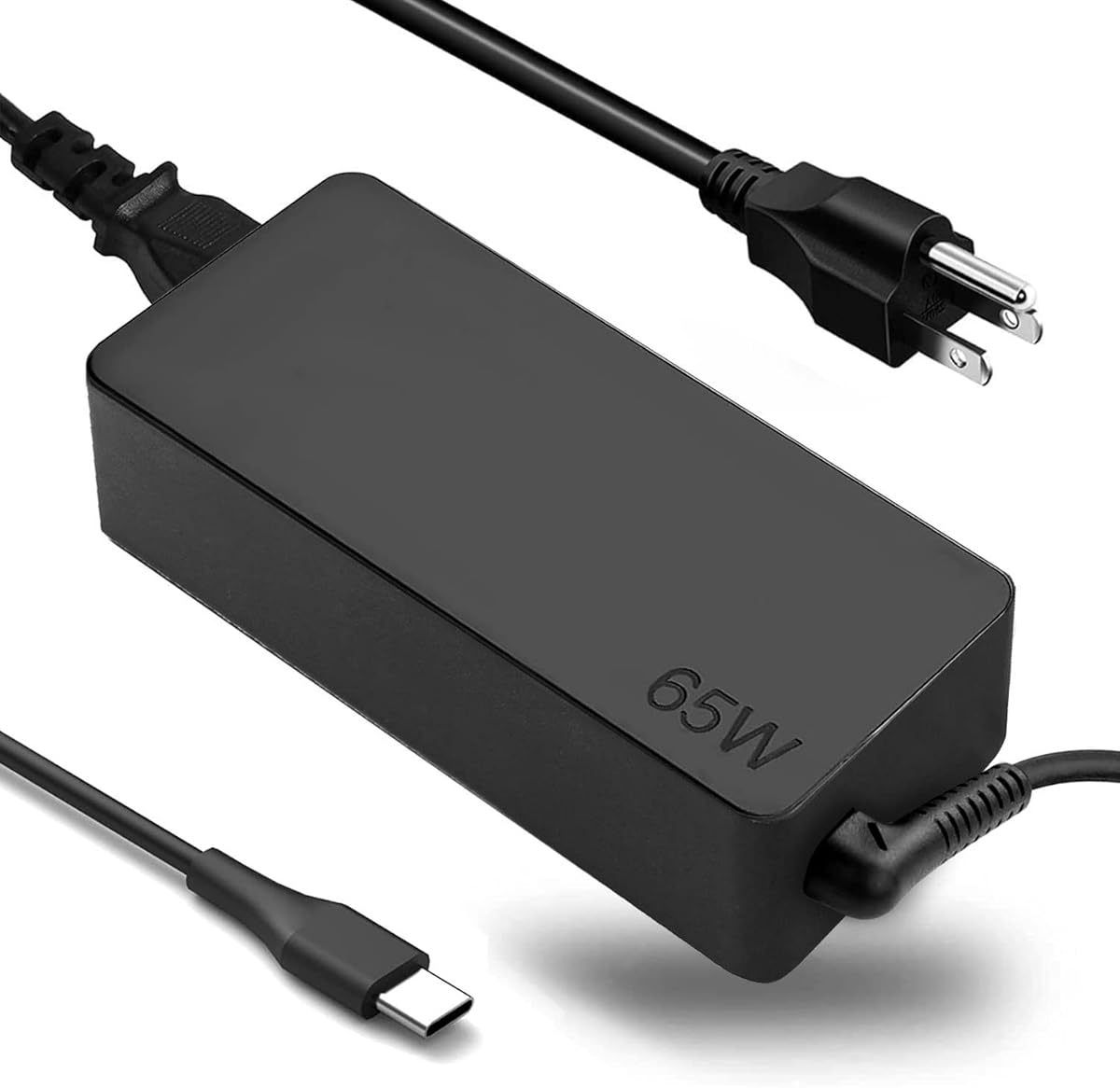

This universal charger offers a practical solution for users needing reliable power at a low cost. It supports multiple voltage profiles for different laptop requirements.
We may earn a commission when you buy through this link, at no additional cost to you.
It works with many Chromebook models and other USB-C laptops like ThinkPads and HP Spectres. The adapter delivers up to 65W for efficient charging performance.
The casing is functional but feels less premium than higher priced options. There is no reinforced cable which may affect long-term durability.
Ideal for travelers or home backups who prioritize value over build quality. Check your device wattage needs before purchasing to ensure compatibility.
The charger supports up to 65W output which meets most standard laptop power requirements.
It fits a wide range of models from major brands including Lenovo HP and Dell.
We may earn a commission when you buy through this link, at no additional cost to you.
This adapter supports both 45W and 65W making it versatile for various Lenovo Chromebook generations. It ensures safe charging with built-in protection features.
We may earn a commission when you buy through this link, at no additional cost to you.
It connects seamlessly to ThinkPads Yoga laptops and Chromebook models requiring USB-C power. The input range allows global use with a standard plug.
The cord length is shorter than some competitors which limits desk placement options. The build is standard without extra shielding for the cable.
Great for users with multiple Lenovo devices needing different power levels. Verify your specific model wattage requirement to avoid mismatch issues.
Supports both 45W and 65W configurations to match different laptop specifications.
Accepts 100-240V input for international use without needing additional adapters.
We may earn a commission when you buy through this link, at no additional cost to you.
This charger stands out with its exceptional user rating and consistent performance across diverse laptop models. It delivers stable power for reliable charging sessions.
We may earn a commission when you buy through this link, at no additional cost to you.
It is designed for devices requiring 65W or less with multiple voltage profiles. The adapter works well with HP and Acer Chromebook models.
Users note that availability fluctuates so checking stock is important. The packaging is functional but minimal compared to premium branded accessories.
The best choice for those prioritizing proven performance and user trust. Always confirm your device specific power needs before ordering.
Maintains a high rating due to consistent performance and compatibility.
Offers multiple output profiles to fit various USB-C charging standards.
We may earn a commission when you buy through this link, at no additional cost to you.
This adapter features a remarkable ten-foot power cord which provides significant flexibility in placement. It is designed specifically for 45W compatible Lenovo devices.
We may earn a commission when you buy through this link, at no additional cost to you.
The longer cable reduces the need for extension outlets and allows use across rooms. It comes with a robust two-year warranty for peace of mind.
It may not support higher wattage laptops beyond the 45W limit. Ensure your Chromebook specifically requires 45W to avoid under power issues.
Perfect for students or professionals needing extended reach in offices or classrooms. Verify your device power requirement matches 45W before purchase.
Includes a 10-foot power cord for greater flexibility and ease of use.
Offers 24 months of manufacturer warranty coverage for added security.
We may earn a commission when you buy through this link, at no additional cost to you.
This adapter delivers fast charging capabilities for Lenovo Chromebook and Yoga series models. It includes advanced safety mechanisms to prevent electrical issues.
We may earn a commission when you buy through this link, at no additional cost to you.
It supports multiple voltage levels to accommodate various power needs. The warranty covers one year with access to ongoing technical support.
The cost is slightly higher than basic alternatives. It does not offer a wide range of aesthetic options for users preferring custom looks.
Suitable for users who need rapid charging and technical reassurance. Confirm part numbers match your original adapter for safe replacement.
Provides efficient charging speeds suitable for modern USB-C powered devices.
Includes access to lifetime technical support for any usage questions.
We may earn a commission when you buy through this link, at no additional cost to you.
This charger prioritizes safety with tested electrical design standards for reliable use. It is lightweight making it easy to carry during travel.
We may earn a commission when you buy through this link, at no additional cost to you.
It supports up to 65W for efficient laptop power replenishment. The return policy allows thirty days to test the product without risk.
User feedback indicates mixed experiences compared to higher rated options. The cord length is standard which may not suit larger desk setups.
A reliable option for safety conscious buyers needing a simple solution. Ensure the wattage matches your specific Lenovo Chromebook model.
Listed as meeting electrical safety and design standards for consumer use.
Offers a 30 day return window for user satisfaction assurance.
We may earn a commission when you buy through this link, at no additional cost to you.
This charger is designed as a direct replacement for specific Lenovo models requiring 65W USB C power. It ensures consistent performance for daily tasks.
We may earn a commission when you buy through this link, at no additional cost to you.
It works well for ThinkPad Yoga and Chromebook laptops needing standard power. The set includes the adapter and necessary AC cord for immediate use.
The design is basic and lacks extra features like braided cables. It does not offer a wide range of aesthetic options for users.
Recommended for users needing a direct alternative to their original adapter. Verify part numbers match your specific device requirements.
Designed as a direct replacement for common Lenovo laptop models.
Includes both the power adapter and AC cable for immediate setup.
We may earn a commission when you buy through this link, at no additional cost to you.
This adapter works across multiple brands including HP Lenovo and Dell Chromebooks. It offers reliable charging performance for various USB-C laptops.
We may earn a commission when you buy through this link, at no additional cost to you.
It supports up to 65W for efficient power delivery during use. Customer service responds within 24 hours to address potential issues.
The power cord length is shorter which limits desk placement flexibility. The packaging is functional but does not include extra accessories.
Great for households with different laptop brands needing one charger. Confirm model compatibility before purchasing to ensure proper fit.
Supports Chromebooks from HP Lenovo Dell and Acer with one adapter.
Provides 24 hour customer service support for user inquiries.
We may earn a commission when you buy through this link, at no additional cost to you.
This charger is a direct alternative for Lenovo devices using specific part numbers like ADLX65YDC2A. It ensures compatibility with ThinkPad and Yoga series.
We may earn a commission when you buy through this link, at no additional cost to you.
It delivers up to 65W for efficient charging and comes with necessary AC cords. The setup is simple and does not require complex pairing.
The price is mid-range compared to other alternatives on the market. It lacks special features like reinforced cables or advanced displays.
Ideal for users who need an exact replacement for a specific adapter. Check the part number to verify the match.
Matches specific Lenovo part numbers for guaranteed device compatibility.
Requires no complex pairing and works with standard wall sockets.
We may earn a commission when you buy through this link, at no additional cost to you.
This adapter is optimized for Lenovo ThinkPad Yoga and Chromebook models. It provides stable power delivery for consistent daily performance.
We may earn a commission when you buy through this link, at no additional cost to you.
It supports 65W maximum output and includes the necessary AC power cord. User ratings reflect consistent quality across different usage scenarios.
Design variations may exist between production batches so colors can differ. It does not offer extra USB ports for charging other devices.
Recommended for Lenovo users seeking a reliable direct replacement adapter. Confirm your device wattage needs before purchasing.
Optimized specifically for Lenovo laptop charging standards and connectors.
Reflects consistent quality through user ratings and feedback.
We may earn a commission when you buy through this link, at no additional cost to you.
Selecting the right charger involves considering wattage, connector type, safety features, and build quality.
Check your device for maximum power needs to avoid under or over powering. Most Lenovo Chromebooks use 45W or 65W.
Match the charger wattage to your original adapter for safe operation.
Ensure the adapter uses a USB-C connector that fits your laptop port. Mismatched connectors can cause charging failures.
Verify the connector shape is compatible with your specific Lenovo model.
Look for adapters with overvoltage short circuit and thermal protection. Safety mechanisms prevent potential damage to your device.
Choose products that meet recognized electrical safety standards.
High quality materials ensure durability and reliable performance over time. Braided cables offer better resistance to wear and tear.
Consider the overall feel of the casing and cord durability.
Opt for chargers from manufacturers with positive user feedback. Reviews often highlight real-world durability and reliability.
Research the brand to confirm consistent product quality.
Choose a cord length that suits your workspace or travel needs. A longer cable offers more flexibility for outlet placement.
Assess your desk setup to determine the ideal cord length.
A good warranty protects your investment against manufacturing defects. Look for at least a 12-month coverage period.
Verify the process for claims or exchanges if needed.
Travelers should select compact adapters that are easy to pack. Lightweight designs reduce strain in bags or backpacks.
Consider size and weight if you often carry your laptop.
Connect the AC power cable to the adapter and then plug it into a wall socket. Ensure the connection is secure before inserting the USB-C connector into your laptop.
Avoid coiling the cord tightly around the adapter when not in use. Excessive bending can cause internal damage to the wiring over time.
Keep the adapter away from moisture and high heat sources to maintain performance. Store it in a cool dry place to prolong its lifespan.
Yes a 65W charger is safe for devices requiring 45W as modern adapters adjust power output automatically. However ensure the voltage and connector match your laptop exactly.
Check the bottom label of your laptop for wattage and voltage requirements. Matching these specs ensures compatibility and prevents charging issues.
Most modern Lenovo Chromebooks use USB-C charging ports. Older models may require different connectors so verify your model's charging method before purchasing.
Look for protections against overvoltage overheating and short circuits. Certified safety standards ensure the adapter prevents electrical hazards during use.
Check that the connector is fully inserted and the adapter wattage meets your requirements. Sometimes loose cables or incorrect voltage settings cause charging failures.
Third party chargers are safe if they meet original equipment specifications. Choose products with good reviews and proper safety certifications for reliability.
Quality chargers can last several years with normal use. Proper handling and avoiding physical stress on cables extend their operational lifespan.
Many USB-C chargers work across brands but verify voltage and wattage first. Using a charger with insufficient power may result in slow charging speeds.
We reviewed ten reliable chargers offering a range of features from budget options to extended cord models. Each product provides essential power for your Lenovo device.
Prioritize wattage and safety certifications to ensure safe and efficient charging. Consider the cable length if you often work across different rooms.
Prices and availability change frequently so verify current stock and prices before buying. Always check your specific laptop model requirements for the best match.