
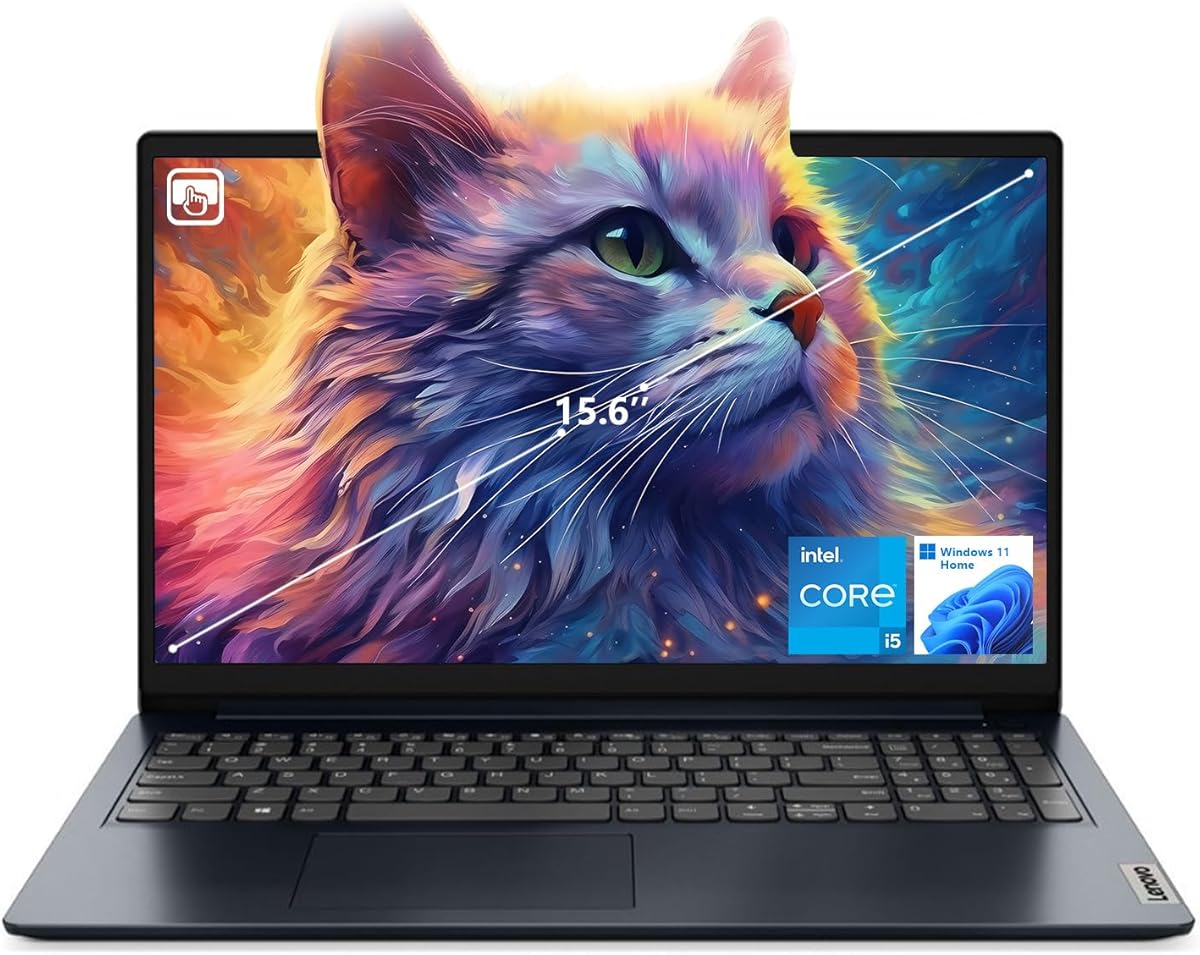
NIMO 15.6 AI Creator Laptop
5.0Editor score
AMD Ryzen 5 6600H processor
16GB DDR5 RAM and 512GB SSD
Upgradeable to 64GB RAM
Finding the right laptop for vlogging requires a balance of power, portability, and display quality. You need a machine that can handle video editing software smoothly while remaining light enough to carry around. A good vlogging laptop ensures your content creation workflow is efficient and uninterrupted.
We evaluated the leading models based on processor speed, graphics capabilities, and screen accuracy. Our team analyzed real-world performance for rendering footage and multitasking during shoots. This list covers options ranging from affordable entry-level devices to high-end professional workstations.
Each pick highlights specific strengths like battery life, upgrade potential, and connectivity ports. You will see detailed reviews to help you match a device to your needs. Keep in mind that prices and availability can change frequently on major retailer sites.
5.0Editor score

4.3Editor score

4.8Editor score
As an Amazon Associate we earn from qualifying purchases.
This table provides a side-by-side overview of the top ten laptops selected for vloggers. Compare key specifications like processor type, memory, storage, and display size to find the perfect fit for your editing and filming needs.



The GEEKOM GeekBook X14 Pro stands out as a top choice for vloggers who prioritize screen quality and weight. Its OLED display delivers true blacks and vibrant colors essential for color grading. We found it handles video editing tasks smoothly thanks to the powerful Meteor Lake processor.
We may earn a commission when you buy through this link, at no additional cost to you.
Performance is excellent for creators on the go. The 32GB of memory ensures you can run multiple applications without slowdowns. The battery life is impressive, lasting up to 16 hours on a single charge which is rare for high performance machines.
While the performance is strong the non-upgradeable components are a trade-off. You cannot add more RAM later so choosing the right configuration initially is key. The price is higher than many competitors but the build quality justifies the cost.
This laptop is ideal for traveling vloggers who need a reliable workstation in a small package. If you value screen fidelity and portability above all else this model is a great fit.
An OLED screen provides perfect blacks and high contrast which helps in accurate color grading. This ensures your final video looks consistent across different devices.
The dedicated NPU handles AI tasks like background blur efficiently without draining the battery. This is crucial for creators who use AI features in editing software.
We may earn a commission when you buy through this link, at no additional cost to you.
This model offers a surprising amount of power for its low price. It is an excellent entry point for new vloggers who need a machine capable of basic editing. The AMD Ryzen 5 processor provides enough speed for 1080p editing without breaking the bank.
We may earn a commission when you buy through this link, at no additional cost to you.
One of the best features is the upgradeability. You can easily increase the RAM to 64GB or expand storage as your files grow. This future-proofs your investment and extends the life of the laptop significantly.
The display is adequate but not exceptional for professional color work. It handles general tasks well but lacks the vibrancy of premium screens. Integrated graphics are fine for light tasks but may struggle with heavy rendering.
For those starting their journey this laptop is a practical choice. It balances cost and performance effectively making it a smart buy for students or hobbyists.
The dual SO-DIMM slots allow you to add more RAM later without professional help. This flexibility is rare at this price point.
Multiple USB ports including USB-C mean you can connect cameras and drives easily. This reduces the need for dongles during shoots.
We may earn a commission when you buy through this link, at no additional cost to you.
The Acer Aspire 2026 brings powerful AI capabilities to the portable laptop segment. It is designed for professionals who need speed and storage in a compact form. The 2TB SSD ensures you have plenty of space for raw footage without external drives.
We may earn a commission when you buy through this link, at no additional cost to you.
AI acceleration is a standout feature here. It speeds up tasks like background blur and photo editing directly on the device. This efficiency helps maintain performance even during intensive editing sessions.
The touchscreen adds versatility for retouching and precise adjustments. However it lacks a dedicated GPU which might limit heavy 4K rendering. The price is high but the specs are well suited for serious creators.
This machine is perfect for professionals who value speed and storage. If you need a reliable tool that keeps up with demanding workflows this is a top contender.
The NPU handles AI tasks locally improving privacy and reducing reliance on cloud services. This is great for offline editing workflows.
With 2TB you can store entire projects on the drive. This removes the clutter of external hard drives during travel.
We may earn a commission when you buy through this link, at no additional cost to you.
This laptop offers a massive screen which is great for viewing multiple timelines. The large display makes detailed editing work easier on the eyes. It is a solid option if you mostly work from a desk rather than on the go.
We may earn a commission when you buy through this link, at no additional cost to you.
Performance is decent for light editing but the 8GB RAM might be limiting for complex projects. Windows 11 Pro adds security features useful for business users. The physical camera shutter provides extra privacy during video calls.
Portability is a weak point due to the size and weight. It is not ideal for travel but works well as a home station. The battery life is average and needs frequent charging.
If you prioritize screen space over portability this model is a good fit. It serves well as a stationary workstation for editing and multitasking.
A 17.3 inch screen allows you to see more of your interface at once. This reduces the need to switch tabs constantly during editing.
The physical camera shutter ensures your webcam is off when not in use. This is a simple but effective security measure.
We may earn a commission when you buy through this link, at no additional cost to you.
This version of the HP 17 offers similar strengths to its counterpart. It focuses on providing a comfortable editing experience at home. The large keyboard and screen make long editing sessions more manageable.
We may earn a commission when you buy through this link, at no additional cost to you.
The multi-core performance is efficient for multitasking. You can run editing software alongside other apps without too much lag. The included mouse and stand add value to the package.
It is best used as a stationary device due to its size. The RAM is the main limitation for heavy video work. Upgrades might be needed for more demanding tasks.
For home-based vloggers this laptop is a reliable choice. It offers comfort and power where it counts for a reasonable price.
The full size keyboard with numeric pad is excellent for data entry. This helps if you manage finances alongside content creation.
The included mouse and stand enhance the user experience. These small additions make the setup feel more complete.
We may earn a commission when you buy through this link, at no additional cost to you.
Dell provides a solid laptop with a focus on eye comfort. The ComfortView Plus reduces blue light which is helpful for long editing sessions. The aspect ratio offers extra vertical space for viewing clips.
We may earn a commission when you buy through this link, at no additional cost to you.
The webcam quality is a highlight for video conferencing. It ensures you look professional during calls with clients. The 16GB RAM handles everyday tasks smoothly.
Port selection is somewhat limited but sufficient for most users. It is designed for productivity and light content work. The chassis is sturdy but adds some weight.
This model is good for those who need a balance of work and leisure. It serves well as a secondary machine for light vlogging tasks.
The blue light filter helps prevent eye strain. This is beneficial when working late into the night.
The 16:10 screen gives more room for timelines. This makes editing vertical video easier.
We may earn a commission when you buy through this link, at no additional cost to you.
This laptop packs a powerful punch with its Ryzen 7 processor. It handles heavy workloads with ease. The 32GB of RAM ensures smooth multitasking even with large projects open.
We may earn a commission when you buy through this link, at no additional cost to you.
The battery life is impressive for a performance device. It can last a full day of editing without a charger. The lay flat hinge is great for sharing screens during meetings.
The screen is functional but not the brightest. It is better suited for indoor use. The thermal system keeps the device cool under load.
Ideal for those who need power without breaking the budget. It is a strong performer for the price point.
The 75Wh battery supports long editing sessions. This reduces the need to carry a charger everywhere.
The cooling system keeps the laptop quiet. This is essential for recording audio in the same room.
We may earn a commission when you buy through this link, at no additional cost to you.
The Yoga 7i offers the flexibility of a tablet and laptop. It is great for sketching ideas or editing in tent mode. The touchscreen allows for direct control over your clips.
We may earn a commission when you buy through this link, at no additional cost to you.
Performance is adequate for moderate editing tasks. It handles general productivity well. The build quality is robust and the hinge is smooth.
In tablet mode it is a bit heavy to hold for long periods. This limits its use as a pure tablet. The battery life is decent but not exceptional.
Best for users who want the best of both worlds. It is a fun tool for creative brainstorming and light editing.
The tent mode allows you to view content from a distance. This is useful for presenting work to clients.
WiFi 6E provides fast file transfers. This helps when uploading large video files to the cloud.
We may earn a commission when you buy through this link, at no additional cost to you.
This model offers a budget-friendly touchscreen experience. It is suitable for basic video tasks. The 16GB RAM helps with general performance.
We may earn a commission when you buy through this link, at no additional cost to you.
The processor is older but sufficient for 1080p content. It is not designed for heavy rendering. The weight is light making it easy to carry.
The screen brightness is limited in direct sunlight. This restricts outdoor use. The keyboard is comfortable for typing scripts.
A good option for those on a tight budget. It works well for simple content creation needs.
The low price makes it accessible for students. It is a great way to start without spending too much.
Touch allows you to navigate easily. This speeds up basic editing workflows.
We may earn a commission when you buy through this link, at no additional cost to you.
This laptop excels in flexibility and raw power. You can add more storage easily. The USB4 port allows for external GPU connections in the future.
We may earn a commission when you buy through this link, at no additional cost to you.
It handles modern tasks with ease. The 32GB RAM supports heavy multitasking. It is designed for those who plan to grow their setup.
The screen is functional but could be brighter. The build is sturdy which adds to the weight. It is not the sleekest looking but gets the job done.
Best for tinkerers who want control over their hardware. It is a solid investment for long term use.
Dual SSD slots allow for massive storage. This is great for storing years of footage.
The USB4 port supports eGPU expansion. This keeps the device relevant for years to come.
We may earn a commission when you buy through this link, at no additional cost to you.
Selecting a laptop for vlogging involves balancing several key factors. This guide breaks down the most important aspects to consider before you buy.
The CPU is the heart of your editing workflow. Look for at least a quad-core processor like an Intel Core i5 or AMD Ryzen 5. Newer generations provide better efficiency and speed for rendering video.
Prioritize processors with higher core counts for smoother performance.
Integrated graphics can handle light 1080p editing. For 4K or heavy effects a dedicated GPU is beneficial. Newer integrated graphics from AMD and Intel are quite capable for casual creators.
Ensure your GPU supports video encoding codecs for faster exports.
Editing software uses significant memory. Aim for a minimum of 16GB to avoid lag when switching apps. 32GB is recommended for larger projects or 4K editing.
More RAM ensures a smooth experience with multiple programs open.
Video files are large so a 512GB SSD is the baseline. An NVMe SSD offers faster read and write speeds which helps with playback. Consider models with extra slots for future expansion.
Fast storage prevents bottlenecks during your workflow.
Color accuracy is vital for vloggers. Look for screens with 100% sRGB coverage. OLED or high-end IPS panels provide better contrast and viewing angles.
A good screen ensures your content looks right everywhere.
If you film on the go weight matters. Aim for a laptop under 4 pounds. Battery life should ideally last at least 8 hours for full day shoots.
Check power adapters as well since some require heavy chargers.
Ports for cameras and drives are essential. Look for USB-A USB-C and HDMI. USB4 or Thunderbolt support adds speed for external drives.
Avoid models that force you to use many dongles.
Vlogging often involves recording audio alongside video. A quiet cooling system is important. Look for laptops with effective thermal management.
Fan noise can interfere with your recorded sound.
To maximize performance keep your software updated regularly. This ensures you have the latest drivers for graphics and processors. Clear your cache frequently to prevent slowing down the system.
Use a protective sleeve when traveling to avoid physical damage. Keep the laptop cool by using it on hard surfaces. Avoid direct sunlight which can overheat the device during shoots.
Back up your footage to an external drive or cloud service. This protects you from data loss if the laptop fails. Regular backups are crucial for professional creators.
Not necessarily for beginners. Modern integrated graphics can handle 1080p editing well. If you work with 4K footage or complex effects a dedicated GPU becomes more important for performance.
16GB is the sweet spot for most creators. It allows smooth editing of standard footage. For professional 4K workflows 32GB is recommended to avoid slowdowns.
Both platforms are suitable. Windows laptops often offer more customization and price options. MacBooks are known for reliability and color accurate screens.
15 inches to 16 inches is generally ideal. It balances portability with enough space to view timelines. Larger screens are great but less easy to carry.
It depends on your style. Touchscreens are useful for creative work like photo editing. For standard video editing a mouse and keyboard often work faster.
Lower the screen brightness and close unused apps. Using battery saver modes helps. Keep your software updated for better power efficiency.
Choosing the right laptop depends on your specific editing needs and budget. The top picks offer a range of options from budget friendly to high performance. Consider what features matter most to your workflow.
Prioritize performance and screen quality for the best results. Portability is key if you travel often. A balance of these factors will lead to the right choice.
Prices and models change frequently so check current deals before buying. Investing in a reliable machine now will save time and stress later.