
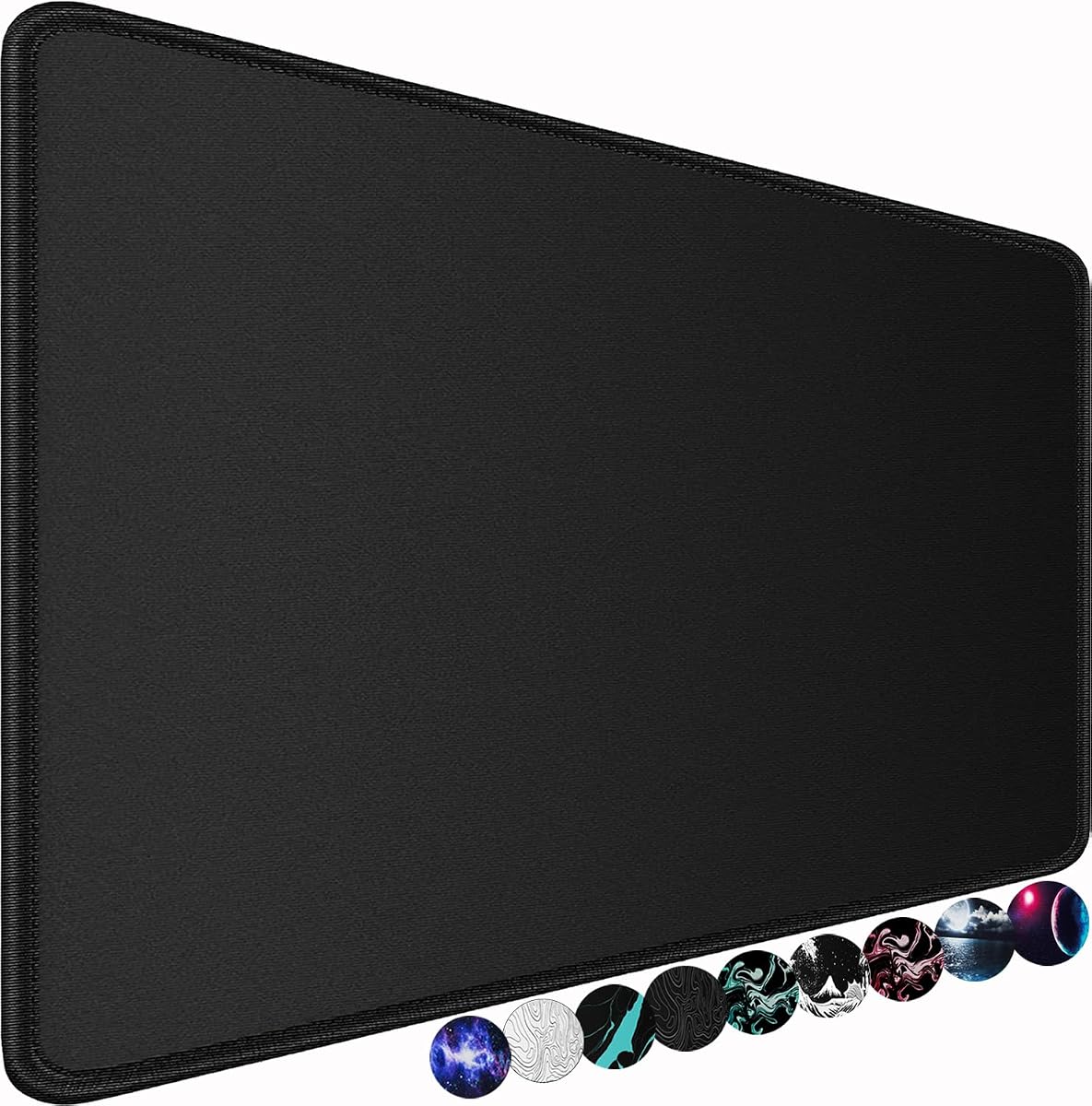
KTRIO Large Gaming Mouse Pad Desk Mat
4.7Editor score
Anti-fray stitched edges
Water-resistant surface
Soft natural rubber base
Finding the right gaming pad for desks can transform your setup. A quality mat provides smooth tracking and protects your surface while offering consistent performance for competitive play.
We evaluated ten leading options based on surface texture, size, base stability, and durability. Each product was assessed for real-world usability across gaming and professional workstation environments.
This list highlights standout features and trade-offs for every pick. Note that prices and availability fluctuate daily so verify current details before purchasing your preferred model.
4.7Editor score

4.7Editor score

4.7Editor score
As an Amazon Associate we earn from qualifying purchases.
Explore this side-by-side comparison of the ten most popular gaming pads for desks available today. We highlight key specifications and unique attributes to simplify your decision process.




The SteelSeries QcK XXL is a legendary option widely trusted by professional gamers. Its massive 35 by 16 inch surface covers most desktop layouts comfortably.
We may earn a commission when you buy through this link, at no additional cost to you.
The micro-woven cloth surface offers a balance of speed and control that works with both optical and laser sensors. It feels consistent even during fast rapid movements.
The non-slip rubber base keeps the pad firmly in place without sliding around. One trade-off is that it lacks a water-resistant coating compared to some budget alternatives.
This model is ideal for anyone seeking a reliable surface for competitive play or everyday productivity. It remains a top choice for building a solid gaming foundation.
Over 10 million units sold show this pad withstands heavy daily use.
Accommodates keyboard and mouse together for a clean organized look.
We may earn a commission when you buy through this link, at no additional cost to you.
The KTRIO Large Gaming Mouse Pad delivers exceptional value for those on a tight budget. It offers ample room for a full-size mechanical keyboard and gaming mouse.
We may earn a commission when you buy through this link, at no additional cost to you.
Its anti-fray stitched edges prevent peeling over time while the water-resistant coating handles accidental spills easily. The surface provides excellent control for low-DPI settings.
While the design is simple the functionality remains strong with a dense rubber backing that keeps the pad flat. Some users might prefer a larger width for very wide setups.
This option is perfect for students or casual gamers seeking reliable performance without high costs. It ensures a stable platform for both gaming and office tasks.
Reinforced stitching ensures the edges stay intact through daily use.
Spills bead up quickly allowing fast cleanup with a damp cloth.
We may earn a commission when you buy through this link, at no additional cost to you.
This Large Gaming Mouse Pad stands out with its generous 31.5 by 15.7 inch dimensions. It provides plenty of room for extensive hand movements during intense gaming sessions.
We may earn a commission when you buy through this link, at no additional cost to you.
The Lycra surface feels soft to the touch and helps muffling noise when typing heavily. Water-resistant coating prevents damage from drinks while the rubber base ensures stability.
While the added thickness might be noticeable for some it adds comfort during long sessions. The stitching is robust but limited color options might not suit all decor styles.
Buyers looking for extra width without a steep price increase will appreciate this mat. It balances comfort and functionality well for general purpose desk use.
Thick material absorbs sound when you type on the mat surface.
Smooth surface maintains excellent speed and control during fast play.
We may earn a commission when you buy through this link, at no additional cost to you.
The Logitech G840 XL offers a consistent surface that supports optimal performance with Logitech G mouse sensors. It is designed specifically for competitive gaming scenarios.
We may earn a commission when you buy through this link, at no additional cost to you.
Moderate surface friction provides the right resistance for rapid sudden movements common in low DPI setups. The cloth is soft to the touch which reduces wrist strain over time.
While it carries a higher price tag the engineering ensures uniform tracking without bunching. The non-slip base prevents movement during sweeping actions though it adds overall weight.
Competitive players using Logitech peripherals will find this pad delivers precise control. It is a solid investment for those prioritizing accuracy and consistency in gameplay.
Surface texture aligns closely with testing environments for accurate sensors.
Soft material and consistent height improve wrist positioning during play.
We may earn a commission when you buy through this link, at no additional cost to you.
This Large Extended Gaming Mouse Pad is noted for its non-toxic materials and easy maintenance. It provides a safe environment for both kids and adults using the desk.
We may earn a commission when you buy through this link, at no additional cost to you.
The waterproof coating handles spills effectively while the nylon stitched edges enhance longevity. Users appreciate that it rolls up smoothly without leaving creases for storage.
While edge wear can occur after years the overall durability remains high for daily tasks. Some users wish for more visual styles to match diverse setup themes.
It is an excellent choice for shared workspaces or family desks where safety matters. The smooth tracking surface ensures accurate movement for various mouse types.
Made from non-toxic rubber free of hazardous substances for use.
Rolls compactly without permanent creases for portable convenience.
We may earn a commission when you buy through this link, at no additional cost to you.
DIGSOM offers a visually striking option with topographic lines that enhance desk aesthetics. The superior printing technology ensures colors remain vibrant over long periods of use.
We may earn a commission when you buy through this link, at no additional cost to you.
The smooth cloth surface allows for easy glide while the water-resistant coating protects against stains. It serves as an effective desk protector while adding a modern look.
While dark prints can sometimes fade with heavy washing the design remains clear. Some users might find the width restrictive for wide keyboards but it suits most setups.
This pad is ideal for creators or professionals seeking a stylish functional accessory. It combines utility with a clean visual appeal that suits modern desks.
Atmospheric pattern provides a unique look for home or office desks.
Smooth cloth cover lets the mouse glide accurately across the mat.
We may earn a commission when you buy through this link, at no additional cost to you.
The Kanagawa pad brings a classic wave design to your desk with impressive clarity. Advanced printing ensures the vivid pattern remains sharp even after multiple washings.
We may earn a commission when you buy through this link, at no additional cost to you.
Its ultra-smooth surface enhances precise control and speed while the precision stitching locks edges firmly. The fabric feels soft and comfortable under hand for long sessions.
While the artistic design may not suit minimalists the functionality remains high for tasks. The narrower width fits standard desks but may feel tight for wide keyboard layouts.
This option is perfect for users who value aesthetics alongside performance. It serves as a beautiful desktop decoration and a functional gaming accessory.
Pattern retains clarity and brightness after repeated cleaning cycles.
Silky surface lets you enjoy precise control during work or game.
We may earn a commission when you buy through this link, at no additional cost to you.
This RGB Mousepad brings dynamic lighting to your desk with 14 customizable modes. It includes a memory function that recalls your last selected mode automatically upon reboot.
We may earn a commission when you buy through this link, at no additional cost to you.
The microfiber surface ensures smooth precise movement while being waterproof for easy cleanup. Power is supplied via USB allowing for a simple plug and play setup.
While the glow enhances atmosphere some users might find it distracting during focus work. The waterproofing holds up well to spills ensuring long term durability of the surface.
Gaming enthusiasts seeking ambiance will love the visual flexibility this pad offers. It transforms a standard setup into an immersive experience with simple controls.
Breathing and static modes help warm the gaming atmosphere effectively.
Button press cycles colors and brightness without needing software drivers.
We may earn a commission when you buy through this link, at no additional cost to you.
LifeTrim offers an expansive surface measuring 46 by 17 inches for maximum workspace freedom. This giant pad ensures ample room for precise mouse movements and keyboard placement.
We may earn a commission when you buy through this link, at no additional cost to you.
The 5 mm cushioned thickness provides a comfortable surface that reduces wrist fatigue during extended sessions. It helps maintain speed while delivering enhanced accuracy for gameplay.
While it demands a large desk area the non-slip base ensures stability against sweeping motions. The thickness may make it heavier to move but improves comfort for daily use.
Large desk owners seeking ultimate coverage will find this mat unmatched in utility. It supports both gaming and professional tasks with equal ease and comfort.
Cushioned surface reduces fatigue during extended typing or gaming sessions.
Expansive area accommodates full setups for a clean uncluttered look.
We may earn a commission when you buy through this link, at no additional cost to you.
The Razer Gigantus V2 is calibrated for pixel-precise accuracy across all mouse sensors. Its micro-weave surface allows for fluid swipes without losing control or speed.
We may earn a commission when you buy through this link, at no additional cost to you.
High-density rubber foam maintains a uniform flat surface even over imperfect desks. This sturdy foundation supports competitive play by reducing the need to lift the mouse.
While it comes at a premium price the consistent performance justifies the cost. It is slightly heavier but ensures stability during clutch plays in intense gaming matches.
Serious gamers looking for top-tier performance will appreciate the engineering here. It provides a reliable base that complements high-end peripherals effectively.
Calibrated for total tracking responsiveness with all mouse sensors.
Uniformly flat foam prevents bumps that could disrupt precise movement.
We may earn a commission when you buy through this link, at no additional cost to you.
Choosing the right gaming pad involves weighing size surface type and durability against your specific desk setup and gaming needs.
Measure your desk space to determine if you need an XL or XXL option. Larger pads accommodate keyboards and mice simultaneously while smaller ones save space.
Select a size that fits your room layout and movement style comfortably.
Micro-woven or cloth surfaces offer a balance between speed and control for most gamers. Hard plastic surfaces allow faster movement but may reduce precision for low DPI users.
Choose a texture that matches your preferred mouse speed and accuracy needs.
A high-quality rubber base prevents the pad from sliding during intense gaming sessions. Look for non-slip designs that keep the mat flat without bunching or curling.
Ensure the base grips your desk surface firmly to avoid unwanted movement.
Water-resistant coatings protect against accidental drinks and make cleaning easier. Look for hydrophobic treatments if you work near beverages or drinks.
Prioritize spill resistance if you need to keep your workspace clean daily.
Stitched edges prevent fraying and peeling which extends the lifespan of the mat. Avoid models with raw edges that might wear down after short periods of use.
Look for reinforced stitching to ensure long term reliability in heavy use.
Thicker pads offer more cushioning for your wrists during long typing or gaming sessions. Aim for around 3 mm to 5 mm to reduce strain and fatigue effectively.
Select thickness based on your comfort preference and ergonomic requirements.
Choose colors or patterns that match your existing gaming setup or office decor. Minimalist designs suit professional environments while vibrant prints fit gaming rooms.
Ensure the visual style aligns with your personal taste and workspace theme.
Ensure the surface works with both optical and laser sensors to avoid tracking issues. Test the pad with your current mouse to confirm smooth cursor movement.
Verify sensor compatibility before buying to guarantee consistent performance.
Place the pad on a clean flat surface and press down to ensure the base adheres properly. Avoid placing heavy objects on edges to prevent curling or bending over time.
Wipe spills immediately using a damp cloth to prevent stains or water damage. For stubborn marks use a mild soap solution and dry thoroughly before resuming use.
If the pad is rollable store it flat or rolled gently to avoid permanent creases. Keep it out of direct sunlight to preserve color vibrancy and material integrity.
For most desks an XL or XXL pad provides enough space for both mouse and keyboard. Measure your desk width and length before purchasing to ensure a comfortable fit.
Water-resistant options are highly recommended if you drink beverages near your workspace. They allow quick cleanup and prevent long-term damage to the cloth surface.
Stitched edges prevent the fabric from fraying or peeling over time. This increases durability and ensures the pad remains in good condition through heavy use.
Yes most gaming pads work perfectly for office productivity. They provide a smooth surface that supports precise cursor control for typing and navigation tasks.
Damp cloth and mild soap work best for regular cleaning. Avoid soaking the pad and let it dry completely before placing it back on your desk.
Thicker pads offer better comfort but should remain flat to ensure accurate tracking. Consistent height across the surface helps sensors translate movement precisely without disruption.
We highlighted ten top picks ranging from the reliable SteelSeries QcK XXL to the stylish Kanagawa pad. Each option delivers unique benefits whether you prioritize size style or comfort.
Prioritize surface texture and base stability to match your specific gaming style or work needs. Also consider spill resistance if you work near drinks regularly.
Verify current prices and availability before purchasing as stock may change frequently. We hope this guide helps you find the perfect gaming pad for your desk.